Next steps
1. Install the left cover.
2. Follow the procedure in After working inside your computer.
Graphics-card midholder and graphics-card end holder
The following table indicates if the graphics-card midholder and the graphics-card end holder are shipped with your Alienware
Area-51 AAT2250.
Table 21. Graphics-card midholder and graphics-card end holder
Graphics card Graphics-card midholder Graphics-card end holder
NVIDIA GeForce RTX 4070 SUPER Yes Yes
NVIDIA GeForce RTX 4070 Ti SUPER Yes Yes
NVIDIA GeForce RTX 4080 SUPER Yes Yes
NVIDIA GeForce RTX 4090 Yes Yes
NVIDIA GeForce RTX 4090D
NOTE: This card is available for
purchase only in China and Hong
Kong.
Yes Yes
Solid state drive (SSD)
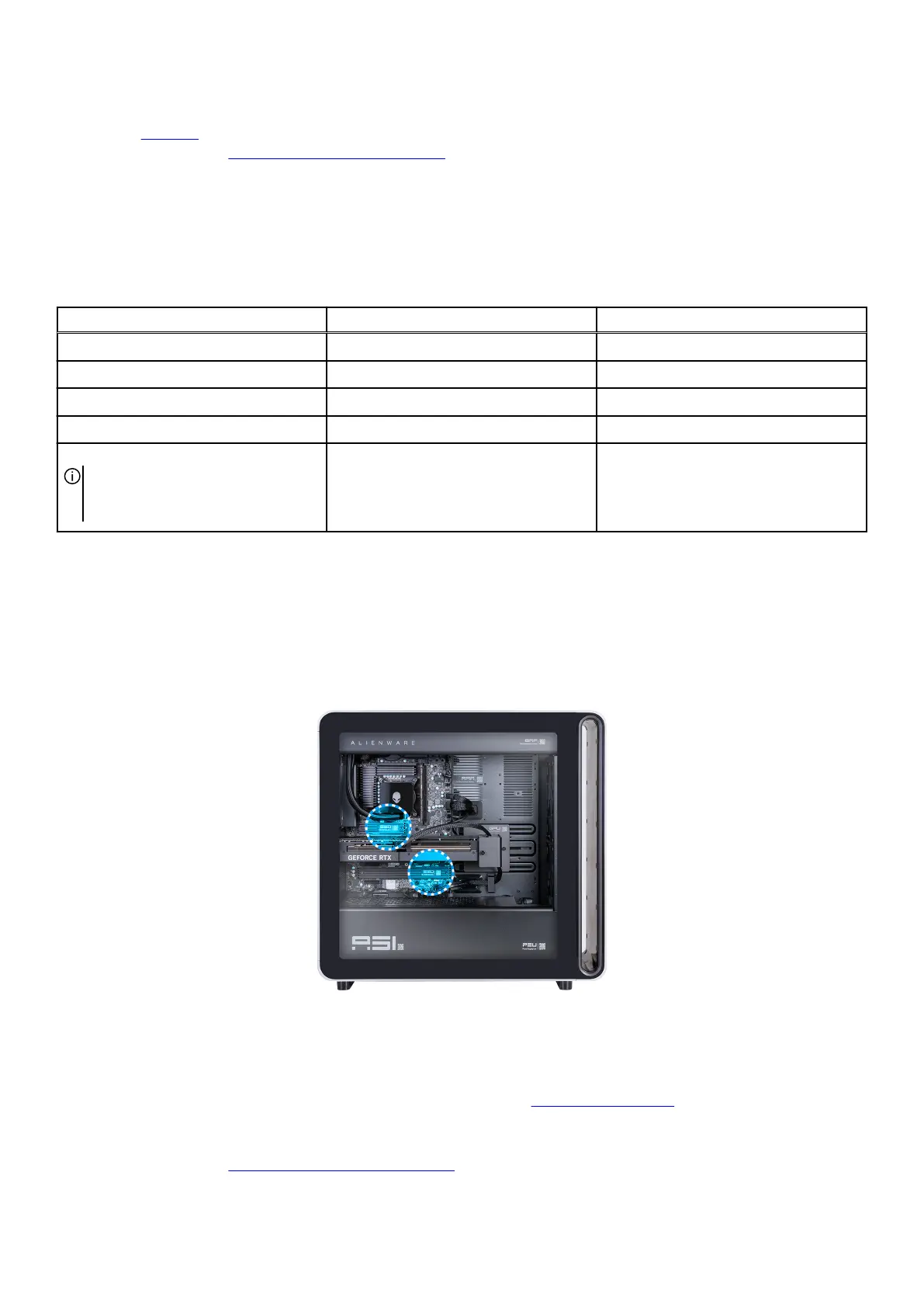
QR code for SSD video
The following image indicates the location of the QR code for SSD video. Scan the QR code on the chassis to view the SSD removal
and installation video.
Figure 56. QR code for SSD video
Removing the M.2 2230 SSD
You can view the video to remove or install an SSD. For more information, see QR code for SSD video.
Prerequisites
1. Follow the procedure in Before working inside your computer.
Removing and installing Customer Replaceable Units (CRUs) 71















 To Next Page