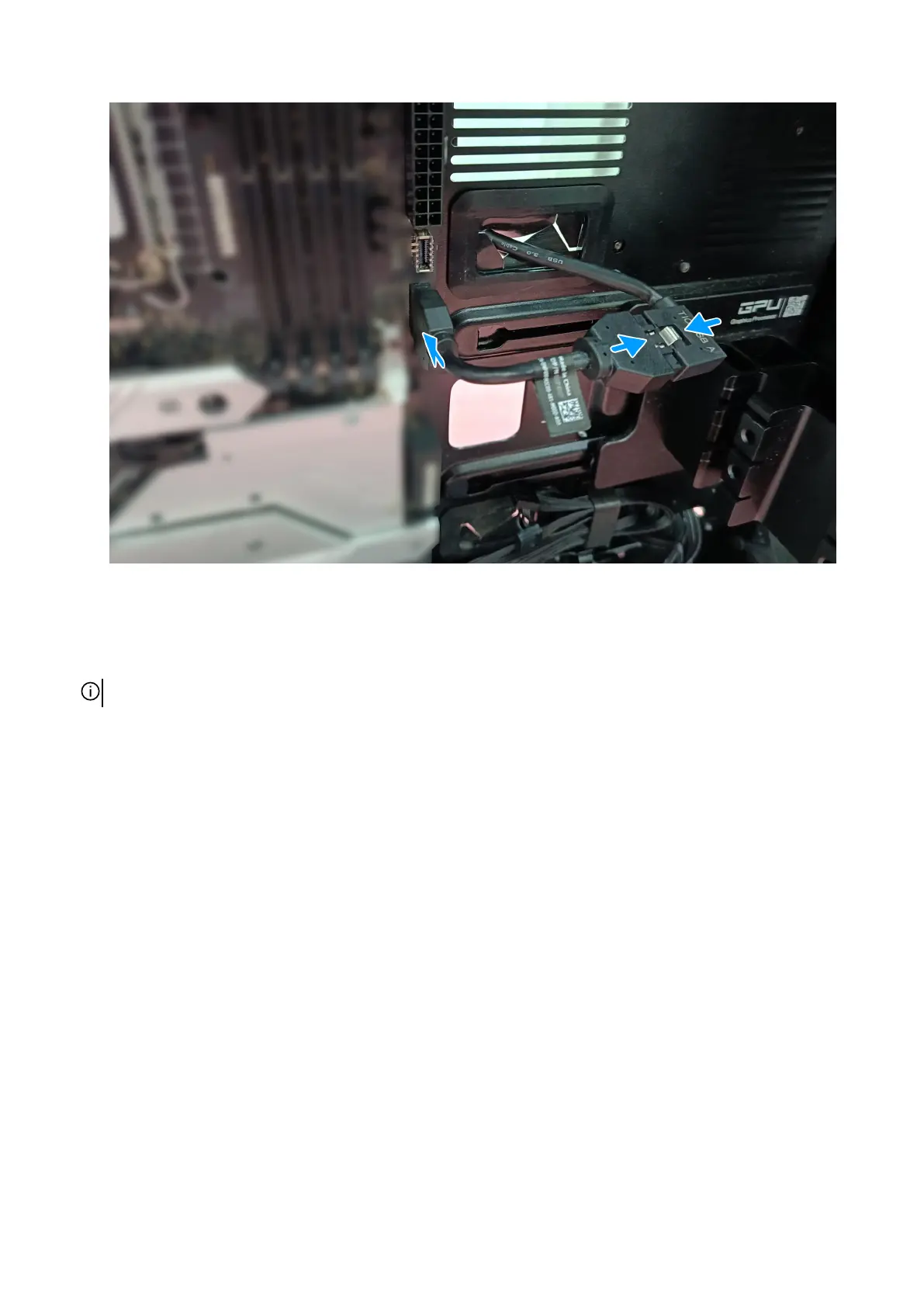
Figure 19. Connect the top I/O-USB dongle
4. Connect the 14-pin fan power bridge cable to the fan power bridge connector on the AlienFX board. Connect the three
four-pin connectors to the third-party system board fan connectors. Connect the fans on the computer to the third-party fan
connectors on the AlienFX board.
NOTE: If the bottom-fan module has three fans, it is recommended to insert all the three fans.
40 AlienFX board conversion kit (sold separately)















 To Next Page