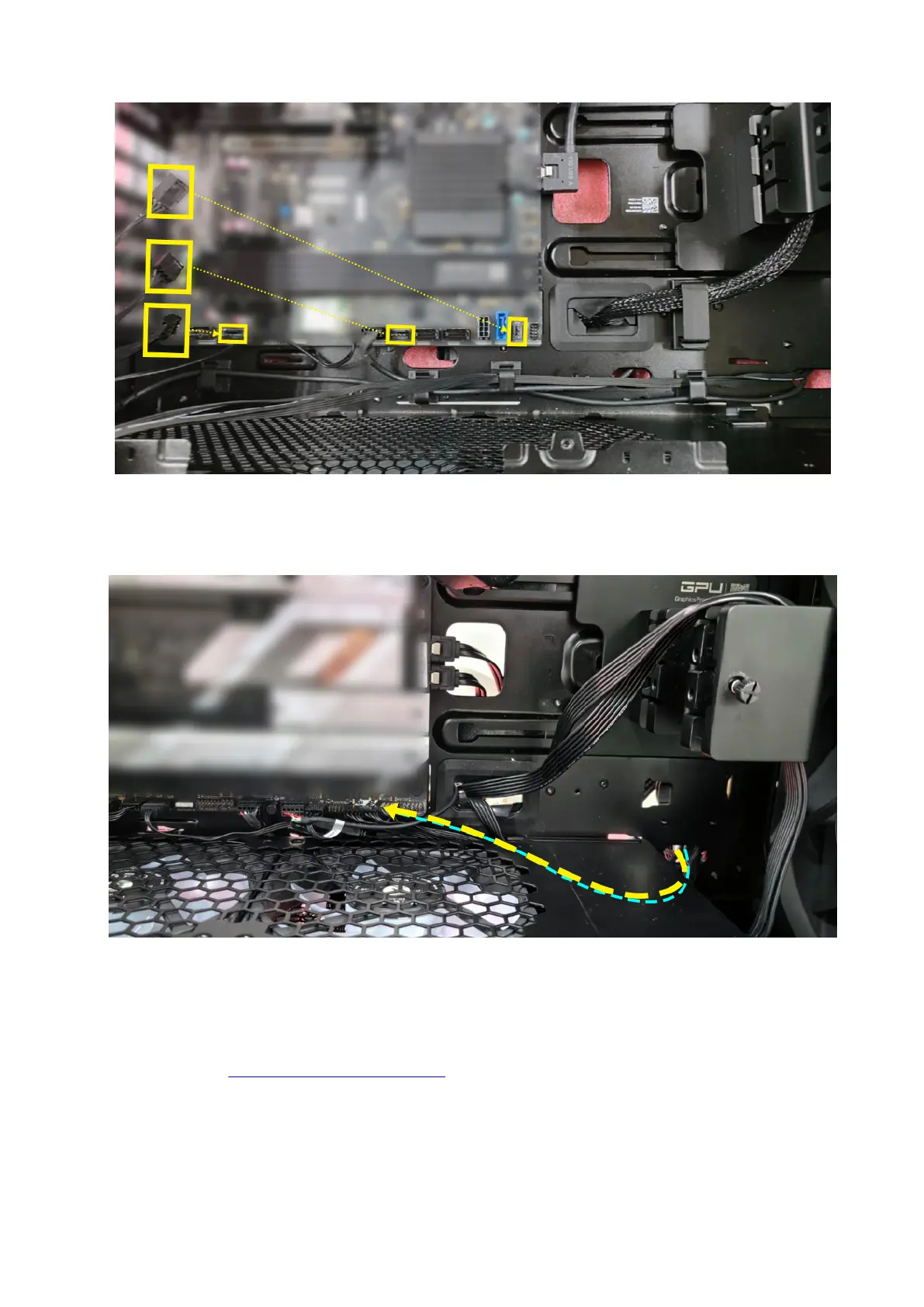
Figure 21. Fan power bridge cable assembly
5. Connect the AlienFX power switch cable to the power switch cable connector on the AlienFX board and the connector on the
third-party system board.
Figure 22. Power switch cable
6. Replace the remaining components that were removed from the system board that was shipped along with the computer.
Next steps
1. Follow the procedure in After working inside your computer.
42 AlienFX board conversion kit (sold separately)















 To Next Page