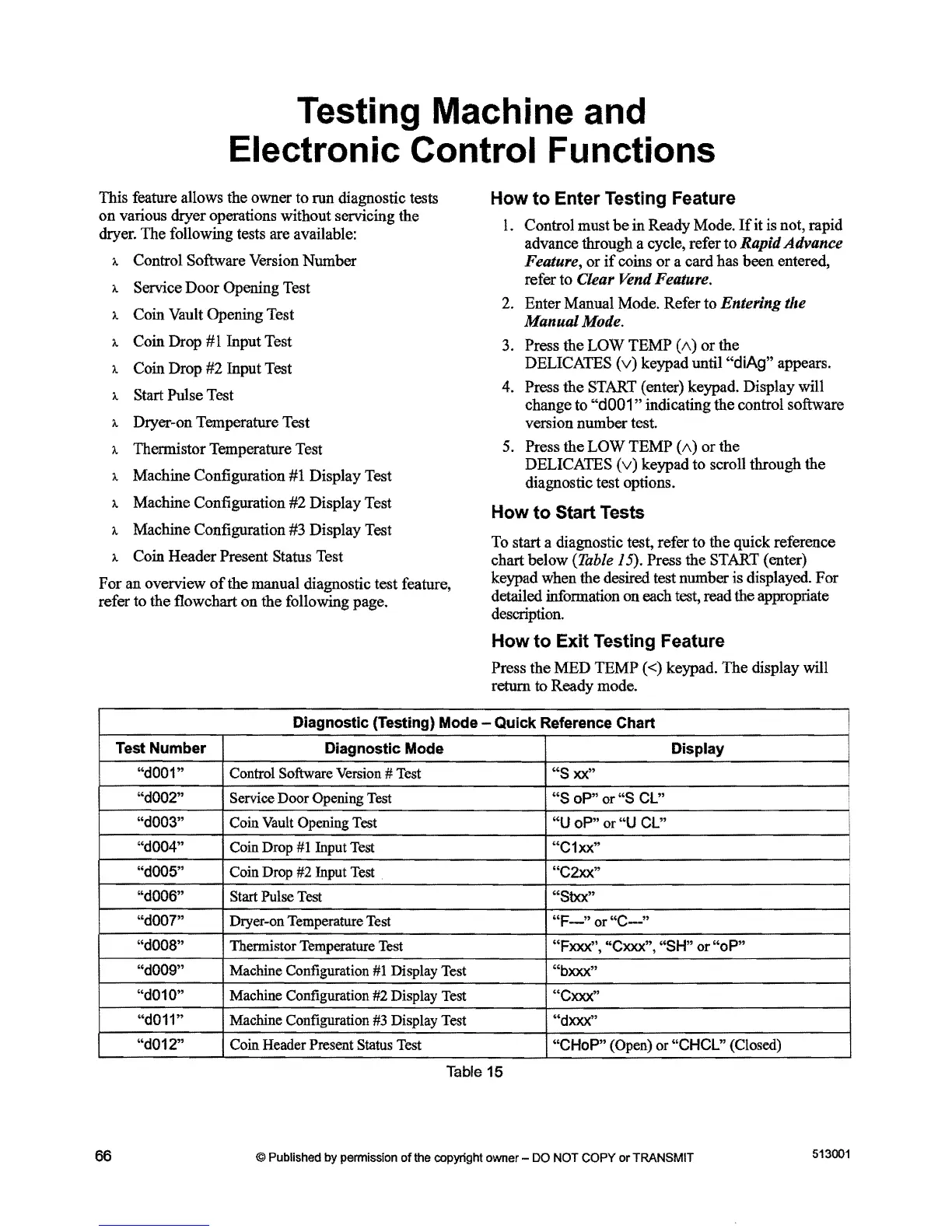
Testing Machine and
Electronic Control Functions
This feature allows the owner to run diagnostic tests
on
various dryer operations without servicing the
dryer. The following tests are available:
A Control Software Version
Number
A Service
Door
Opening Test
A Coin Vault Opening Test
A Coin Drop
#1
Input Test
A Coin Drop #2 Input Test
A Start Pulse Test
A Dryer-on Temperature Test
A Thermistor Temperature Test
A Machine Configuration #1 Display Test
A Machine Configuration
#2
Display Test
A Machine Configuration #3 Display Test
A Coin
Header
Present Status Test
For
an
overview
of
the manual diagnostic test feature,
refer to the flowchart
on
the
following page.
How
to Enter Testing Feature
1.
Control
must
be
in
Ready Mode.
If
it is not, rapid
advance through a cycle, refer
to
Rapid Advance
Feature,
or
if
coins
or
a card has
been
entered,
refer
to
Clear Vend Feature.
2. Enter Manual Mode. Refer
to
Entering the
Manual Mode.
3. Press the
LOW
TEMP
(1\)
or
the
DELICATES
(v)
keypad until "diAg" appears.
4. Press the START (enter) keypad. Display will
change to
"d001"
indicating the control software
version
number
test.
5. Press
the
LOW
TEMP
(1\)
or
the
DELICATES
(v)
keypad
to
scroll through the
diagnostic test options.
How to Start Tests
To start a diagnostic test, refer to
the
quick reference
chart
below
(Table 15). Press the START (enter)
keypad when the desired test number is displayed.
For
detailed information
on
each test, read the appropriate
description.
How
to Exit Testing Feature
Press
the
MED
TEMP
«) keypad.
The
display will
return to Ready mode.
Diagnostic (Testing) Mode - Quick Reference Chart
Test Number
Diagnostic Mode Display
"dOO1"
Control Software
Version
#
Test
"S
xx"
I
"dOO2"
Service Door Opening
Test
"S
oP"
or
"S
CL"
i
"dOO3"
Coin
Vault
Opening
Test
"U
oP"
or "U CL"
"dOO4"
"dOO5"
Coin Drop
#1
Input
Test
I"C1xx"
Coin
Drop
#2
Input
Test
"C2xx"
"dOO6"
Start Pulse
Test
"Stxx"
"dOO?"
Dryer-on Temperature
Test
"F-"
or
"C-"
"dOO8"
Thermistor Temperature
Test
"Fxxx", "Cxxx", "SH" or
"oP"
"dOO9"
Machine Configuration
#1
Display
Test
"bxxx"
"d010"
Machine Configuration
#2
Display
Test
"Cxxx"
"d011"
Machine Configuration
#3
Display
Test
"dxxx"
"d012"
Coin Header Present Status
Test
"CHoP" (Open) or "CHCL" (Closed)
Table
15
513001
66
© Published by permission
of
the copyright owner - DO NOT
COPY
or
TRANSMIT



 To Next Page