GS980MX Series Installation Guide for Virtual Chassis Stacking
117
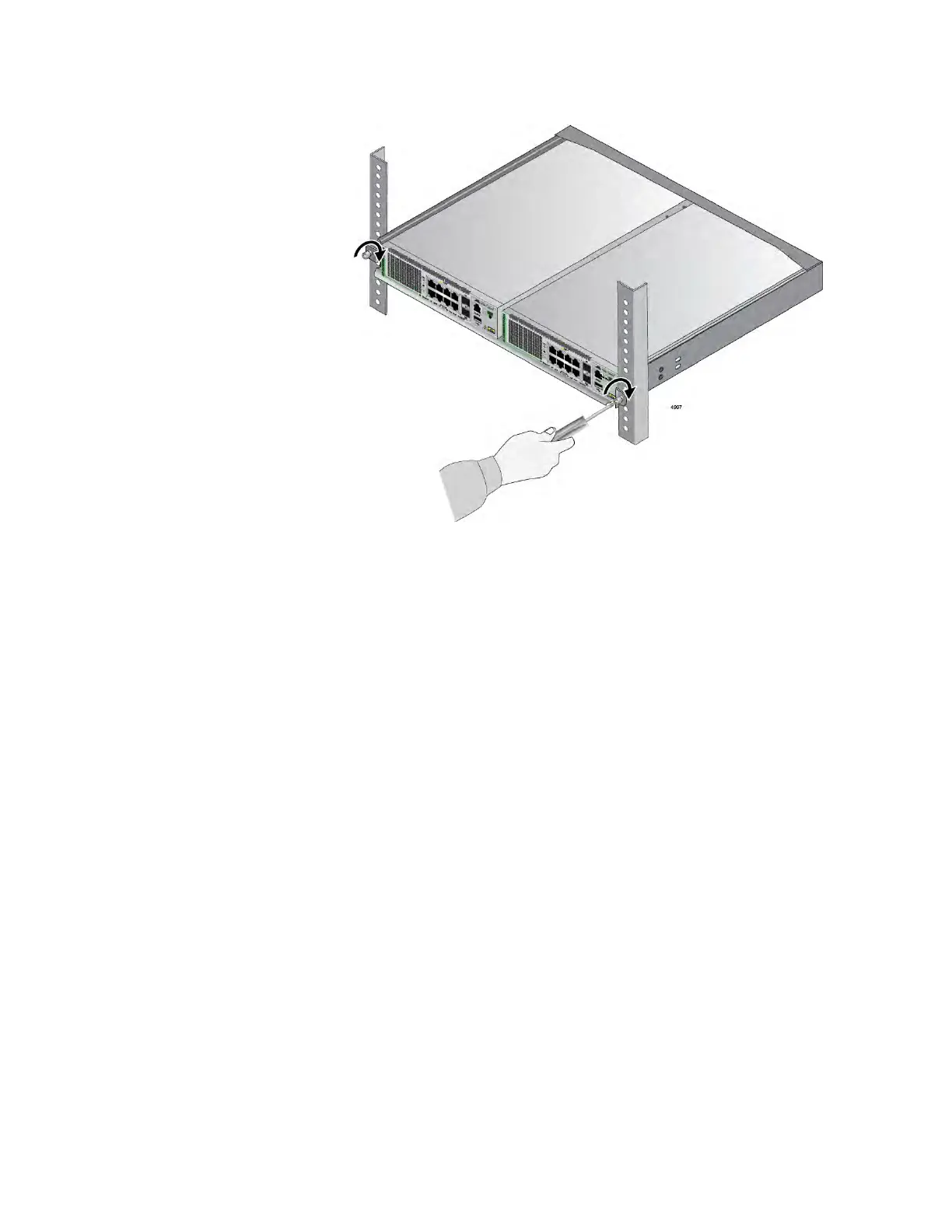
Figure 63. Tightening the Two Thumbscrews on the RKMT-J15 bracket.
9. After installing the switches of the stack, do one of the following:
To build the stack with the default stacking ports, refer to Chapter
7, “Building the Trunk with the Default 10Gbps Stacking Ports” on
page 141.
To build a stack of GS980MX/10HSm, GS980MX/18HSm,
GS980MX/28PSm, or GS980MX/52PSm using 5Gbps ports for the
trunk, refer to Chapter 8, “Configuring the Master of the Stack
Trunk with 5Gbps Multi-Speed Ports” on page 161 and Chapter 9,
“Configuring the Member(s) of the Stack Trunk with 5Gbps Multi-
Speed Ports” on page 199.



 To Next Page
 Loading...





