Chapter 6: Installing the Switch on a Wall
138
7. Insert the anchors into the holes.
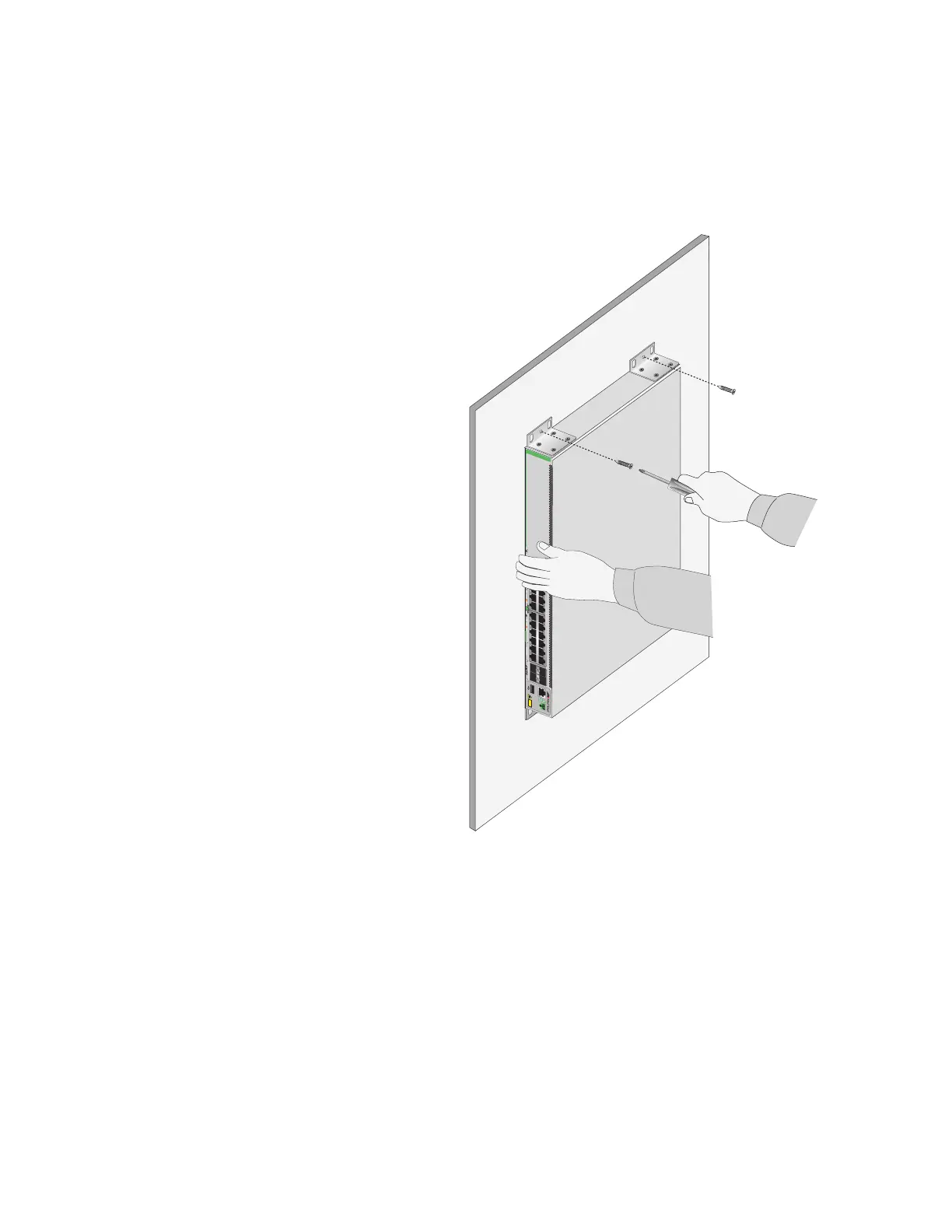
8. Have another person hold the switch at the selected wall location while
you secure it to the wall with the M4x32mm screws provided. Refer to
Figure 77.
Figure 77. Installing the Switch on a Concrete Wall
9. Install the other switches of the stack.
35179111315171921 23 27/S1
28/S2
25 SFP+
26
AT-GS980MX/28
16 18 2014
10G/1G
46810122 22 24
FDX HDX COL
1G LINK ACT 100 LINK ACT 5G/2.5G/1G LINK ACT 100 LINK ACT
PORTS 21-24
PORTS 1-20
5G/2.5G/1G/100
CLASS1
LASER PRODUCT
CONSOLE
4597



 To Next Page
 Loading...





