Chapter 5: Installing the Switch in an Equipment Rack
108
Installing the GS980MX/10HSm Switch in an Equipment Rack with
the RKMT-J14 Brackets
This section contains the procedure for installing the GS980MX/10HSm
Switch in a standard 19-inch equipment rack, with the RKMT-J14 Brackets
included with the switch.
Required Items The following items are required to install the switch in an equipment rack
with the RKMT-J14 Brackets:
Two RKMT-J14 equipment rack brackets (included with the switch)
Eight M4x6mm bracket screws (included with the switch)
Four M3x6mm screws (included with the switch)
Two bracket handles (included with the switch)
Cross-head screwdriver (not provided)
Four standard equipment rack screws (not provided)
Switch
Orientations in
the Equipment
Rack
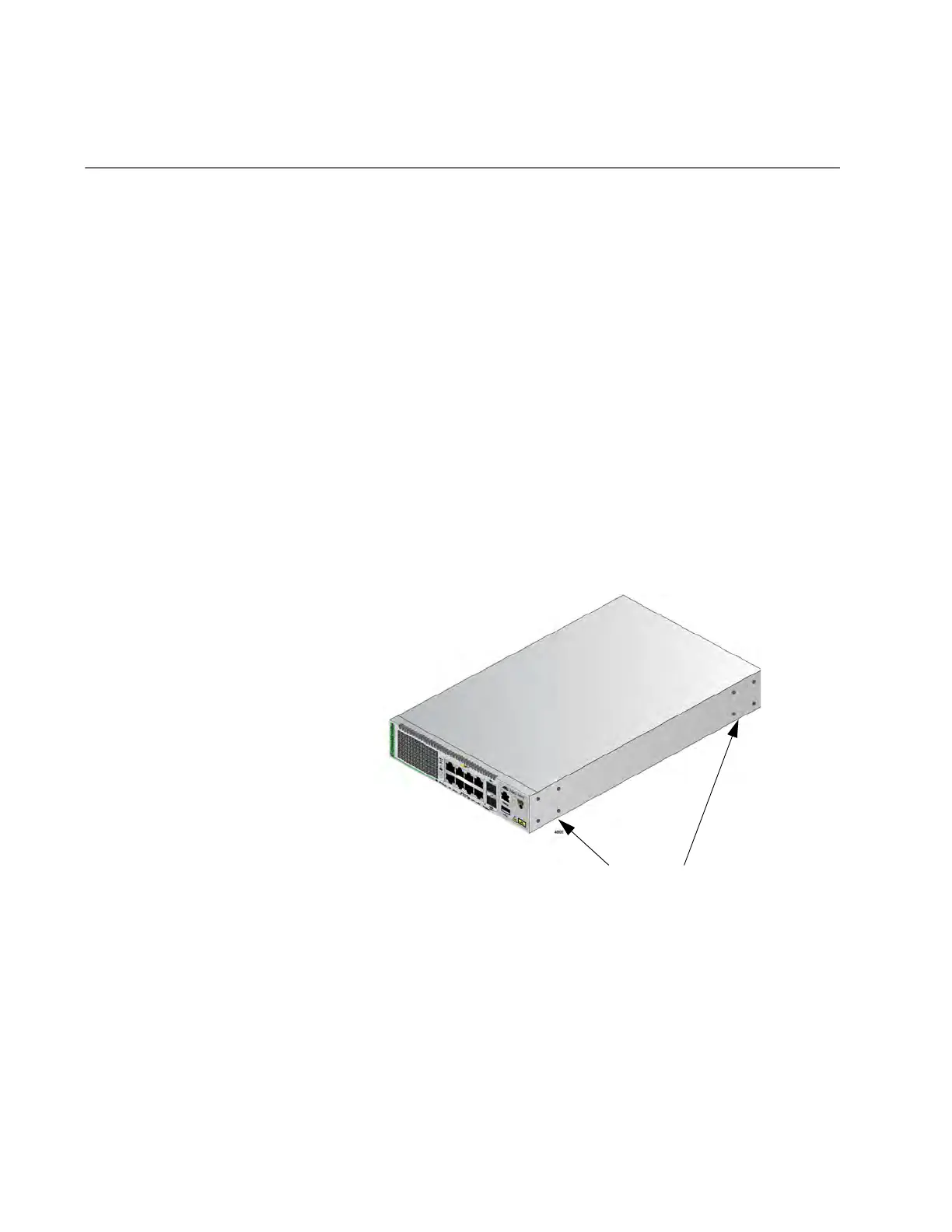
The switch has two sets of four screw holes on the left and right sides, for
attaching the RKMT-J14 Brackets. Refer to Figure 50.
Figure 50. Bracket Holes
The brackets also have two sets of four holes. Refer to Figure 51 on page
109.
Bracket Holes



 To Next Page
 Loading...





