Chapter 3 — Vector Network Analyzer 3-6 VNA Measurements - Distance-To-Fault (DTF)/Fault Location
MS20xxA VNA Master UG 10580-00166 Rev. C 3-17
5. Press the Back soft key and use the Stop Dist soft key to enter the Stop Distance. Make
sure that Stop Distance is smaller than Dmax.
6. Press the
Shift key, then the Calibrate (2) key.
7. Press the
Start Cal soft key and perform a 1-port OSL calibration at the connector or at
end of the extension cable. Follow the instructions on the display or refer to Chapter 3
for more details.
8. When the Calibration is finished,
Cal Status On should be displayed in the upper left part
of the display and the trace should be 0 dB when the short or open is connected.
9. Press the
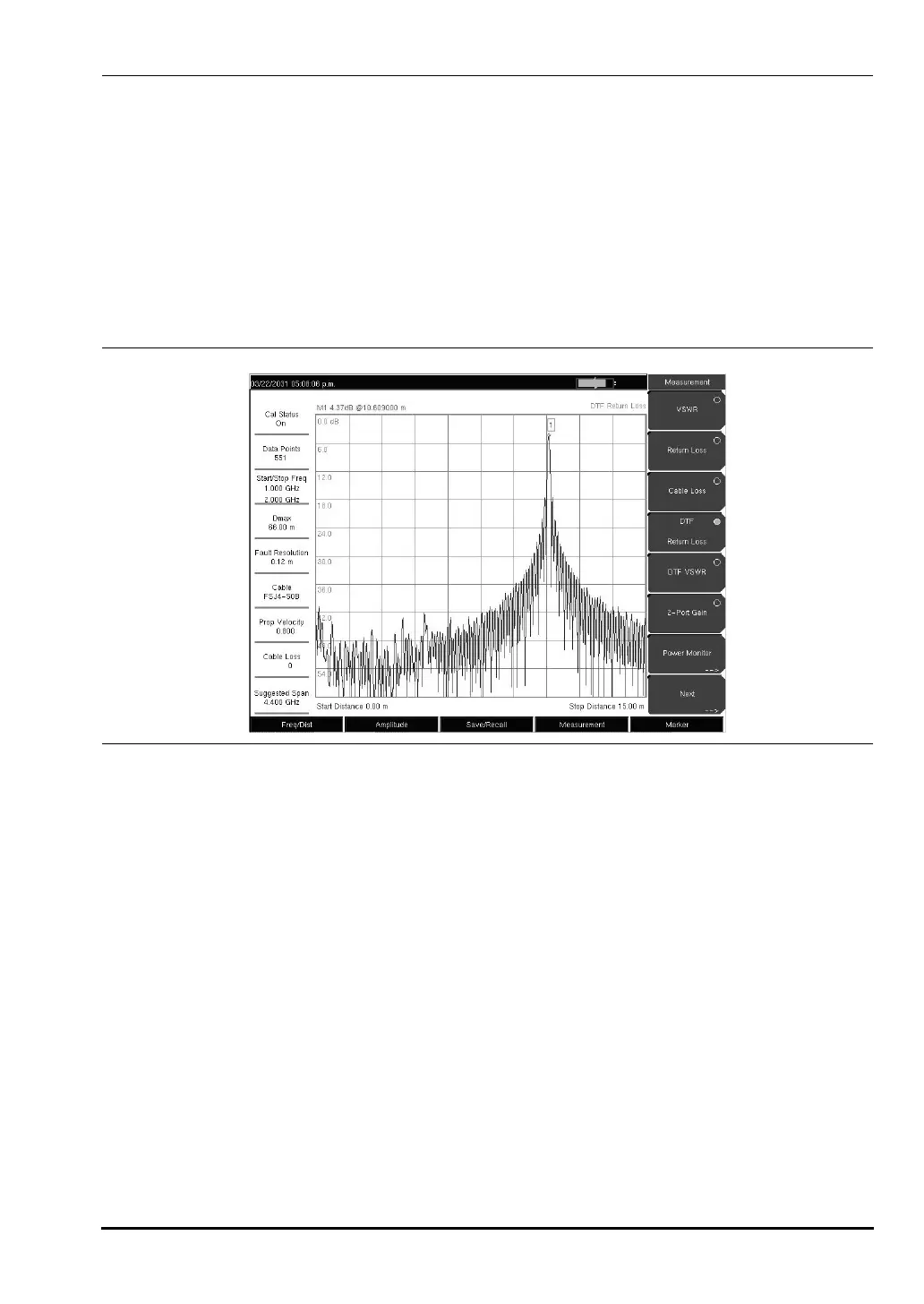
Marker function hard key and select the Peak Search soft key.
Figure 3-10. DTF Measurement With a Short at the End of Cable
10580-00166C.book Page 17 Thursday, February 21, 2008 12:52 PM













 To Next Page