6-12 Measurements Menu TD-LTE Signal Analyzer
6-44 PN: 10580-00234 Rev. T 3GPP MG
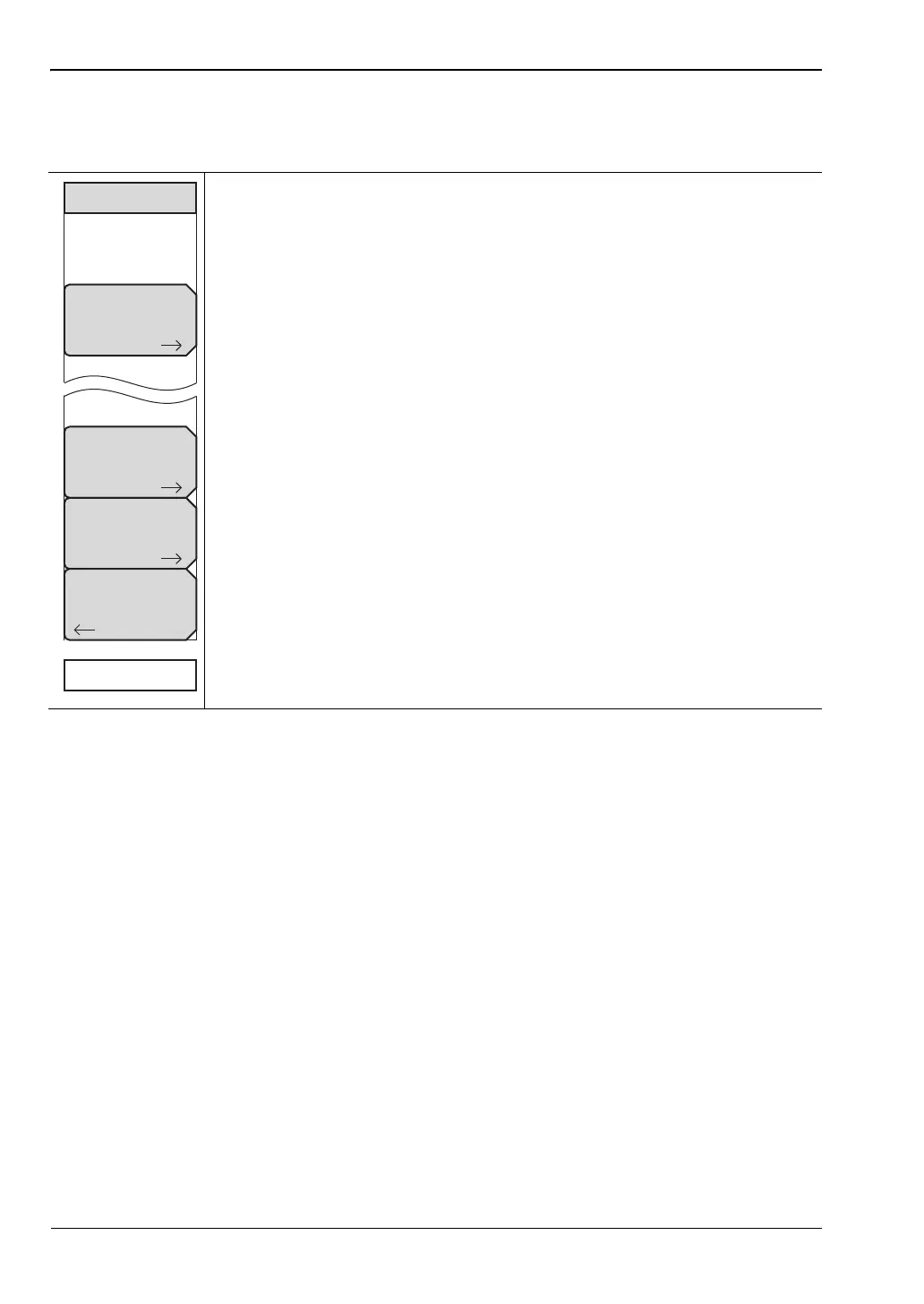
Coverage Mapping Menu
Key Sequence: Measurements > Over-the-Air > Mapping
Save/Recall Map Points: Opens the “Mapping Save/Recall Menu”
on page 7-13.
Measurement Setups: Opens the “Measurement Setup Menu”
on page 7-14.
Point Distance/Time Setup: Opens the “Point Distance/Time Setup Menu”
on page 7-15.
Back: Returns to the “Over-the-Air Menu” on page 6-41.
Start/Stop Data Collection: Press this main menu key to start coverage
mapping data collection based on Measurement Setup settings and Point
Distance/Time Setup settings. A running count of collected data points is
displayed at the bottom of the screen. Press again to stop data collection.
Figure 6-38. Coverage Mapping Menu
Save/Recall
Points/Map
Measurement
Setup
Point
Distance/Time
Setup
Coverage Mapping
Back
Start Data Collection














 To Next Page