CHAPTER 5, CUSTOMIZING THE EFD1000 PFD
EFD1000 PFD Pilot’s Guide
Page 5-4 A-01-184-00 REV B
EFD1000 PFD Pilot’s Guide
EFD1000 PFD Pilot’s Guide
NOTE
For external/battery power control,
the legend of the current power
source is shown in green; pressing the
associated menu key will perform no
action. The legend of an available
power source is shown in white, and
pressing the associated menu key
changes input power to that power
source.
KEY DESCRIPTION OPTIONS
1
Va 0 to 450 or LOCKED
2
Vbg 0 to 450 or LOCKED
3
Vref 0 to 450 or LOCKED
4
Vr 0 to 450 or LOCKED
5
Vx 0 to 450 or LOCKED
Table 5-4 Menu - VSPEEDS A, Page 4 of 7
KEY DESCRIPTION OPTIONS
1
Vy 0 to 450 or LOCKED
2
Vlo 0 to 450 or LOCKED
3
Vle 0 to 450 or LOCKED
Table 5-5 Menu – VSPEEDS B, Page 5 of 7
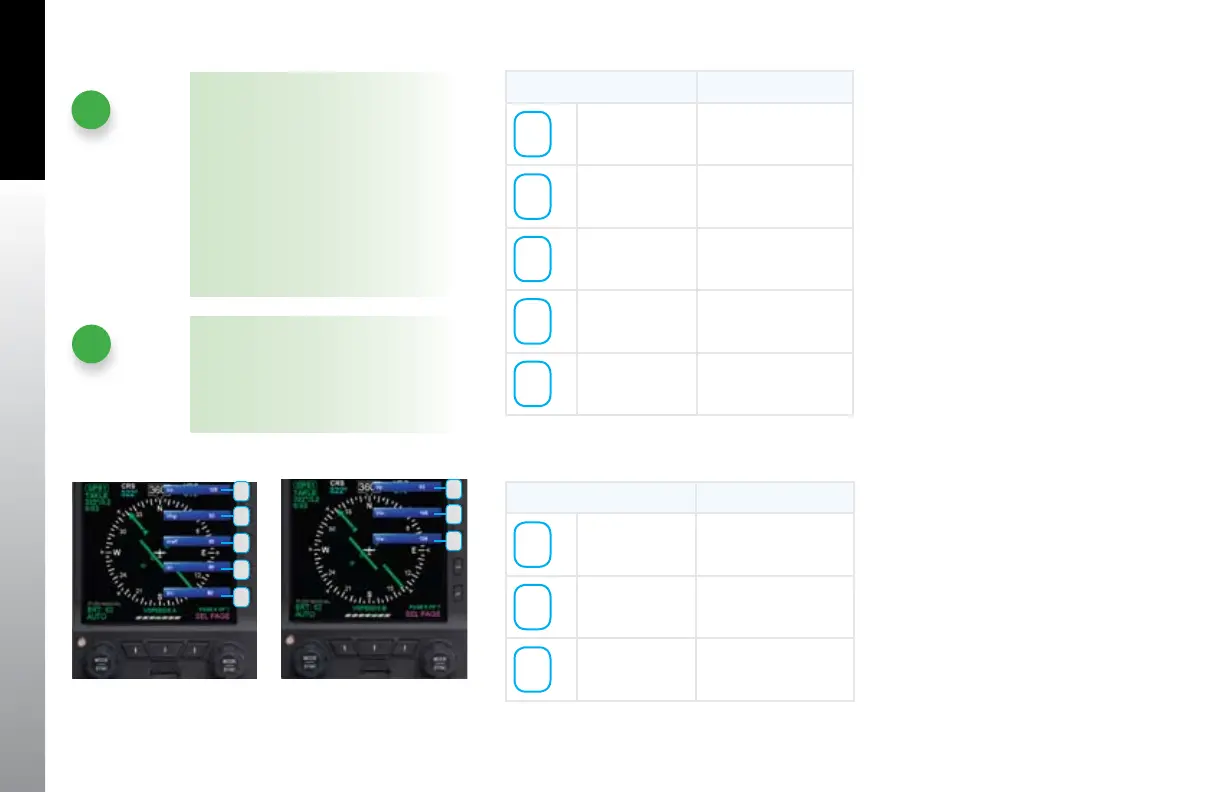
Figure 5-4
Menu, Page 4
Figure 5-5
Menu, Page 5
1
2
3
4
5
NOTE
When V Speeds are LOCKED at
installation the legend and set Value
are rendered in gray. Setting any of
the above values to zero disables the
marker completely.
1
2
3



 To Next Page