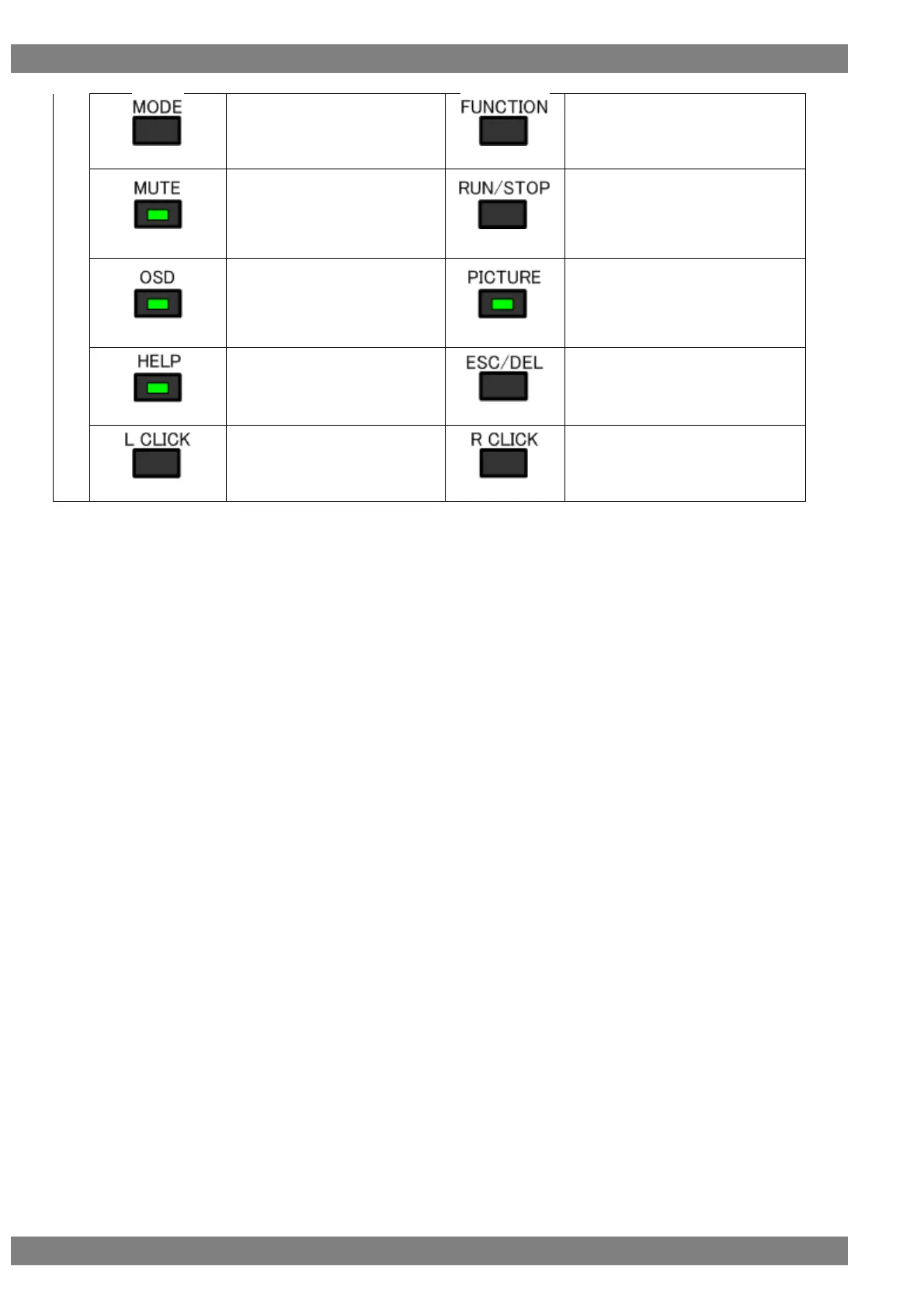
Switches between receiver
mode, repeater mode, and
through mode.
Performs the function operation of
the active window.
When the LED lights, mutes the
built-in speakers.
When the LED goes out, turns
on the built-in speakers.
Switches between RUN and STOP.
When the LED lights, displays
the OSD.
When the LED goes out, hides
the OSD.
When the LED lights, displays the
input video.
When the LED goes out, hides the
input video.
When the LED lights, displays
HELP.
Closes the currently active window.
Performs the confirm operation.



 To Next Page