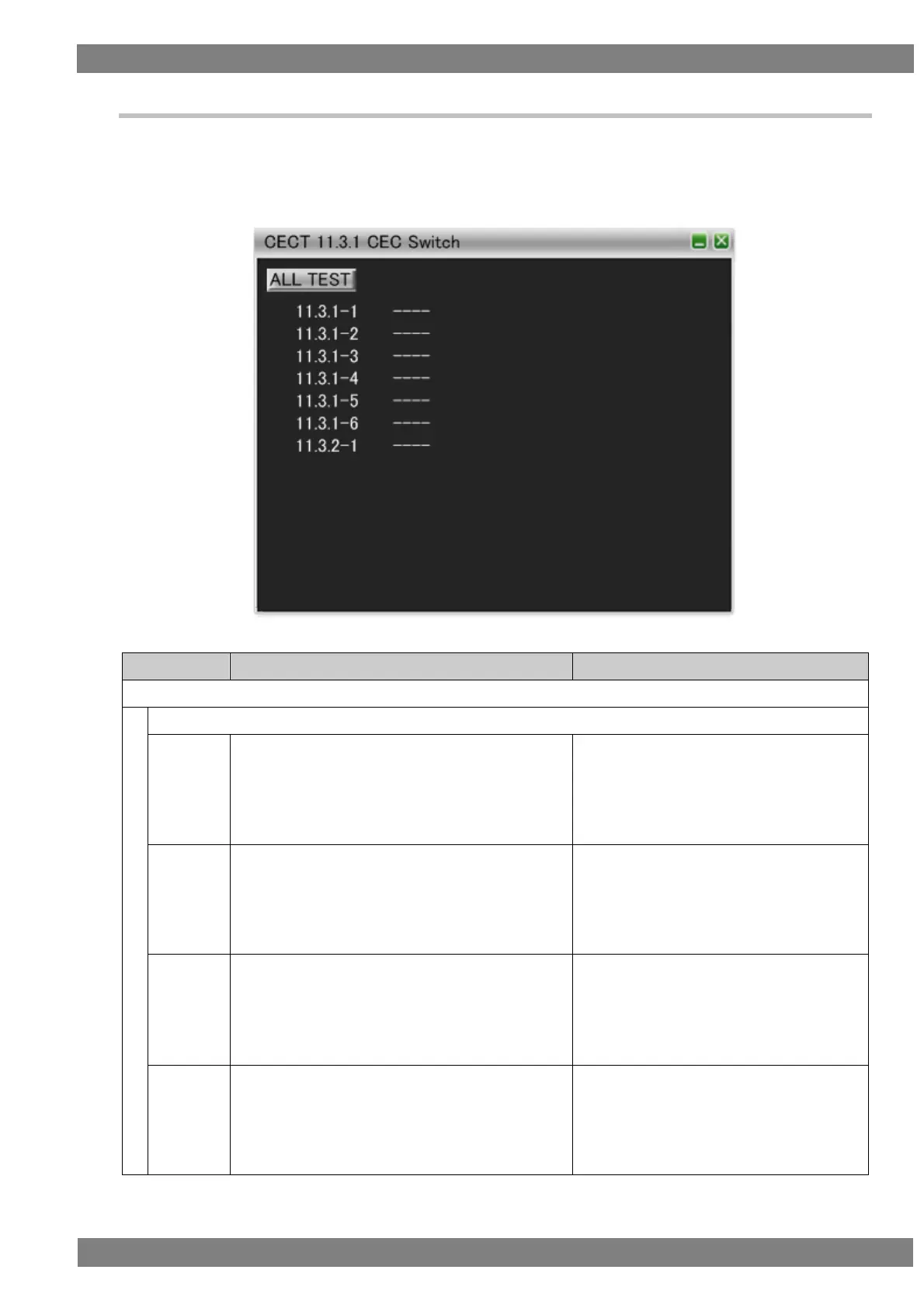
Chapter 6 Compliance Test
6.3.40 CECT 11.3 CEC Switch
When “ALL TEST” is selected, the tests for the test IDs are started. When a test ID number is clicked with the
mouse, only the selected test is started. The procedures for the tests performed with the VA-1842 are shown
below.
Connect the HDMI output of the DUT and the input of the TE. Then perform the tests.
Connect an output of the DUT to the an input of the
VA-1842, and an input of the DUT to an output of the
VA-1842.
Check that the output of the DUT is at position 1.
Broadcast <Active Source> [1.1.0.0].
Connect an output of the DUT to the an input of the
VA-1842, and an input of the DUT to an output of the
VA-1842.
Check that the output of the DUT is at position 1.
Broadcast <Active Source> [1.2.0.0].
Connect an output of the DUT to the an input of the
VA-1842, and an input of the DUT to an output of the
VA-1842.
Check that the output of the DUT is at position 1.
Broadcast <Set Stream Path> [1.1.0.0].
Connect an output of the DUT to the an input of the
VA-1842, and an input of the DUT to an output of the
VA-1842.
Check that the output of the DUT is at position 1.
Broadcast <Set Stream Path> [1.2.0.0].



 To Next Page