4.2.6 CEC Line Capture
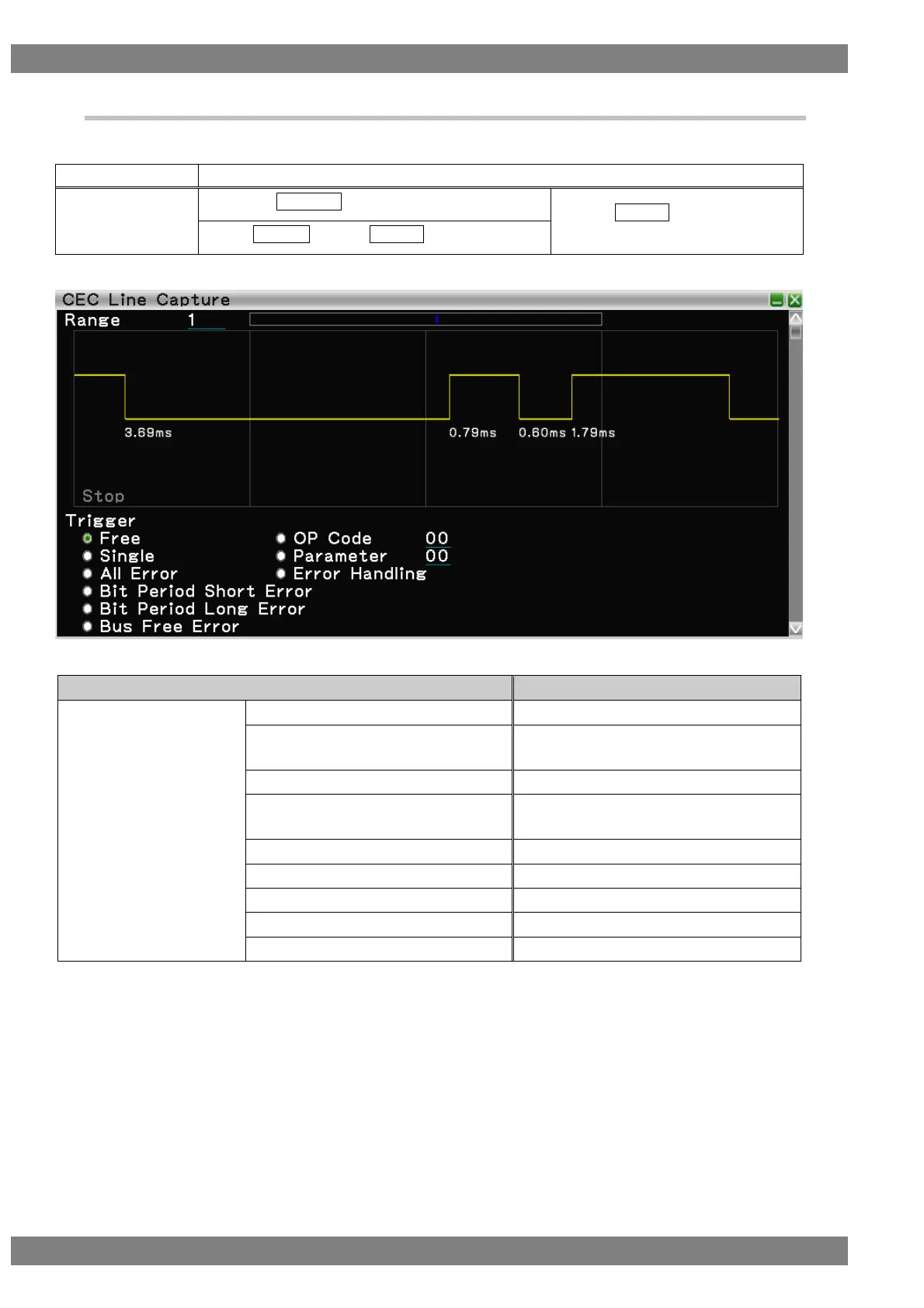
Displays the waveform of the CEC line.
The display method is as follows.
Right-click → left-click ANALYZE → left-click CEC Line Capture → wheel click over screen
→ press L CLICK over CEC Line
Capture
Press R CLICK → press L CLICK over ANALYZE
Set the OP code for which you wish to
apply the trigger.
Set the parameter for which you wish to
apply the trigger.
Sets All Error for Trigger.
Sets Error Handling for Trigger.
Sets Bit Period Short Error for Trigger.
Sets Bit Period Long Error for Trigger.
Sets Bus Free Error for Trigger.



 To Next Page