Chapter 4 Source ANALYSIS
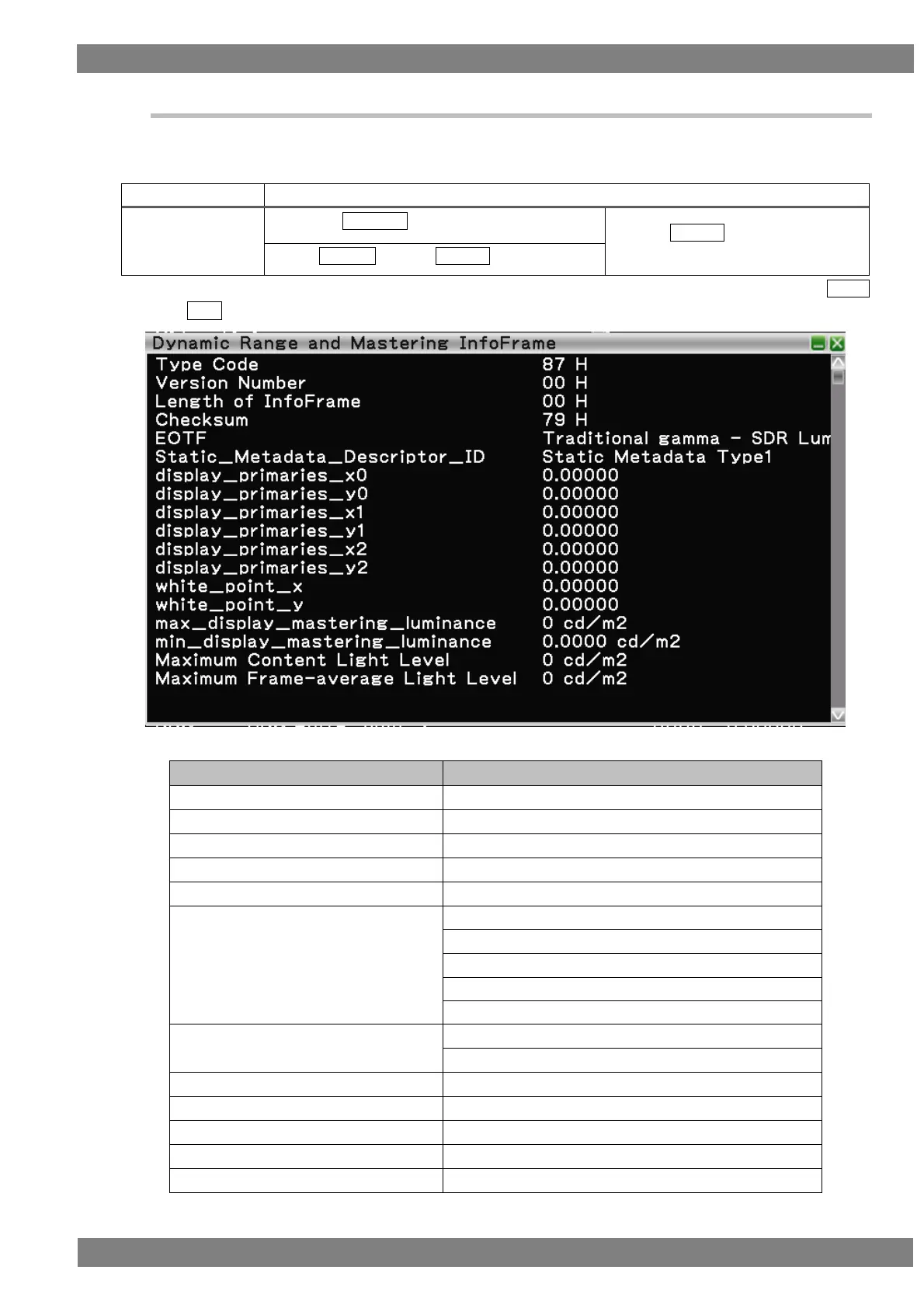
4.1.7 Dynamic Range and Mastering InfoFrame
Decodes and displays Dynamic Range and Mastering InfoFrame of the HDMI input.
For Dynamic Range and Mastering InfoFrame, the HDR type and other related information are input.
The display method is as follows.
Right-click → left-click ANALYZE → left-click Dynamic Range and Mastering InfoFrame
→ press L CLICK over Dynamic
Range and Mastering InfoFrame
Press R CLICK → press L CLICK over ANALYZE
Also, you can switch between HEX and GUI display by right-clicking over the window and then clicking HEX<-
>GUI.
The Gamut Metadata Packet display items when GUI display are as follows.
Presence or absence of changing after pressing "Clear"
Traditional gamma - SDR Luminance Range
Traditional gamma - HDR Luminance Range
Static_Metadata_Discriptor_ID



 To Next Page