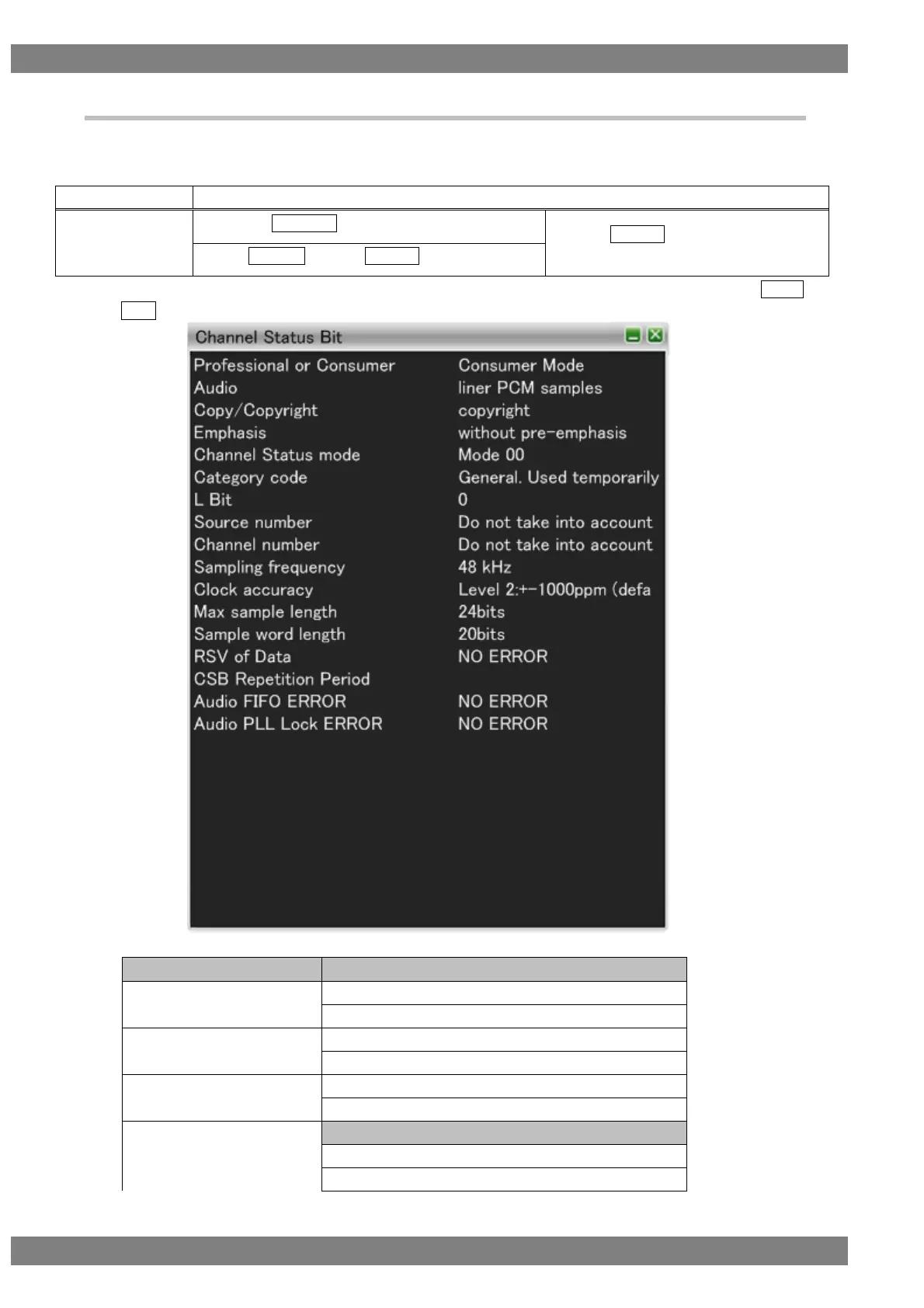
4.1.13 Channel Status Bit
Decodes and displays Channel Status Bit (the sub codes that identify the sending device, sampling frequency,
and so on) of the HDMI input audio streams.
The display method is as follows.
Right-click → left-click ANALYZE → left-click Channel Status Bit
→ press L CLICK over Channel Status
Bit
Press R CLICK → press L CLICK over ANALYZE
Also, you can switch between HEX and GUI display by right-clicking over the window and then clicking HEX<-
>GUI.
The Channel Status Bit display items when GUI display are as follows.
other than linear PCM samples
Audio = Linear PCM samples
with 50/15 us pre-emphasis



 To Next Page