Chapter 4 Source ANALYSIS
4.2 Monitor
DDC stands for Display Data Channel, and refers to a standard for sending monitor information created by
VESA to sources, and is also used for sending and receiving HDCP data with the HDMI. The sending and
receiving of data is performed using the I
2
C bus protocol via the DDC line.
4.2.1 DDC Monitor
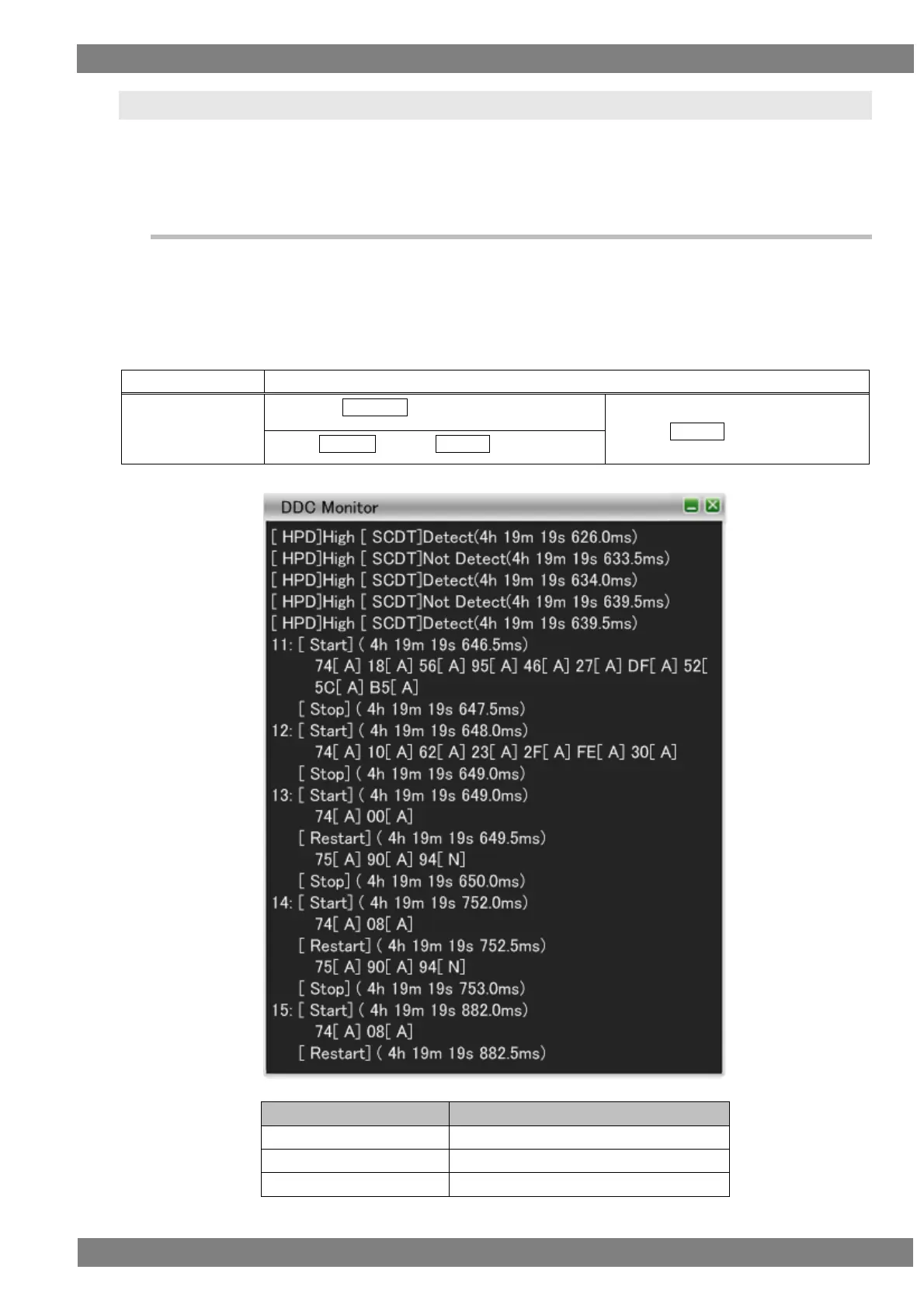
With the VA-1842, the data flowing on the DDC line between the input side of the VA-1842 and the HDMI source
device in receiver mode and the data flowing on the DDC line between the HDMI sink device and HDMI source
device in through mode can be displayed on the LCD of the unit front panel. The work of checking whether or
not a HDMI sink device and HDMI source device can correctly send and receive DDC commands can be
performed by using this function.
The display method is as follows.
Right-click → left-click ANALYZE → left-click DDC Monitor
→ press L CLICK over DDC Monitor
Press R CLICK → press L CLICK over ANALYZE
The DDC Monitor display items are as follows.



 To Next Page