Chapter 6 Compliance Test
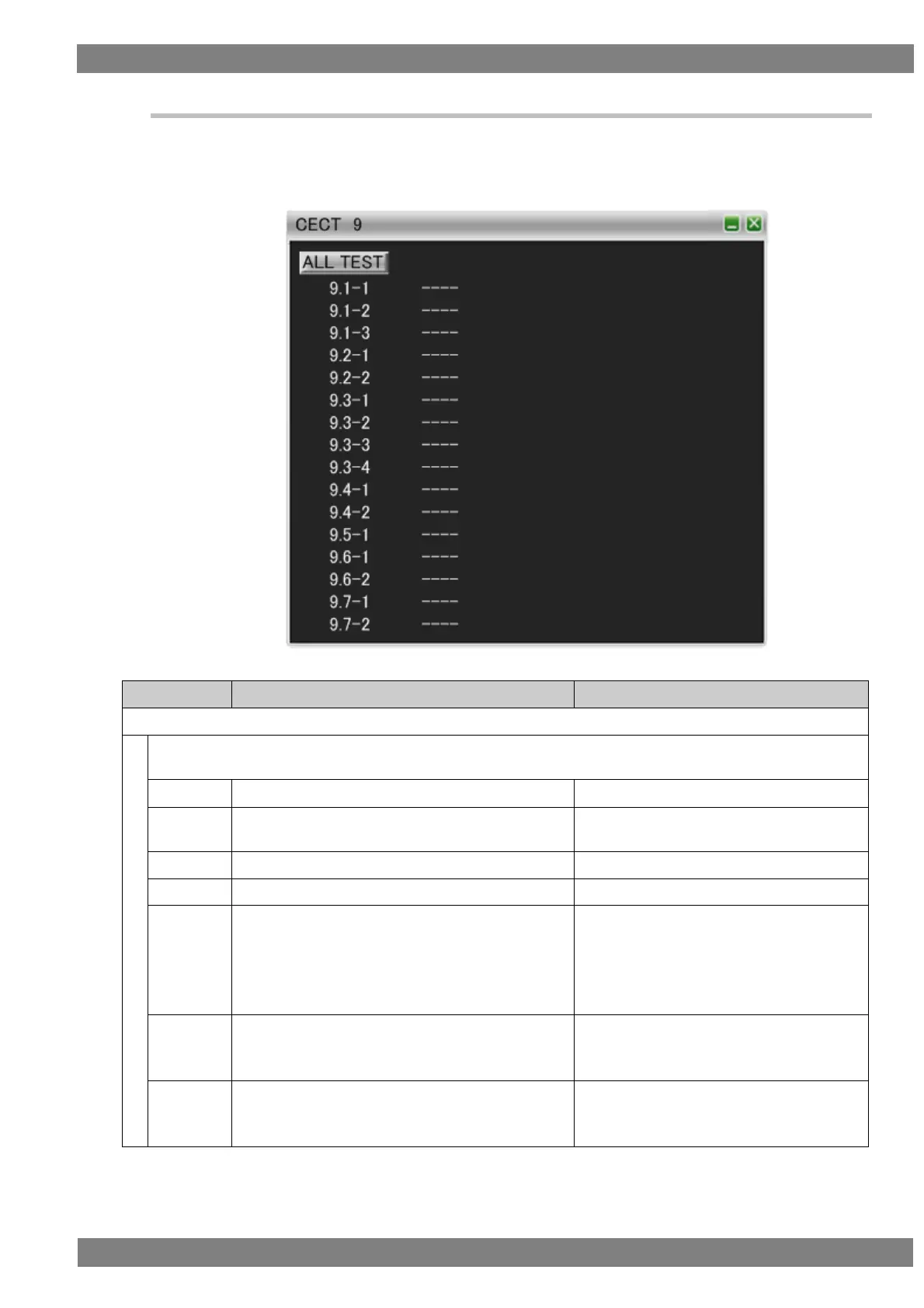
6.3.3 CECT 9
When “ALL TEST” is selected, the tests for the test IDs are started. When a test ID number is clicked with the
mouse, only the selected test is started. The procedures for the tests performed with the VA-1842 are shown
below.
If the DUT is a TV, connect the HDMI input of the DUT and the output of the TE, and if the DUT is other than a TV,
connect the HDMI output of the DUT and the input of the TE. Then perform the tests.
Send the <Abort> to a logical address other than for
the DUT.
DUT sends <Feature Abort>.
[Other than CEC Switch]
Send <Give Physical Address> to the DUT.
[CEC Switch]
Broadcast <Routing Information> to the DUT.
[Other than CEC Switch]
DUT broadcasts <Report Physical Address>.
[CEC Switch]
DUT broadcasts <Routing Information>.
Send <Abort> to the DUT.
Do not return ACK for the header of <Feature
Abort>.
DUT resends <Feature Abort> leaving an
interval of at least 3 nominal data bits.
Send <Abort> to the DUT.
Do not return ACK for the data block of <Feature
Abort>.
DUT resends <Feature Abort> leaving an
interval of at least 3 nominal data bits.



 To Next Page