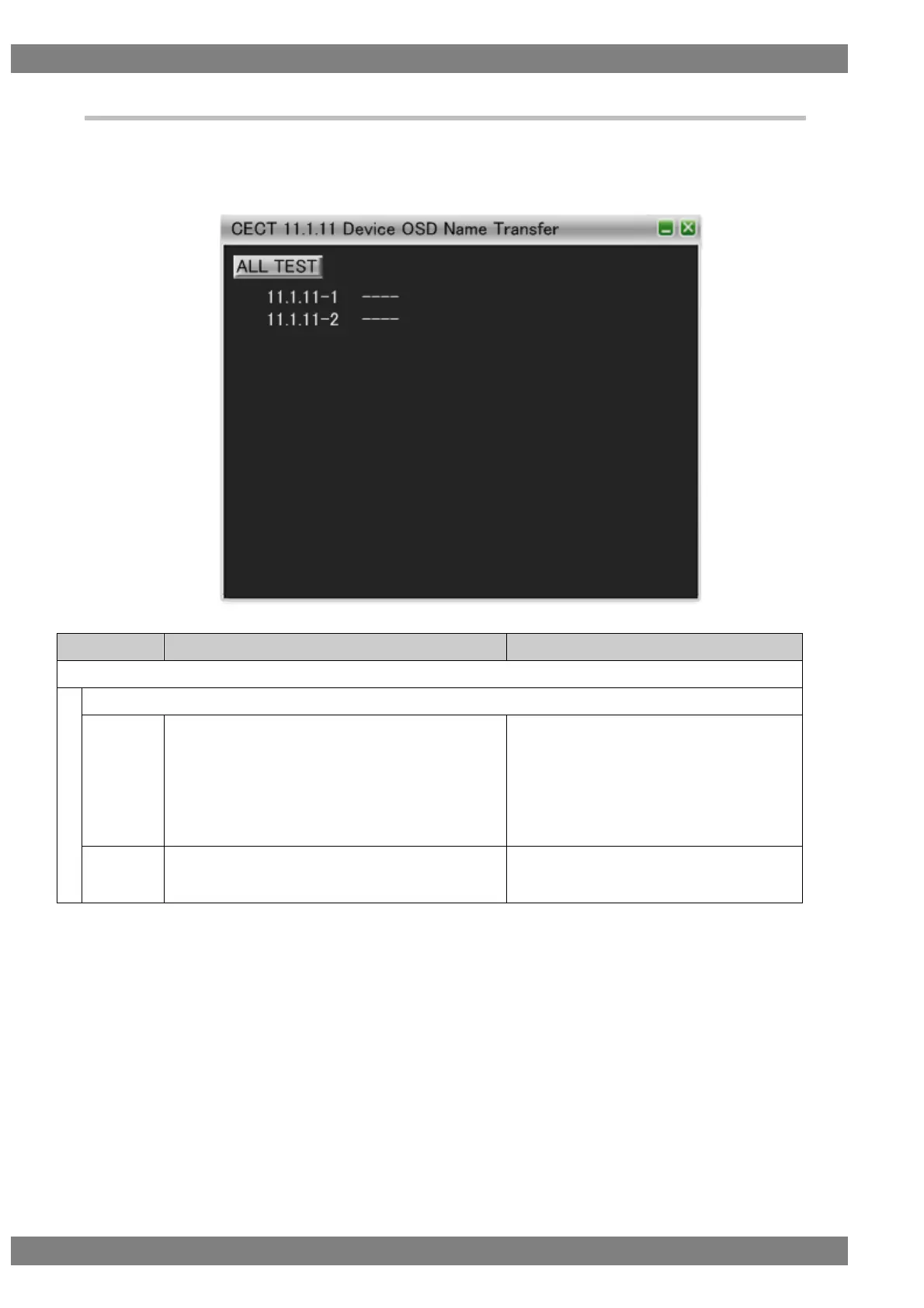
6.3.16 CECT 11.1.11 Device OSD Name Transfer
When “ALL TEST” is selected, the tests for the test IDs are started. When a test ID number is clicked with the
mouse, only the selected test is started. The procedures for the tests performed with the VA-1842 are shown
below.
Connect the HDMI input of the DUT (TV) to the HDMI output of the VA-1842.
Broadcast <Report Physical Address>.
Send <Set OSD Name> [‘Test Device’] to the DUT in
response to <Give OSD Name> sent by the DUT.
Go to the menu where this OSD name is displayed.
(Repeat this procedure with the logical address
changed to each of 1, 3, 4, 5, 13, and 14.)
DUT sends <Give OSD Name> to the correct
address.
DUT displays the OSD name received with
<Set OSD Name> in the menu.
Set the logical address to 15.
Broadcast <Report Physical Address>.
DUT does not send <Give OSD Name>.



 To Next Page