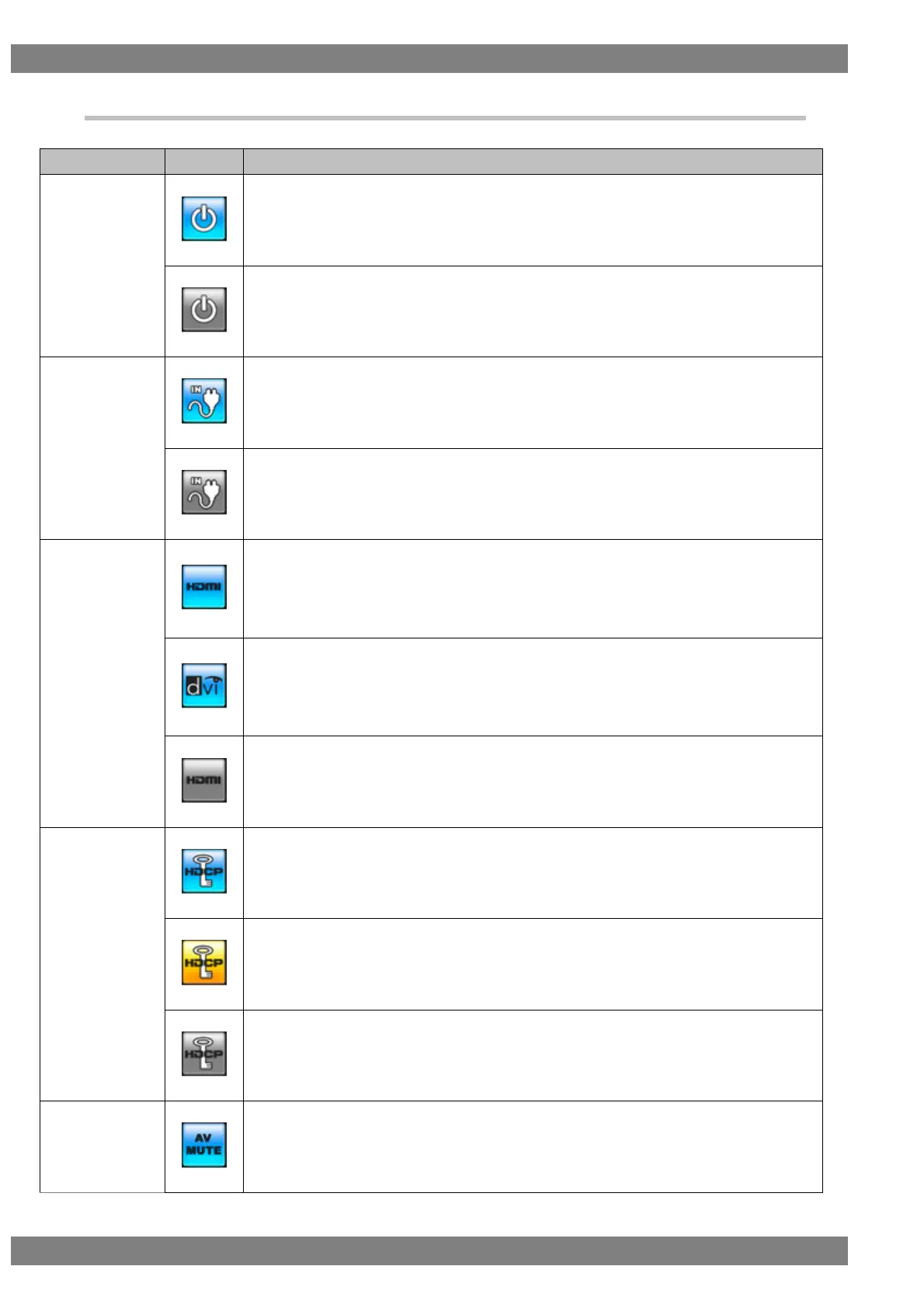
1.3.5 Icons
Video signals are always input when this is in the blue state.
The input of video signals is stopped when this is in the gray state.
This is displayed in blue when the hot plug state of the input side is high.
This is displayed in gray when the hot plug state of the input side is low.
A blue HDMI icon is displayed when the input signal format is HDMI.
Clicking the icon or pressing the L CLICK button displays the currently input simple video
timing and color signal.
* Not displayed when the clock is displayed.
A blue DVI icon is displayed when the input signal format is DVI.
Clicking the icon or pressing the L CLICK button displays the currently input simple video
timing and color signal.
* Not displayed when the clock is displayed.
A gray HDMI icon is displayed when there is no input signal.
This is displayed in blue when HDCP is being applied to the input video.
This is displayed in yellow when the initial authentication of HDCP is starting.
This is displayed in gray when HDCP is not being applied to the input video.
This is displayed in blue when AV mute is on.



 To Next Page