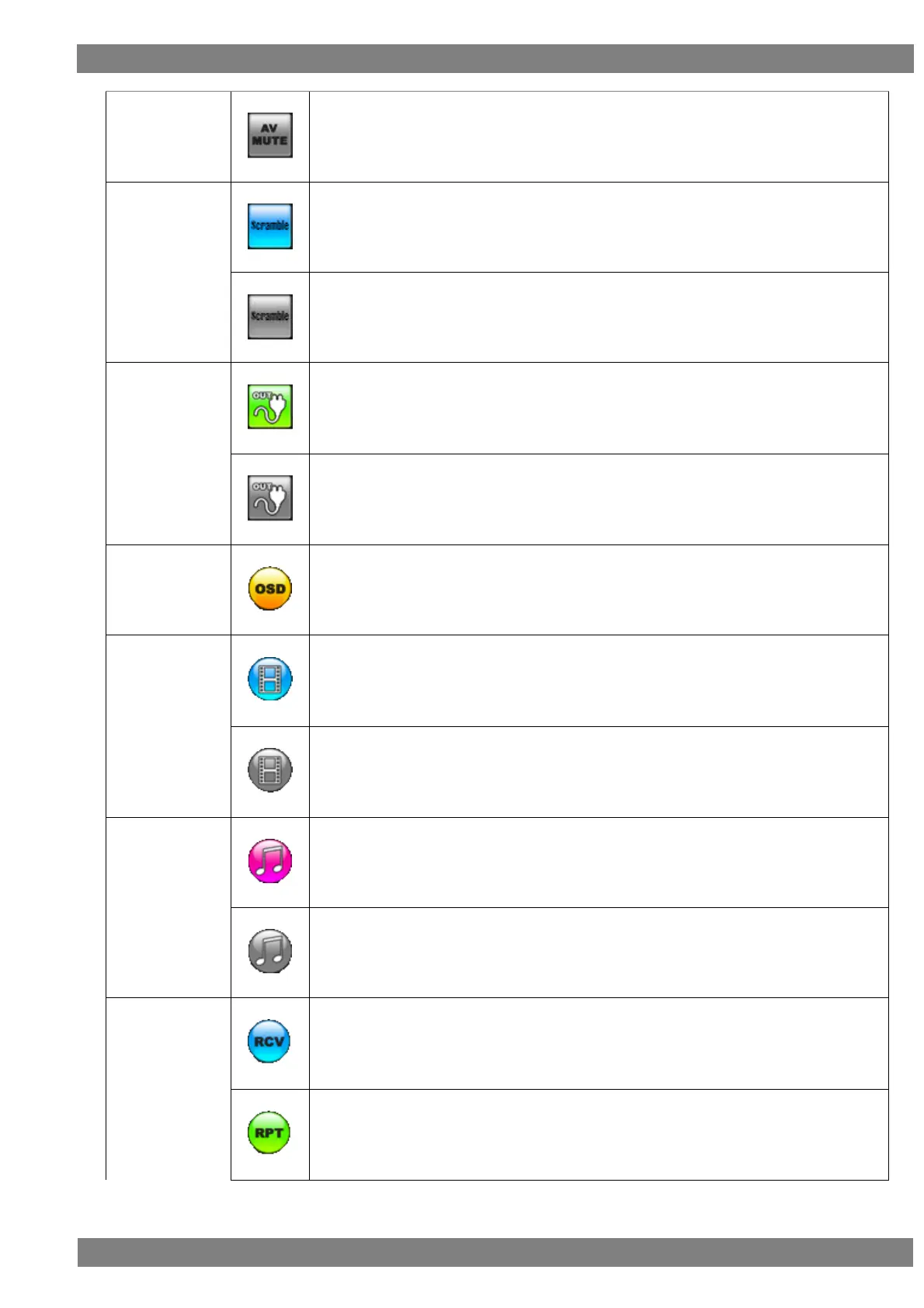
This is displayed in gray when AV mute is off.
This is displayed in blue when scramble is on.
This is displayed in gray when scramble is off.
This is displayed in green when the hot plug state of the output side is high.
This is displayed in gray when the hot plug state of the output side is low.
Clicking or pressing the L CLICK button over the OSD icon hides the OSD display.
(In the hidden state, clicking or pressing the L CLICK button again displays the OSD.)
The input video is displayed when the icon is blue.
The input video is not displayed when the icon is gray.
This is displayed in pink when built-in speaker audio is being output.
This is displayed in gray when built-in speaker audio is muted.
This is displayed in blue when in receiver mode.
This is displayed in green when in repeater mode.



 To Next Page