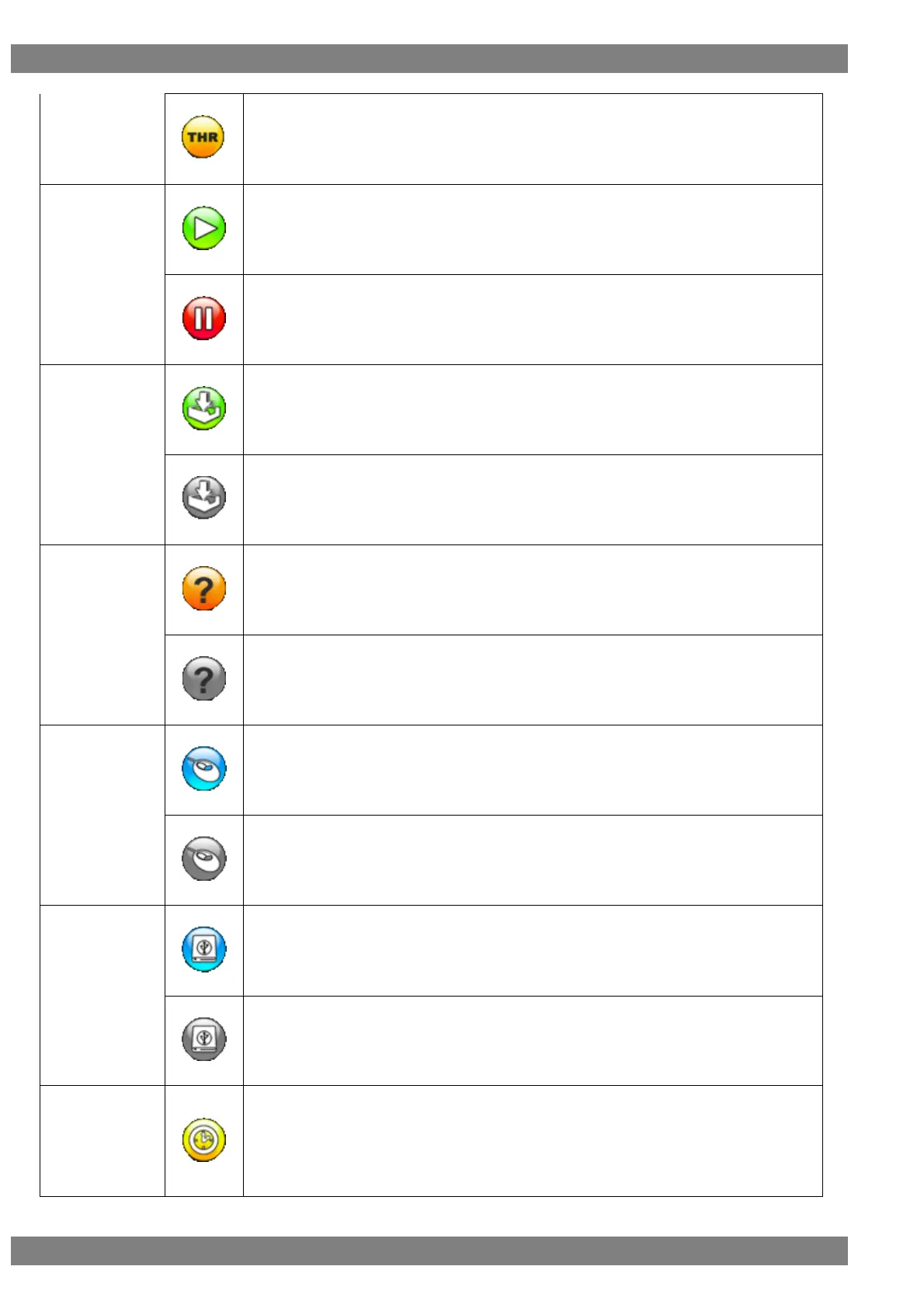
This is displayed in yellow when in through mode.
The RUN/STOP icon is displayed in green when RUN (update) is selected.
The RUN/STOP icon is displayed in red when STOP (update) is selected.
This is displayed in green when acquiring the log.
This is displayed in gray when log acquisition is stopped.
When this is displayed in yellow, aligning the cursor with an error item displays the details.
When this is displayed in gray, error details are hidden.
This is displayed in blue when the mouse is connected to USB port (A).
This is displayed in gray when the mouse is disconnected from USB port (A).
This is displayed in blue when the USB flash memory device is connected to USB port (A).
This is displayed in gray when the USB flash memory device is disconnected from USB port
(A).
Clicking or pressing the L CLICK button over the clock icon displays the current time.
(The clock settings can be set in Device Information of the SETUP menu.)
Clicking while the clock is displayed hides the clock display.
* Not displayed when the simple video timing by an input signal and the color signal are
displayed.



 To Next Page