Chapter 6 Compliance Test
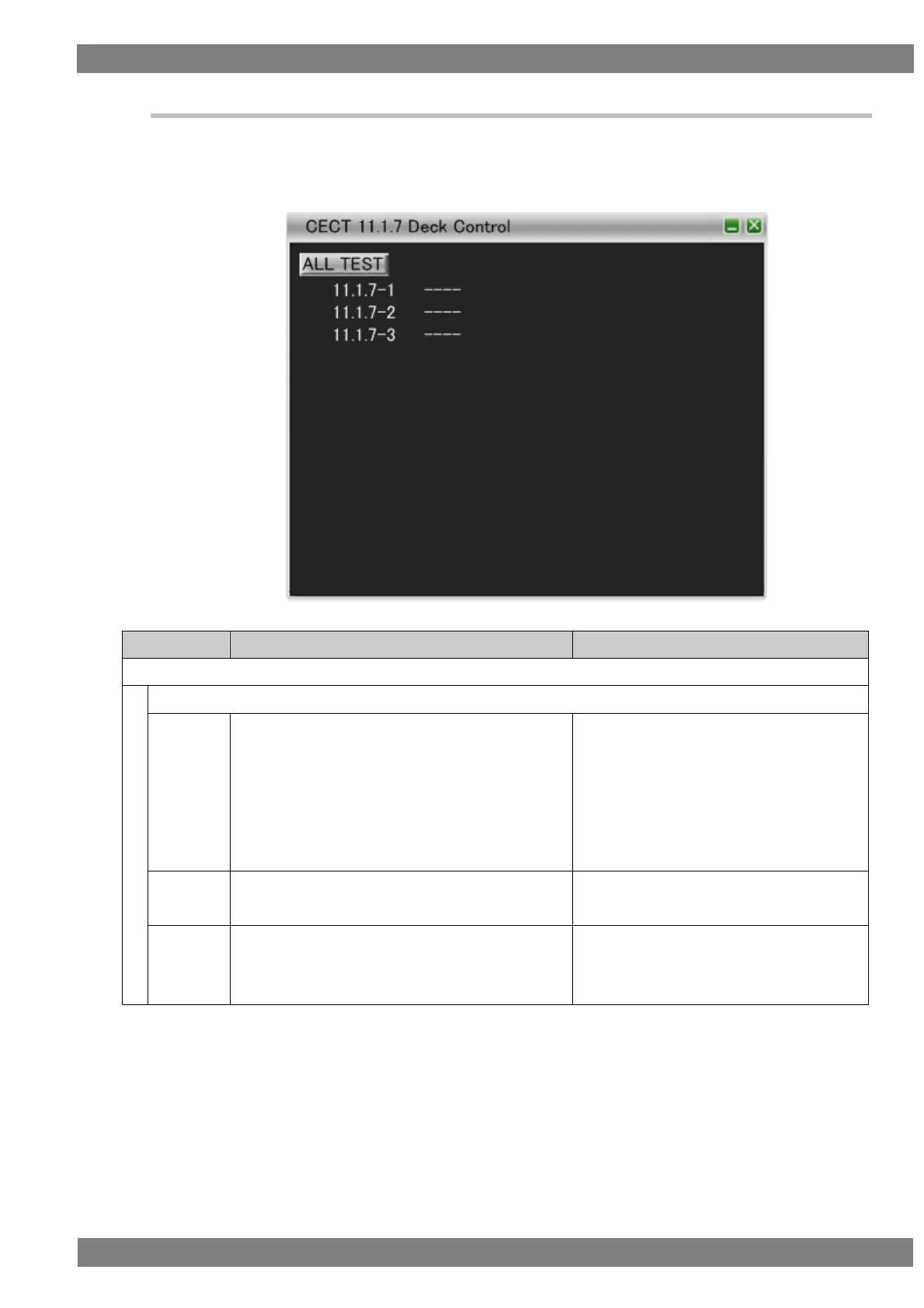
6.3.12 CECT 11.1.7 Deck Control
When “ALL TEST” is selected, the tests for the test IDs are started. When a test ID number is clicked with the
mouse, only the selected test is started. The procedures for the tests performed with the VA-1842 are shown
below.
Connect the HDMI input of the DUT (TV) to the HDMI output of the VA-1842.
Operate the DUT to send <Deck
Control> and <Play> that can be used with the CDF.
Send the appropriate <Deck Status> to the DUT
after each request to indicate that the request
succeeded.
(Repeat this procedure with the logical address
changed to each of 1 and 4.)
DUT sends the specified <Deck Control> or
<Play>.
Operate the DUT to send <Play>["PlayForward"].
Send <DeckStatus>["Play"] to the DUT.
The DUT accepts <Deck Status>.
Operate the DUT to send <Play>["PlayForward"].
Send <DeckStatus>["Stop"] indicating that
the deck is in the stopped state to the DUT.
The DUT accepts <Deck Status>.



 To Next Page