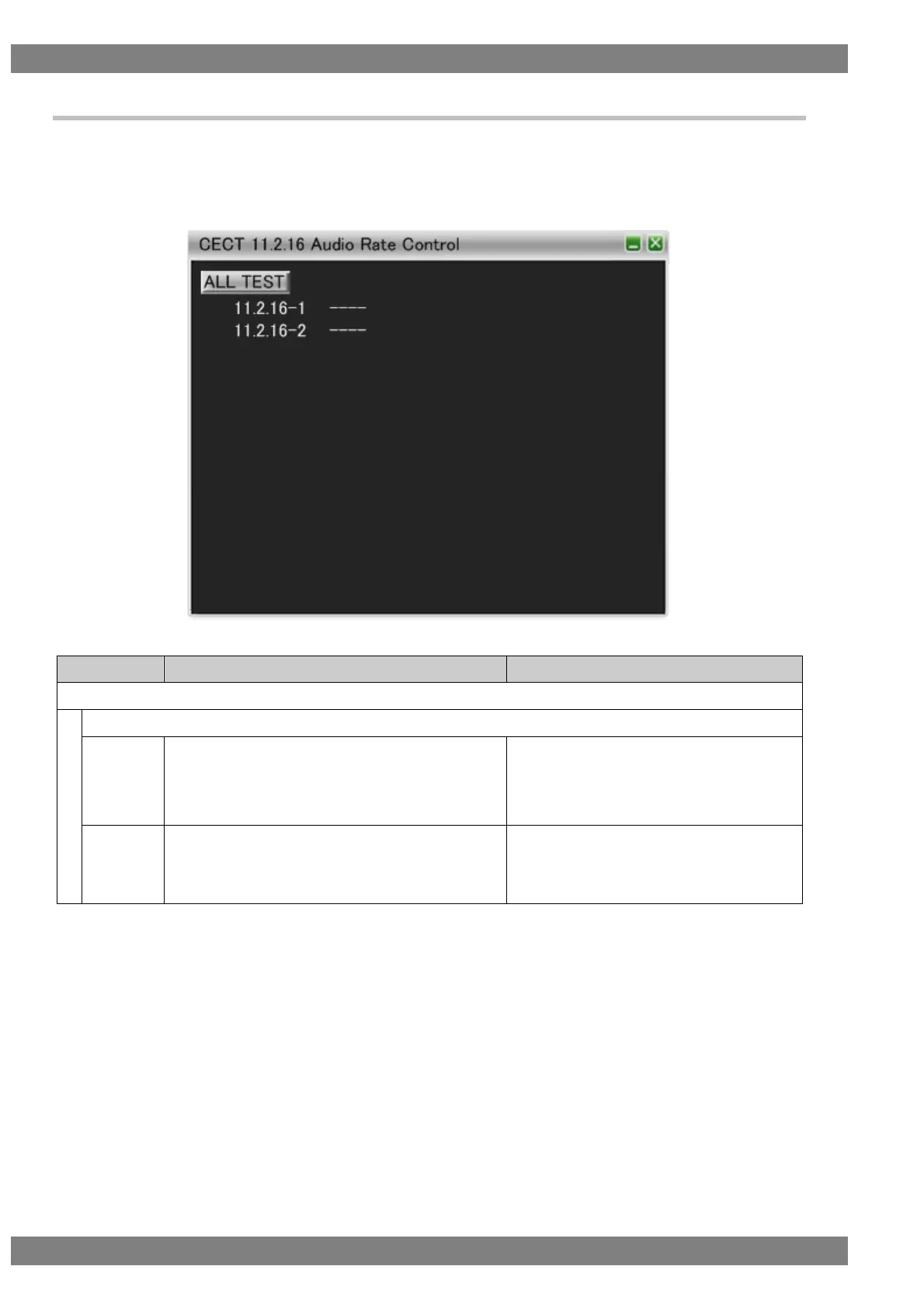
6.3.38 CECT 11.2.16 Audio Rate Control
When “ALL TEST” is selected, the tests for the test IDs are started. When a test ID number is clicked with the
mouse, only the selected test is started. The procedures for the tests performed with the VA-1842 are shown
below.
Connect the HDMI output of the DUT and the input of the TE. Then perform the tests.
Check that the DUT is playing any of CD, Super
Audio CD, and DVD-AUDIO.
Send <Set Audio Rate> with one parameter from 1,
2, 3, 0, 4, 5, 6 and 0 added in order.
Check that the Audio Rate Control function is
enabled.
Sends <Set Audio Rate> with one parameter
from 1, 2, 3, 4, 5, 6, and 0 added at 2-second
intervals.



 To Next Page