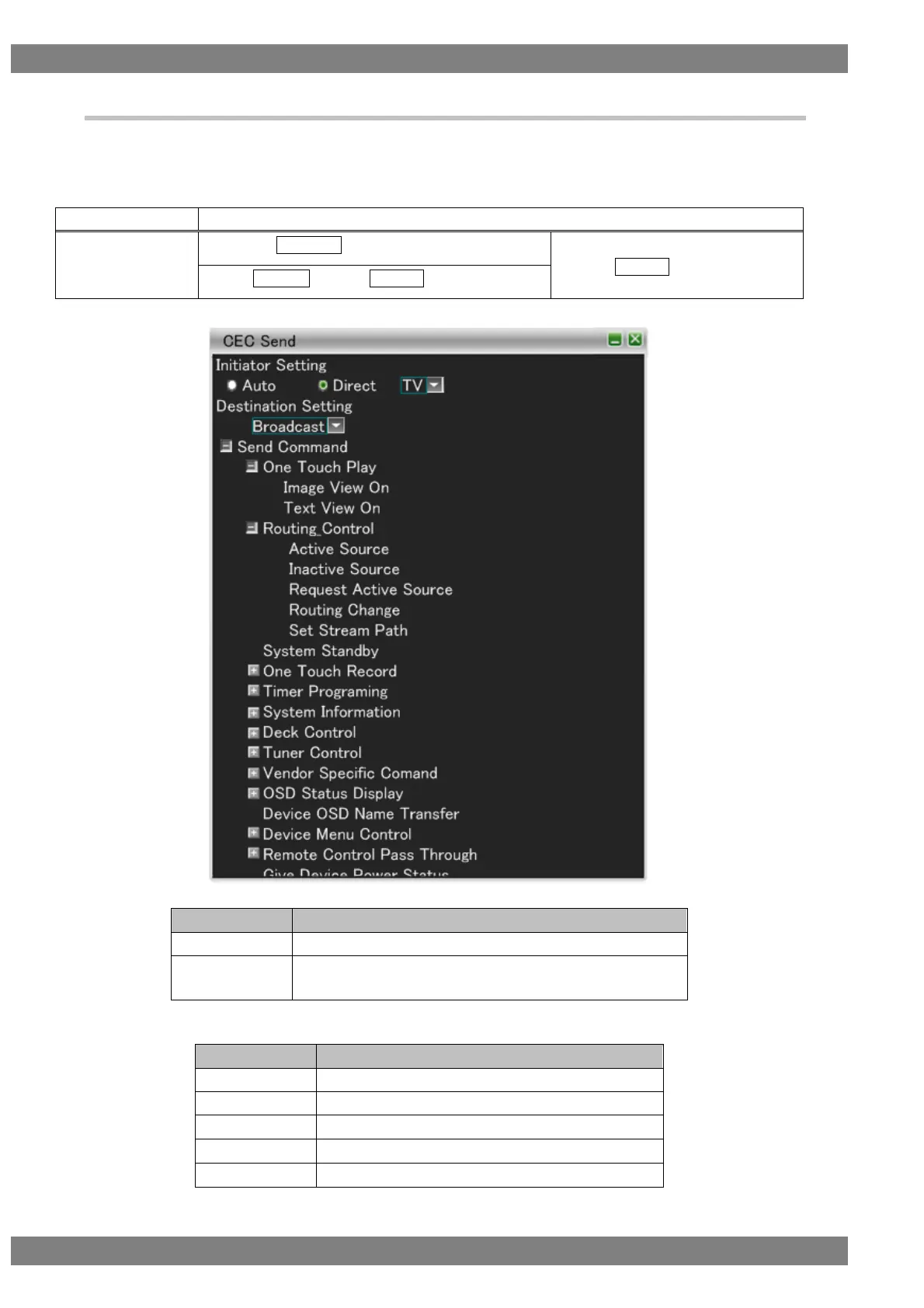
4.2.4 CEC Send
Displays the send data setting screen.
Specify the logical address of the send source from Initiator Setting.
Specify the logical address of the send destination from Destination Setting.
The display method is as follows.
Right-click → left-click ANALYZE → left-click CEC Send
→ press L CLICK over CEC Send
Press R CLICK → press L CLICK over ANALYZE
The settings of Initiator Setting are as follows.
Sets the logical address set in 4.2.7 Address Setting.
Directly set the logical address from the selection items on
the right.
The logical addresses are as follows.



 To Next Page