Chapter 4 Source ANALYSIS
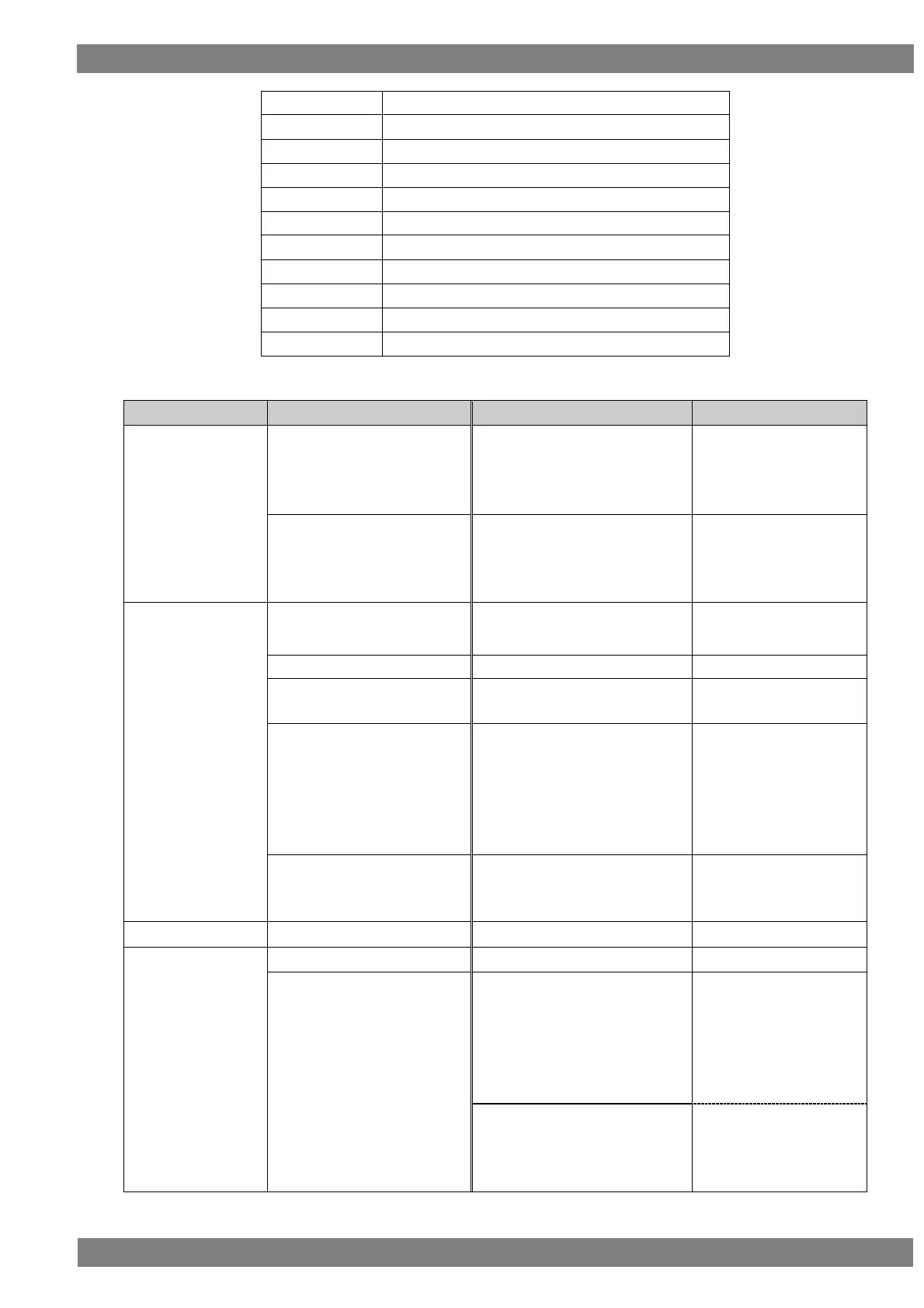
Set the send data by command name from Send Command.
The data that can be sent is as follows.
Sends Image View On.
Sends Active Source after
sending.
Set the VA-1842 to other
than TV.
Set the send destination
to TV.
Sends Text View On.
Sends Active Source after
sending.
Set the VA-1842 to other
than TV.
Set the send destination
to TV.
Broadcasts Active Source.
Broadcasts Request Active
Source.
If the VA-1842 is emulating two
or more devices, changes the
least significant bit of the
physical address currently being
notified, and broadcasts Routing
Change.
Sends Give Physical Address,
and broadcasts Set Stream Path
to the returned physical address.
Set the VA-1842 to TV.
Or
Set the VA-1842 to other
than TV.
Set the send destination
to other than TV.
Set the VA-1842 to other
than TV.
Set the send destination
to TV.



 To Next Page