Chapter 4 Source ANALYSIS
4.1.4 Audio InfoFrame
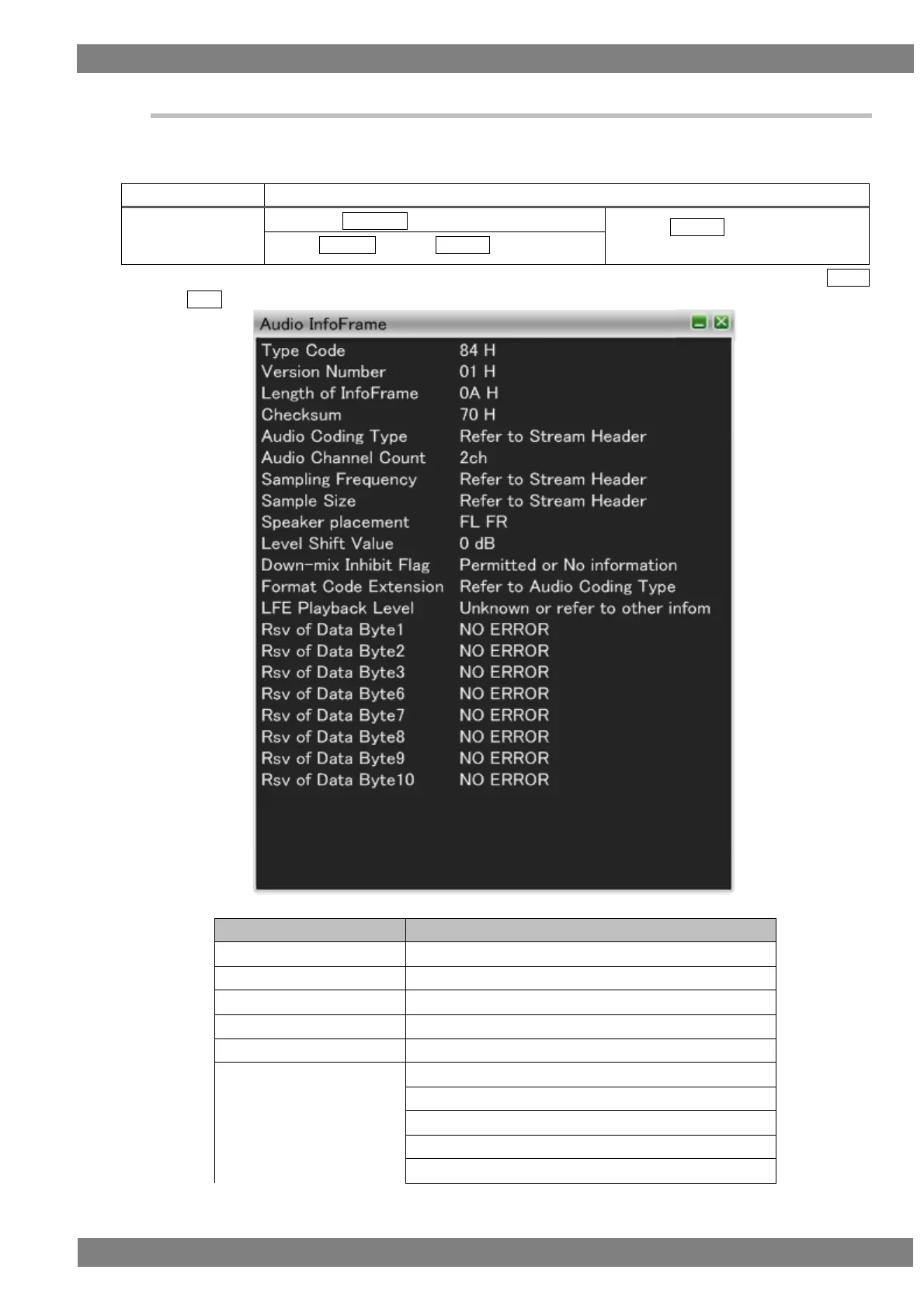
Decodes and displays Audio InfoFrame of the HDMI input.
For Audio InfoFrame, the information about the audio output by the transmitter is input.
The display method is as follows.
Right-click → left-click ANALYZE → left-click Audio InfoFrame
→ press L CLICK over Audio
InfoFrame
Press R CLICK → press L CLICK over ANALYZE
Also, you can switch between HEX and GUI display by right-clicking over the window and then clicking HEX<-
>GUI.
The Audio InfoFrame display items when GUI display are as follows.
Presence or absence of changing after pressing "Clear"



 To Next Page