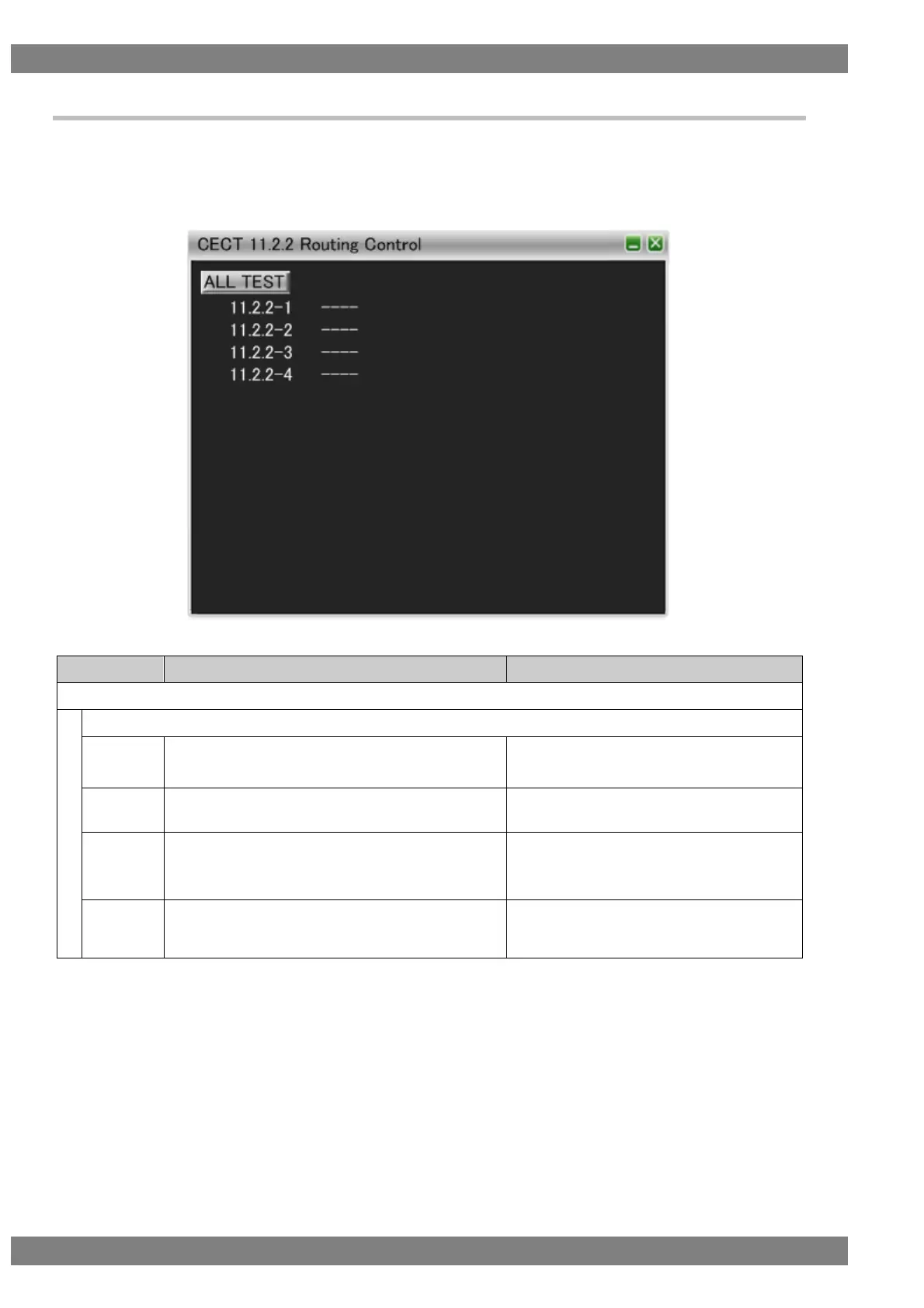
6.3.24 CECT 11.2.2 Routing Control
When “ALL TEST” is selected, the tests for the test IDs are started. When a test ID number is clicked with the
mouse, only the selected test is started. The procedures for the tests performed with the VA-1842 are shown
below.
Connect the HDMI output of the DUT and the input of the TE. Then perform the tests.
Broadcast <Active Source> [2.0.0.0].
Broadcast <Set Stream Path> [1.0.0.0].
DUT broadcasts <Active Source> [1.0.0.0].
Check that the DUT is the active source.
Broadcast <Request Active Source>.
DUT broadcasts <Active Source>.
Check that the DUT is the active source.
Change the logical address to 1, 3, 4, 5, and 15 and
broadcast <Request Active Source>.
DUT broadcasts <Active Source>.
Broadcast <Set Stream Path> [1.0.0.0].
Perform the operation to send <Inactive Source>.
DUT sends <Inactive Source> [1.0.0.0] to the
TV.



 To Next Page