4.2.8 Support OP Code
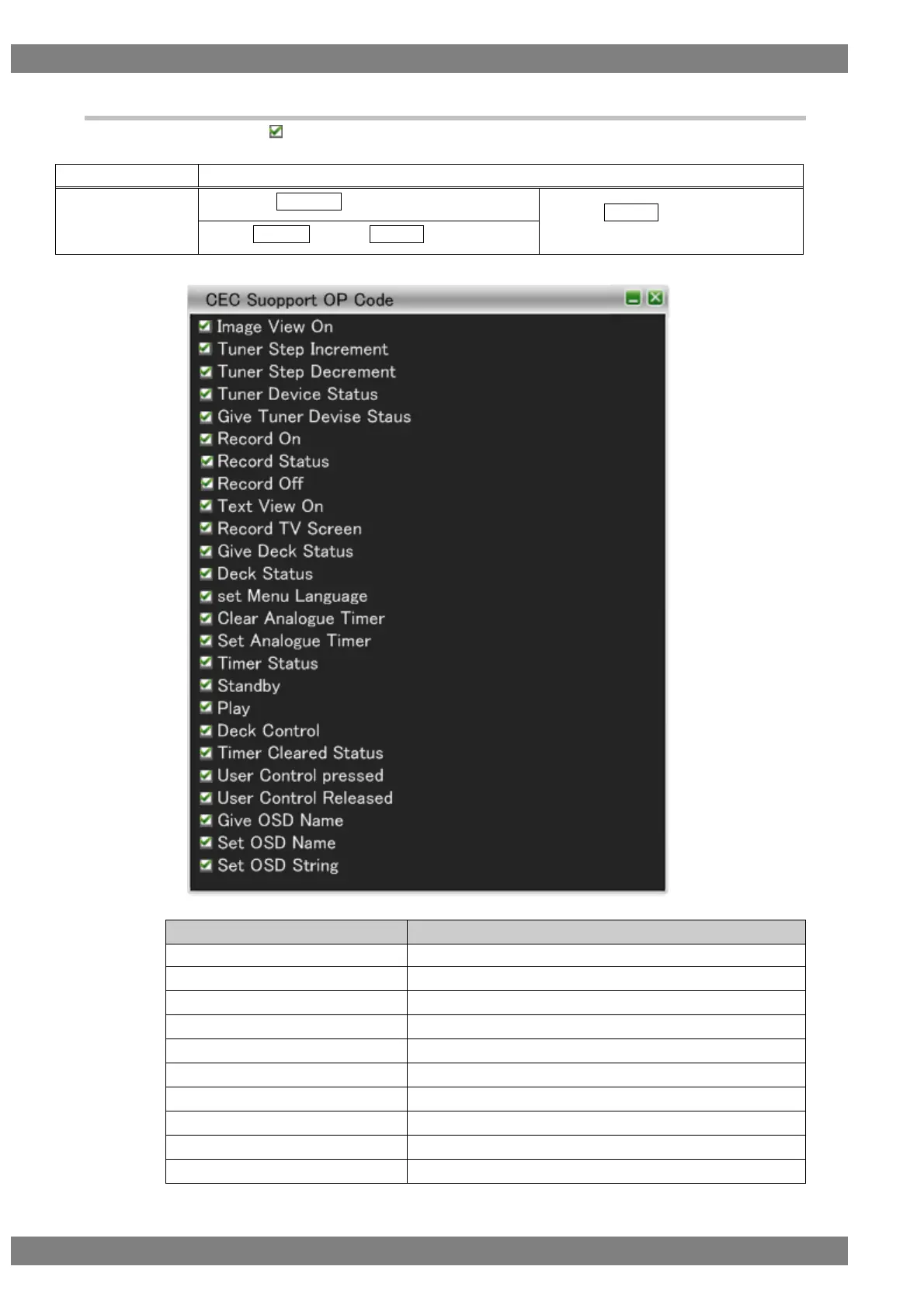
The OP codes with the checks are supported
The display method is as follows.
Right-click → left-click ANALYZE → left-click Support OP Code
→ press L CLICK over Support OP
Code
Press R CLICK → press L CLICK over ANALYZE
The OP codes that can be supported are as follows.
Supports receiving of Image View On.
Supports receiving of Tuner Step Increment.
Supports receiving of Tuner Step Decrement.
Supports receiving of Tuner Device Status.
Supports receiving of Give Tuner Device Status.
Supports receiving of Record On.
Supports receiving of Record Status.
Supports receiving of Record Off.
Supports receiving of Text View On.
Supports receiving of Record TV Screen.



 To Next Page