Chapter 6 Compliance Test
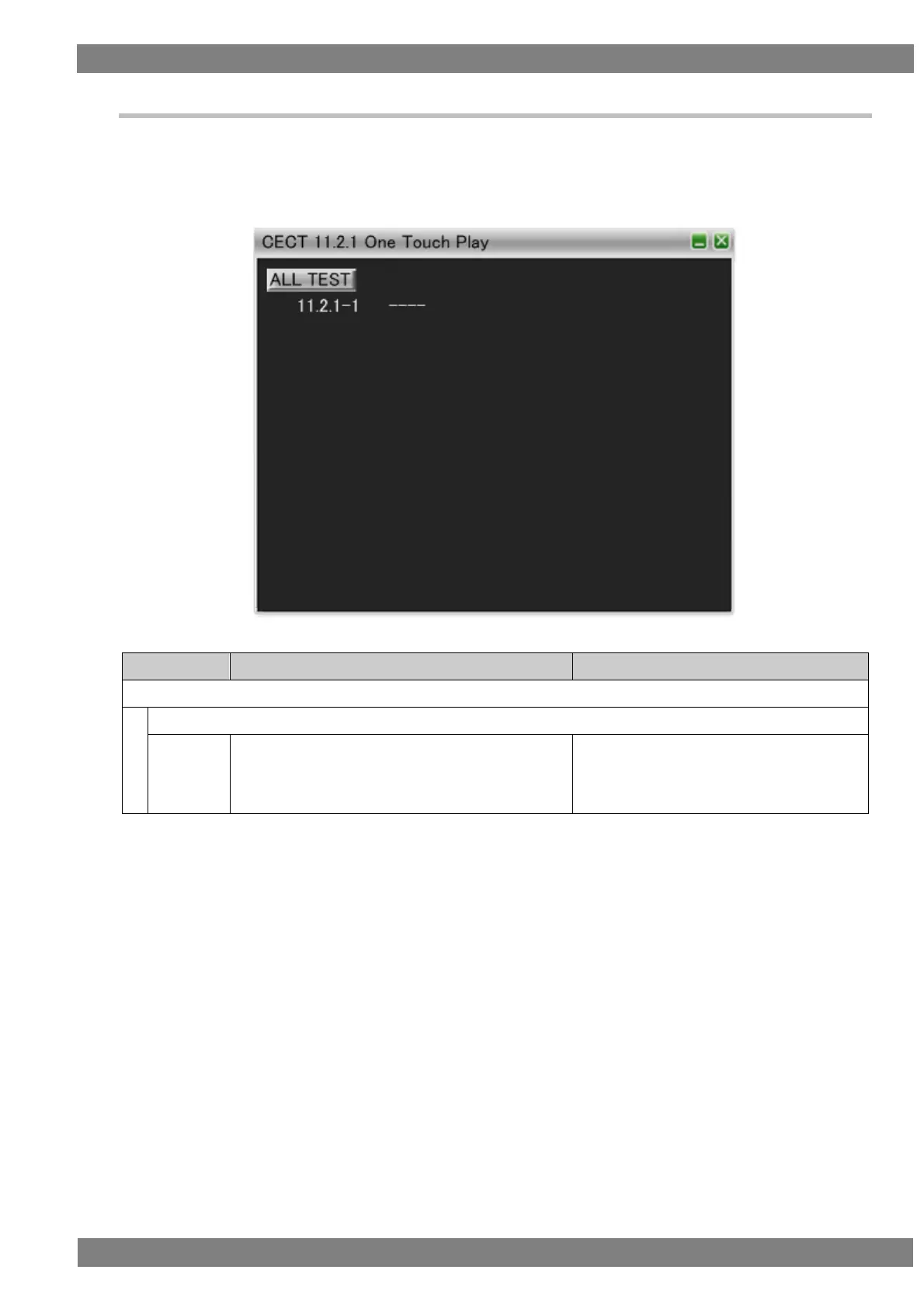
6.3.23 CECT 11.2.1 One Touch Play
When “ALL TEST” is selected, the tests for the test IDs are started. When a test ID number is clicked with the
mouse, only the selected test is started. The procedures for the tests performed with the VA-1842 are shown
below.
Connect the HDMI output of the DUT and the input of the TE. Then perform the tests.
Execute the One Touch Play function.
DUT sends <Image View On> or <Text View
On> and then broadcasts <Active Source>.



 To Next Page