7. Configurator, Projector alignment settings
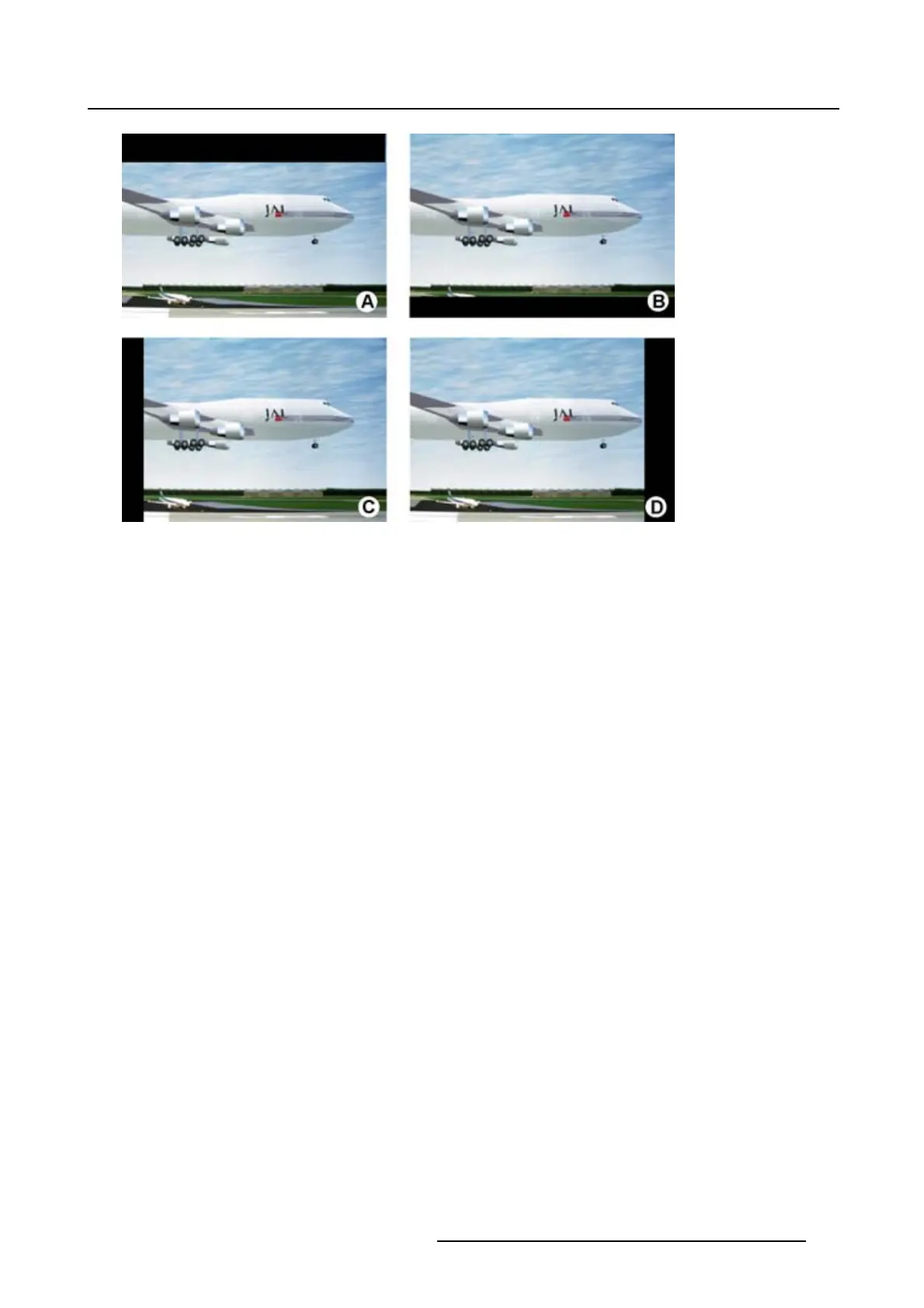
Image 7-11
Blanking
A Top blanking
B Bottom blanking
C Left blanking
D Right blanking
How to adjust a side blanking
1. Click on the up down control of the spin box of the desired blanking until the chosen blanking is correctly
set up.
Or,
click in the input field of the spin box of the desired blanking and enter the desired blanking value.
(image 7-12)
The preview shows the setup blanking for each side.
R5976924 PROJECTOR TOOLSET 16/04/2009
99



 To Next Page