6. Configurator, General projector settings
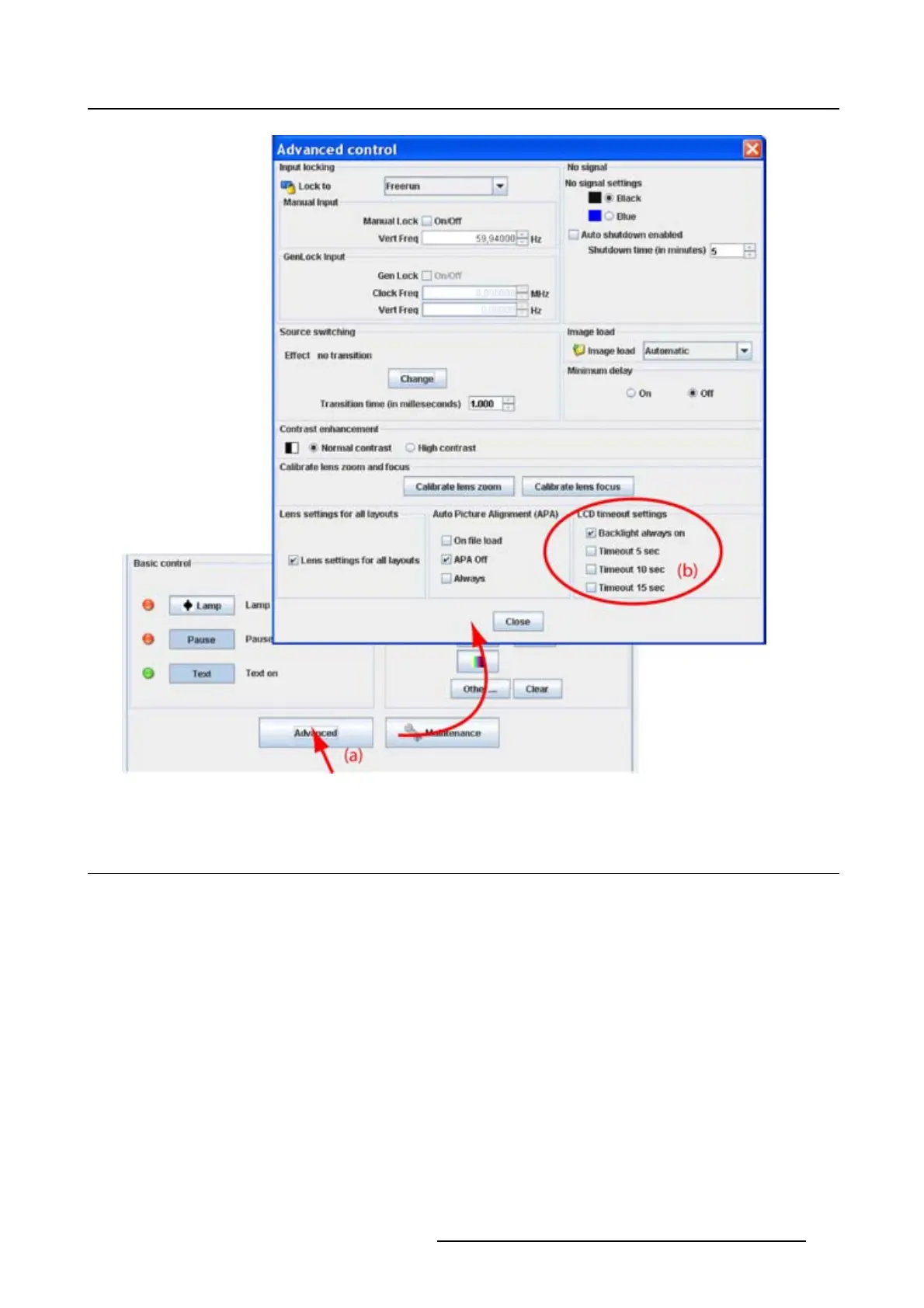
Image 6-22
6.9 Maintenance
Overview
• Reset to factory defaults
• Reset electronics
6.9.1 Reset to factory defaults
What can be done?
All settings of the projector are set to the original factory settings with the exception of the IP address, serial
settings and DMX settings. For these settings, the choice exists to include them in the reset operation.
All user settings with the exception of those mentioned, are erased with this operation.
How to reset
1. Click on Maintenance (a). (image 6-23)
The Maintenance dialog box is displayed.
R5976924 PROJECTOR TOOLSET 16/04/2009
89



 To Next Page