5. Configurator
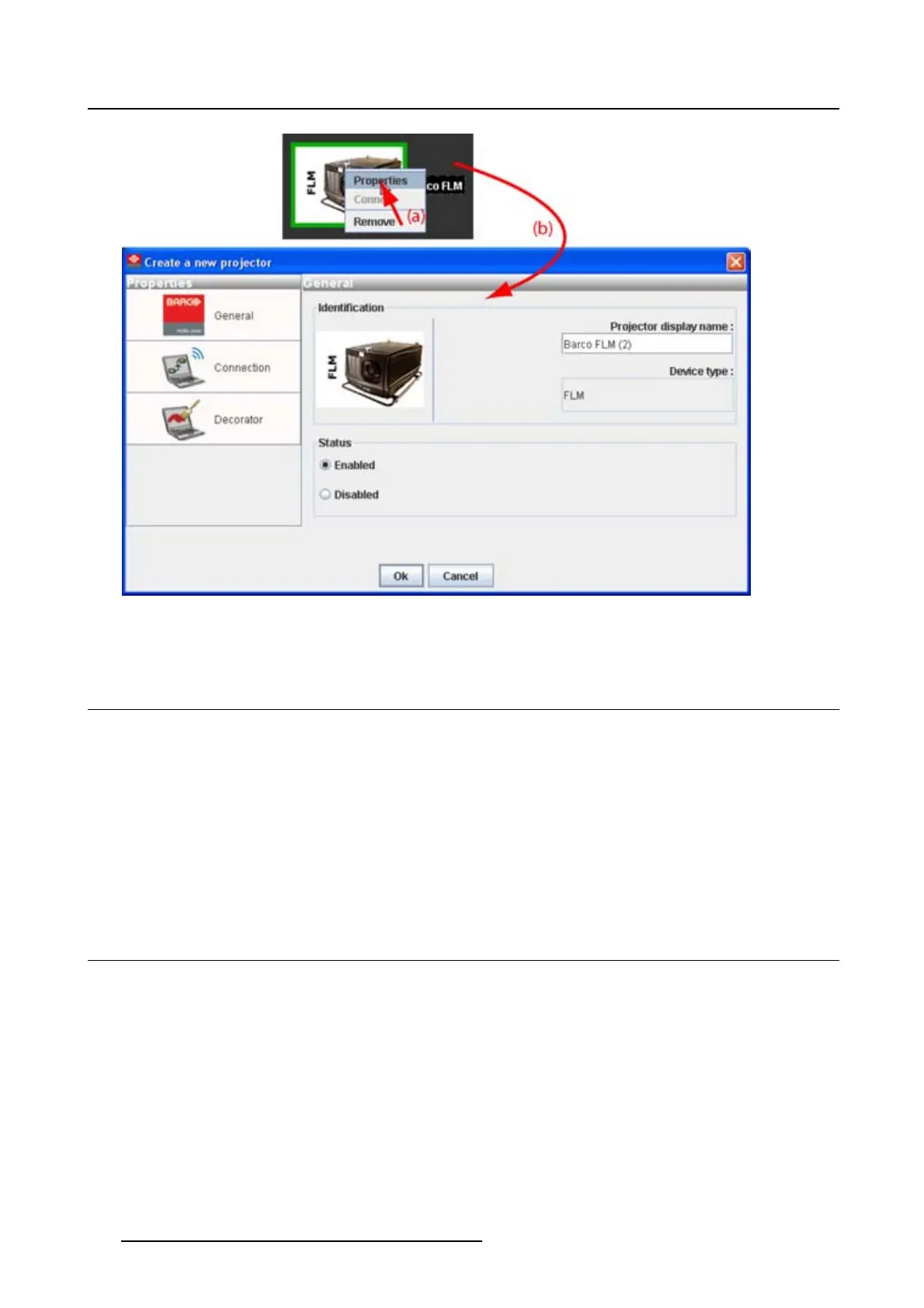
Image 5-19
Edit projector properties via right click
5.8 Configuration preview
Projector status
The border color around the pictograph i
ndicates the projector status.
Green: projector is online and there is communication with the projector.
Grey:projectorisoffline.
Red: projector is online but there are warnings about the use of the projector.
Shaded: projector is disabled.
5.9 Configuration properties
What is available?
The following properties are available:
• author name.
• created on: date and time when the configuration is created (read only).
• path: full path where the configuration is saved (read only).
• description: description which identifies the configuration.
How to change
1. Click Configuration → Properties (a1).
62
R5976924 PROJECTOR TOOLSET 16/04/2009



 To Next Page