13. Configurator, Warp User Interface
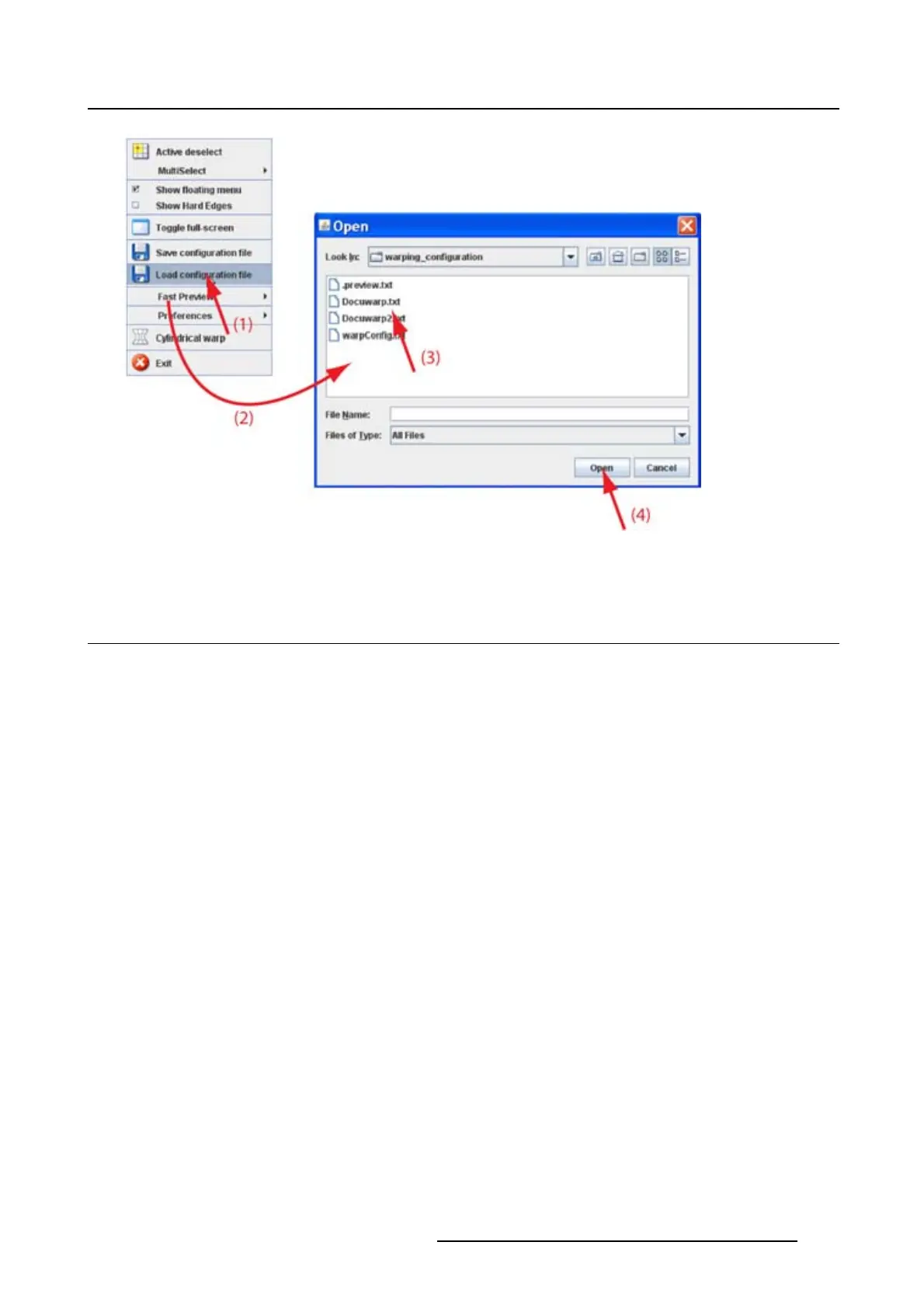
Image 13-20
Open configuration file
13.14 Start up cylindrical warping
How to start up
1. Right click on the grid.
The context menu opens.
2. Select Cylindrical warping (1). (image 13-21)
A new extra menu opens next to the Floater menu
(2). The grid is reset.
3. Select the orientation of the cylinder, horizontal or vertical, by clicking on the corresponding radio button
(3).
R5976924 PROJECTOR TOOLSET 16/04/2009
201



 To Next Page