8. Configurator, Projector adjustment settings
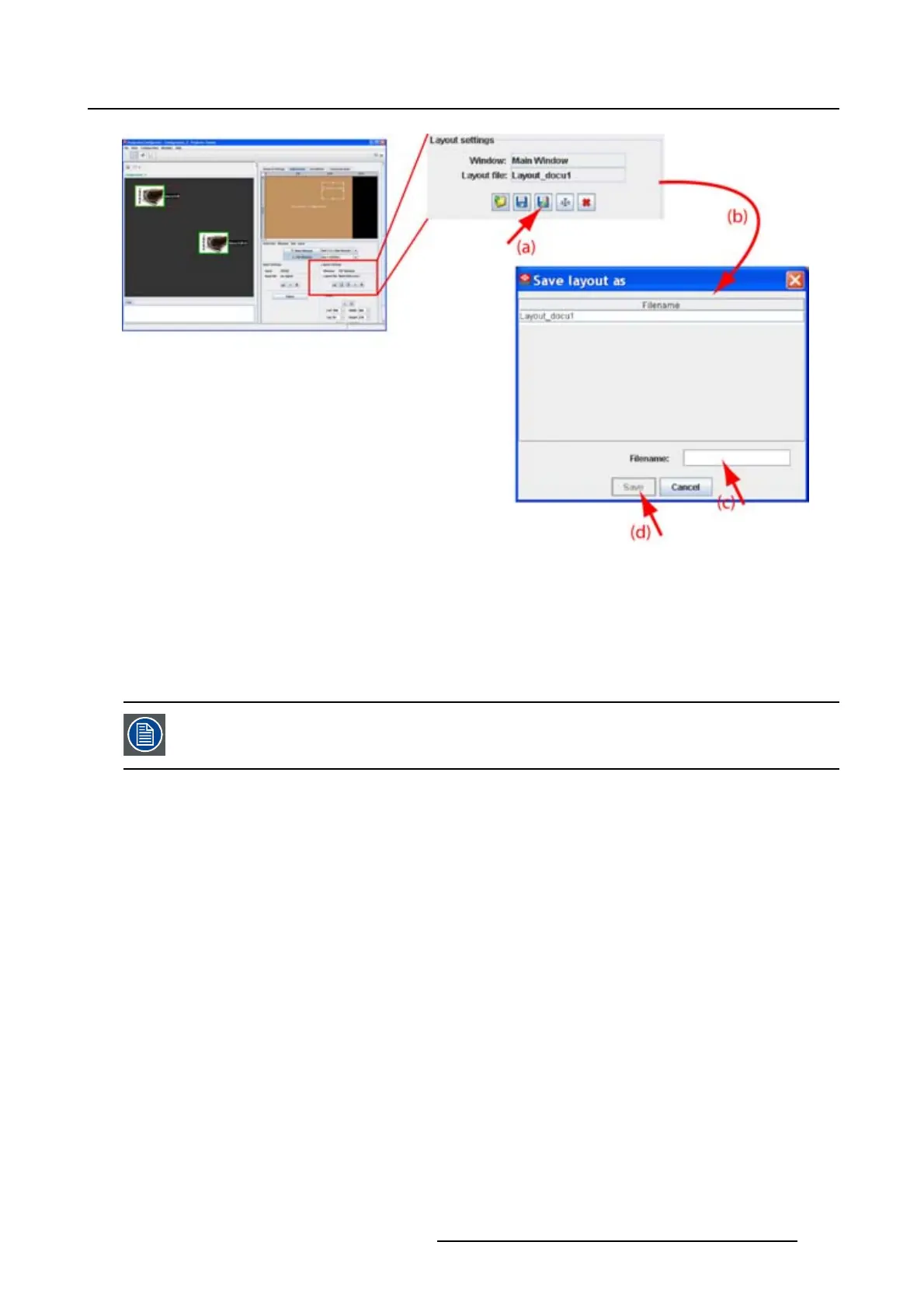
Image 8-44
Save-as layout
8.7.11 Rename a layout
What can be done?
Any custom layout file can be renamed. Standard layout file cannot be renamed.
Renaming the current active layout file is not possible.
How to rename
1. Click on the rename icon in the Layout settings
pane. (image 8-45)
The Rename layout dialog box opens.
2. Select the file to rename from the list and click Rename.
The Rename dialog box opens.
3. Click in the input field and select the current name
.
4. Enter a new name with the keyboard and click OK.
Note: Only the characters a to z, A to Z, 1 to 9 and (, ), _, -, @ or allowed in a name.
R5976924 PROJECTOR TOOLSET 16/04/2009
145



 To Next Page