9. Configurator, Color alignment
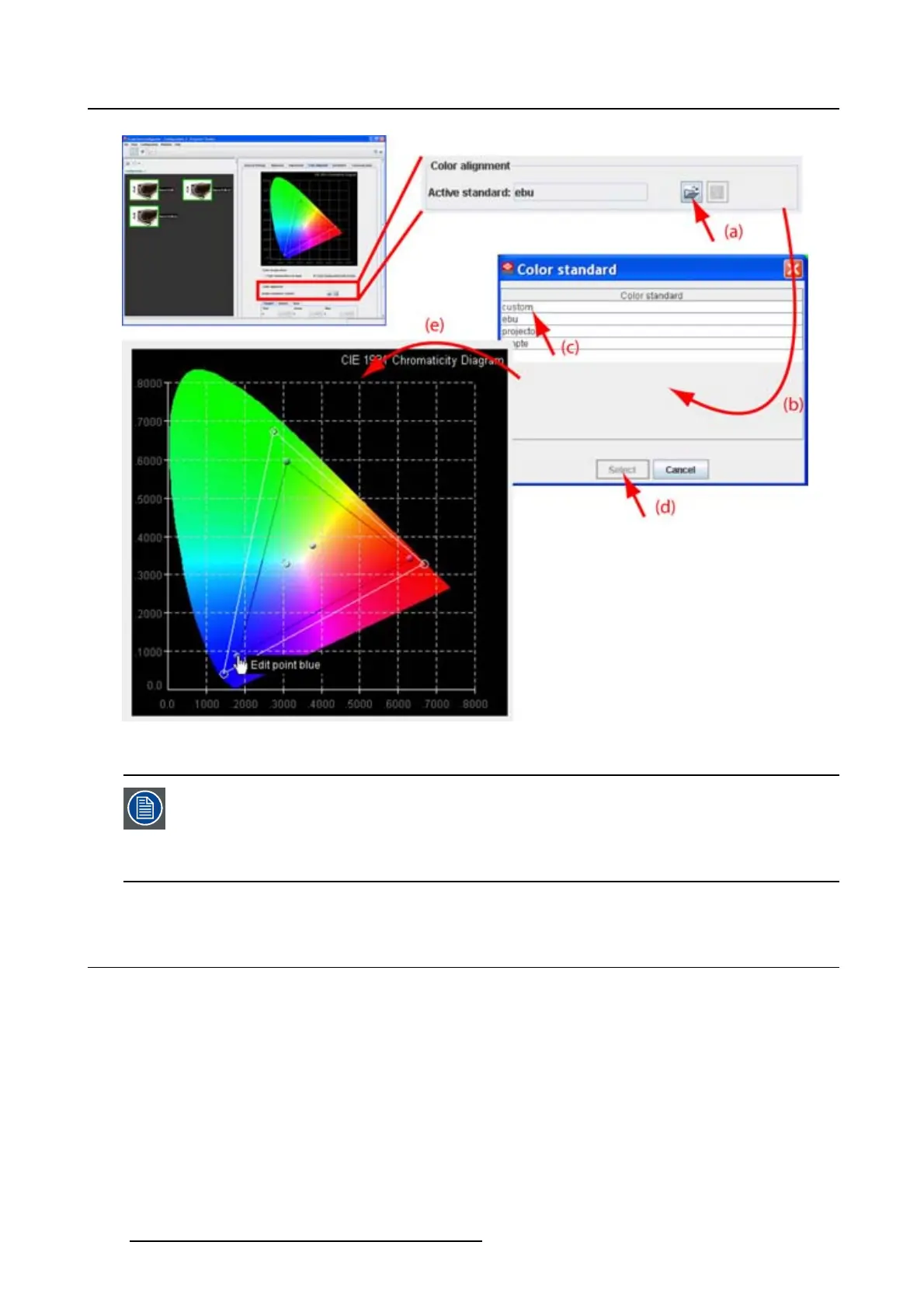
Image 9-4
Adjustment via color gamut
Note that it is common practice to set the targets outside the projector color space. This
implies there would be clipping if a fully saturated input was applied. In normal scenes,
this does not happen, and the extra
gain or saturation helps balance the overall lock.
If clipping occurs, there will typically be a hue shift when one of R, G, B goes into clip
ahead of the others.
9.4 White point adjustment
9.4.1 Start up
How to start up
1. Click on the open icon next to Active standard (a).
2. Select Custom (c).
156
R5976924 PROJECTOR TOOLSET 16/04/2009



 To Next Page