6. Configurator, General projector settings
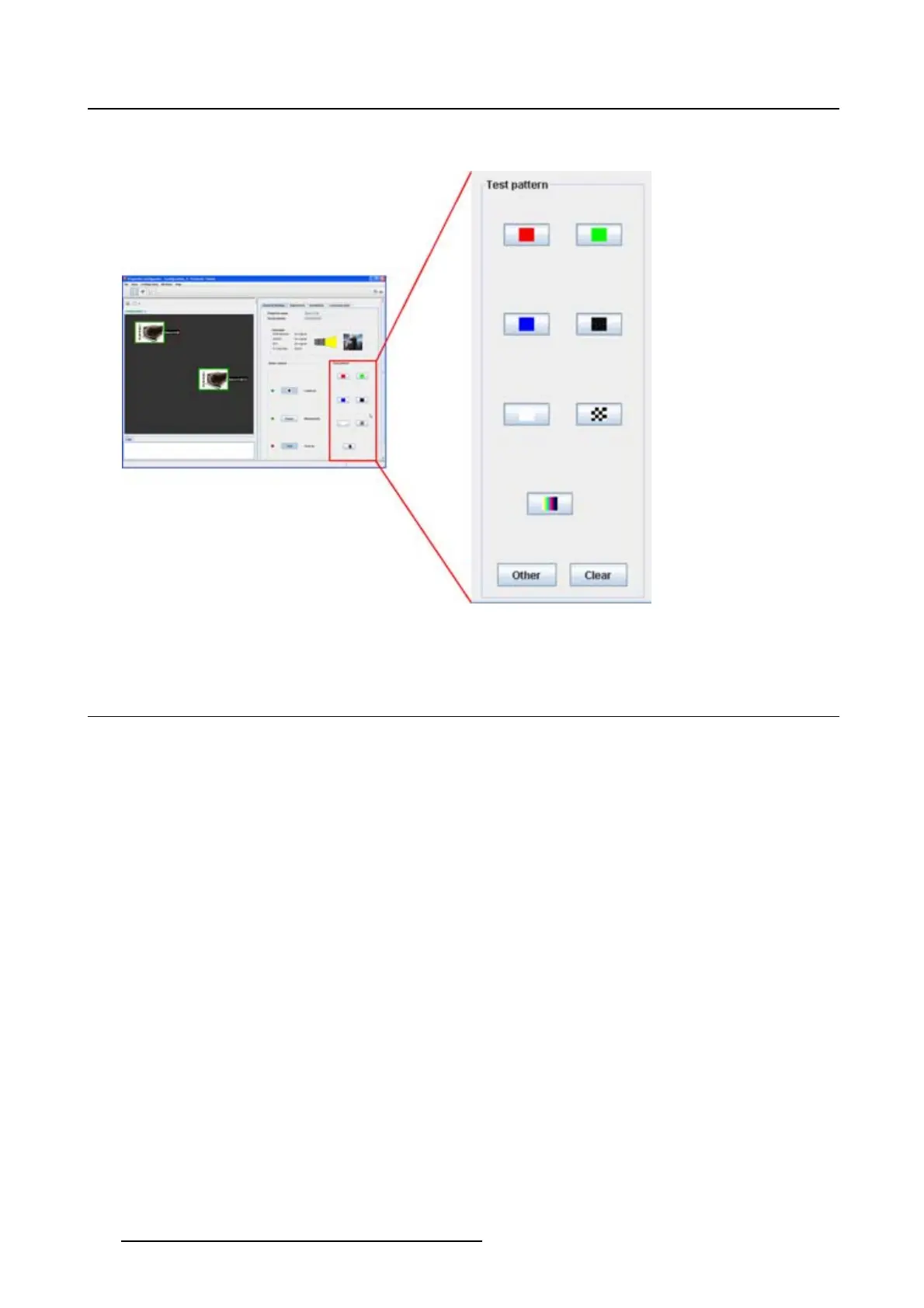
2. To clear a projected pattern, click Clear.
Image 6-8
Test pattern selection
6.7 Test patterns, others
What can be done?
Next to the short cut patterns, other internal patters for adjustment purposes can be activated.
To select a non-short cut pattern
1. Click Others (a). (image 6-9)
All internal stored patterns are retrieve
d and displayed in Select a file to open dialog box. Some of
those will be the same as those accessible via the short cut buttons.
2. Select a file from the list and click Open (b).
The selected pattern is displayed on the projection screen
3. To clear a projected pattern, click Clear (c).
76
R5976924 PROJECTOR TOOLSET 16/04/2009



 To Next Page