13. Configurator, Warp User Interface
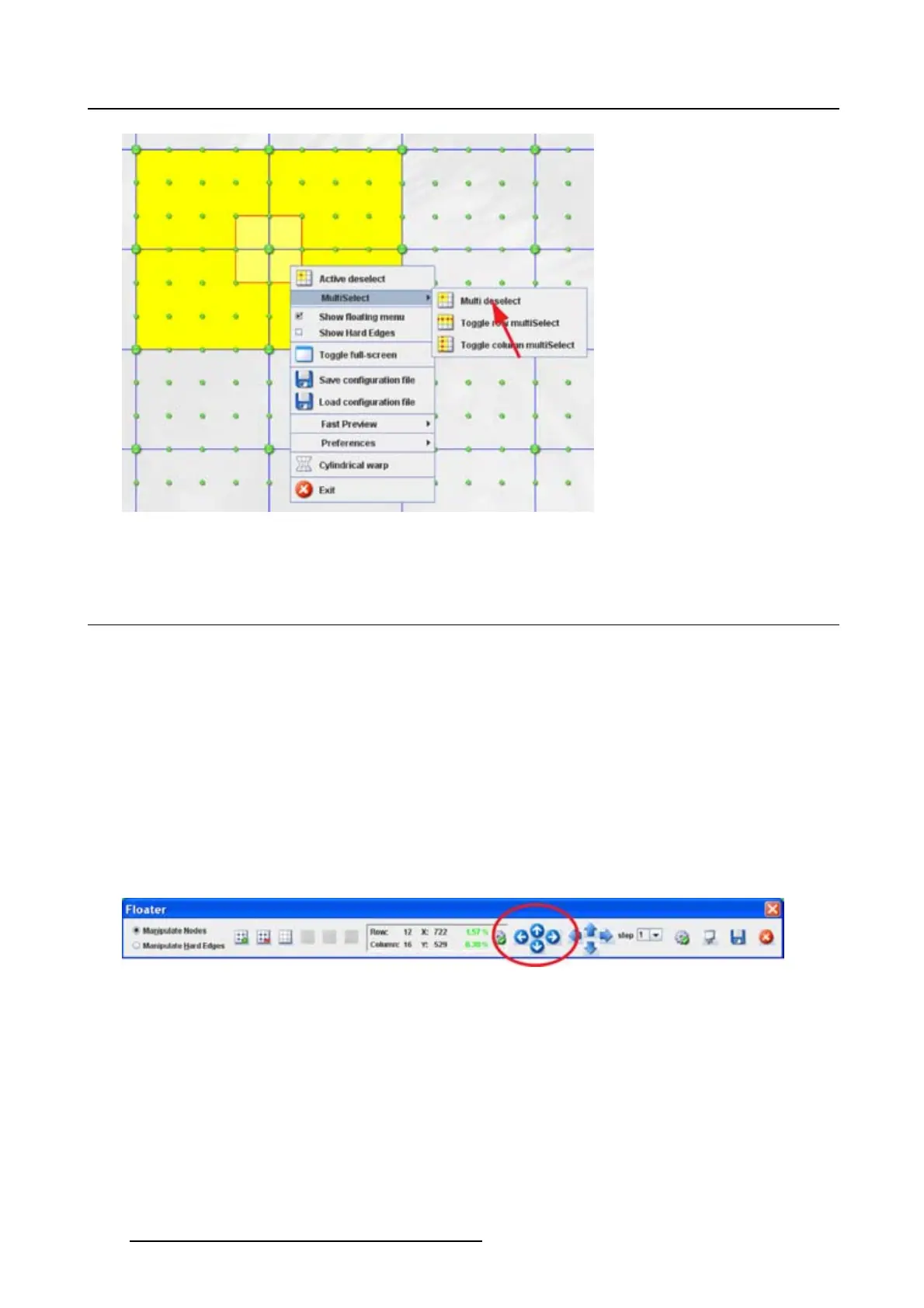
Image 13-9
Multi deselect
13.5 Change selection to new active node
What can be done ?
The selection, active node and the active area, can be move to another active node.
Viathemouseclickinthegrid
1. While an active node is selected, just click on another active node to select this node.
The active area jumps from the previous selected active node to the new selected active node.
Via the Floater menu
1. While an active node is selected, click on the arrow keys on the Floater menu to move the current
selection to the adjacent node. (image 13-10
)
Theactiveareafollowstheselection.
Image 13-10
Move active area
Via the keyboard
1. While an active node is selected, use the arrow keys on the keyboard to move the current selection to
the adjacent node.
Theactiveareafollowstheselection.
194
R5976924 PROJECTOR TOOLSET 16/04/2009



 To Next Page