13. Configurator, Warp User Interface
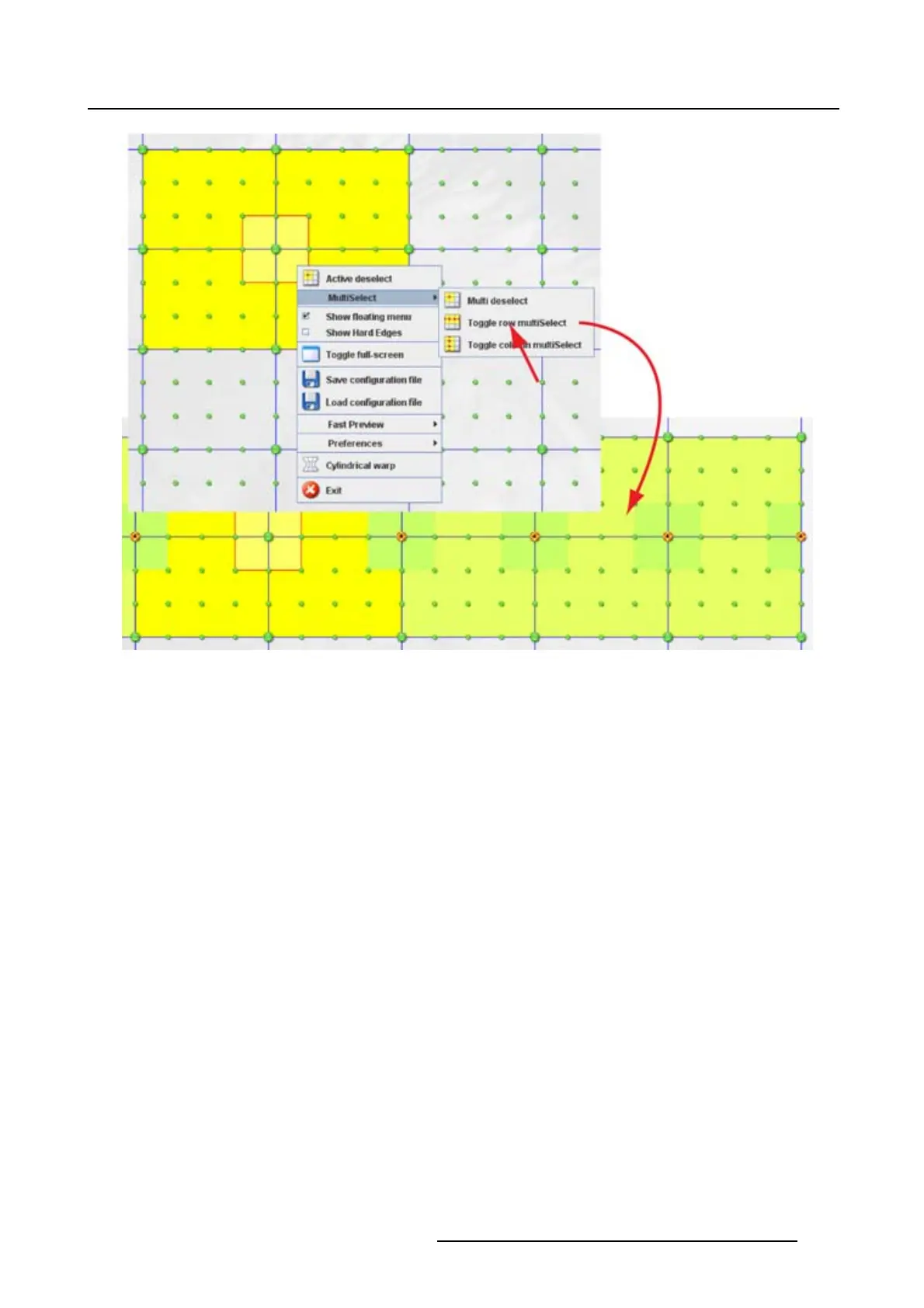
Image 13-8
All nodes on a row selected
Multi deselect
1. While multiple active nodes are selected, right click in the grid. (image 13-9)
The context menu opens.
2. Select MultiSelect and move the cursor to the right.
3. Select Multi deselect.
All selected active nodes are deselected except the current selected active node.
R5976924 PROJECTOR TOOLSET 16/04/2009
193



 To Next Page