5. Configurator
5. CONFIGURATOR
Overview
• Introduction
•Configurator window
• Create a new configuration
• Add projector to a configuration
• Reconnect a projector
• Move projector to a group
• Edit projector properties
•Configuration preview
•Configuration properties
• Preview layout properties
• Multiple projector selection
5.1 Introduction
Overview
The configurator makes it possible to create configurations and to change the settings of each device
separately.
Start up
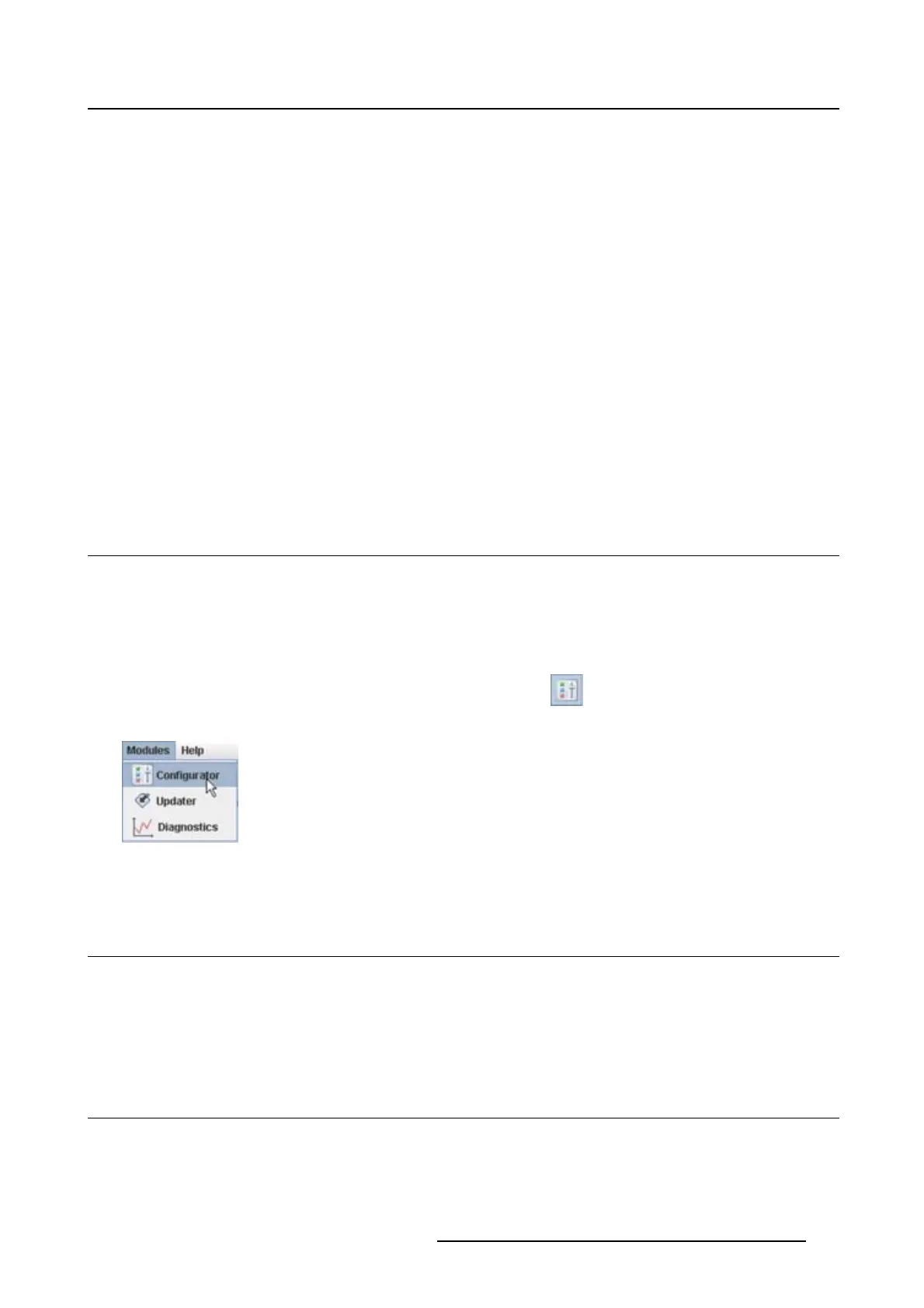
To start up the configurator, just click on the configurator icon ( ) on the navigation button bar or click
on Modules and select Configurator.
Image 5-1
Configurator start up
5.2 Configurator window
Overview
The configurator window allows to create new configurations and to manage the projectors inside a con-
figuration.
5.3 Create a new configuration
Stepstobetaken
1. Click File on the menu and select New → New configuration (a). (image 5-2)
R5976924 PROJECTOR TOOLSET 16/04/2009
45



 To Next Page