8. Configurator, Projector adjustment settings
8. CONFIGURATOR, PROJECTOR
ADJUSTMENT SETTINGS
Overview
• Native resolution
• Window and Source selection
•Configuring an input slot
• Status input window, visible - not visible
• Input files
• Image settings
• Layout settings
8.1 Native resolution
What can be done
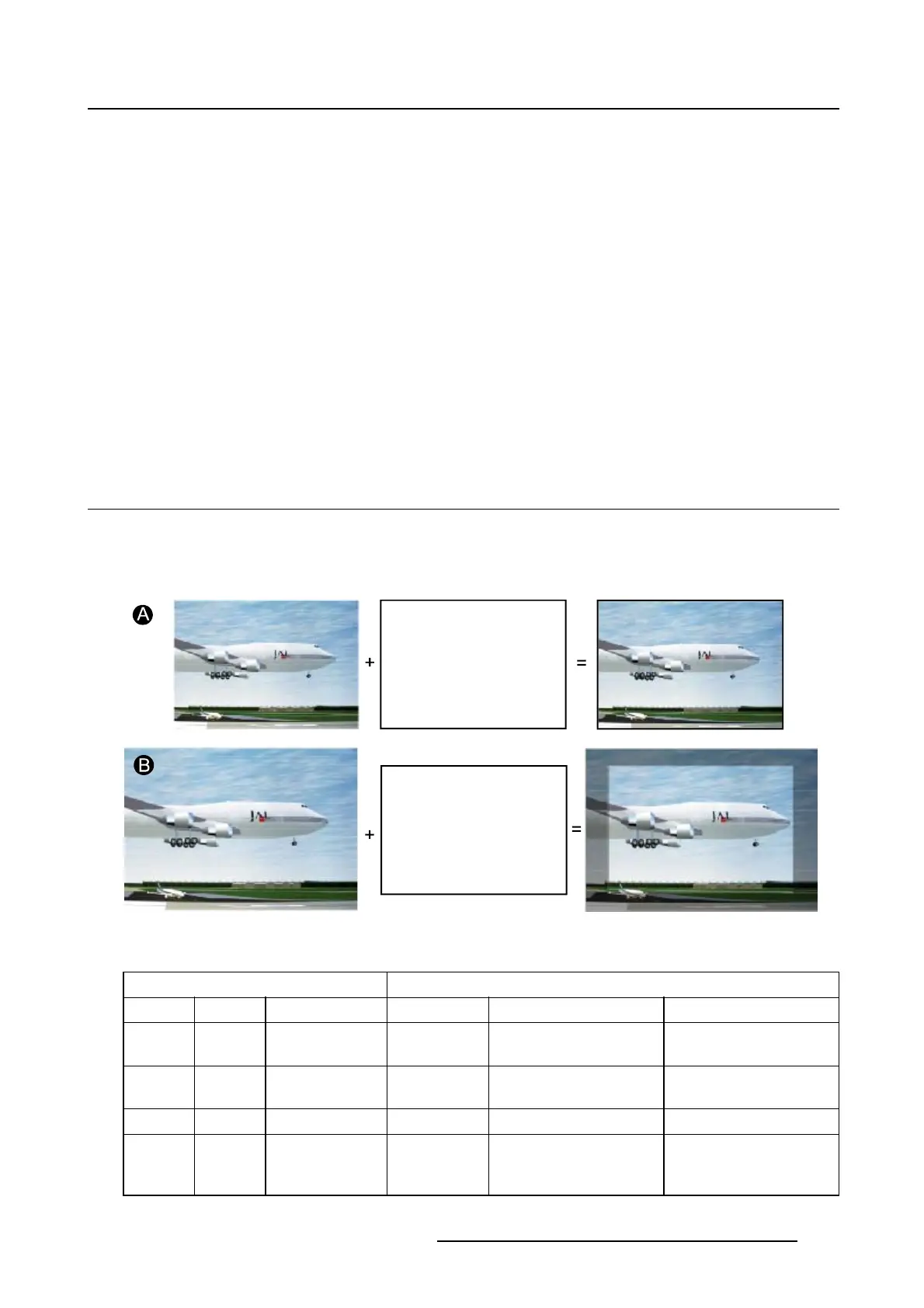
The aim here is to always show the resolution of the source independently of the resolution of the DMD
panels.
Image 8-1
When the show native resolution function is in the ON position, the projector handles the source as follows:
Source Projected image
Name Ratio Resolution Ratio Resolution
XGA
4:3 1024x768 4:3 1024x768 image projected with
black borders
SXGA
5:4 1280x1024 5:4 1280x1024 image projected with
black borders
SXGA+
4:3 1400x1050 4:3 1400x1050 normal image projected
UXGA 4:3 1600x1200 4:3 1600x1200 part of the image
displayed, image scroll
possible
R5976924 PROJECTOR TOOLSET 16/04/2009 111



 To Next Page