8. Configurator, Projector adjustment settings
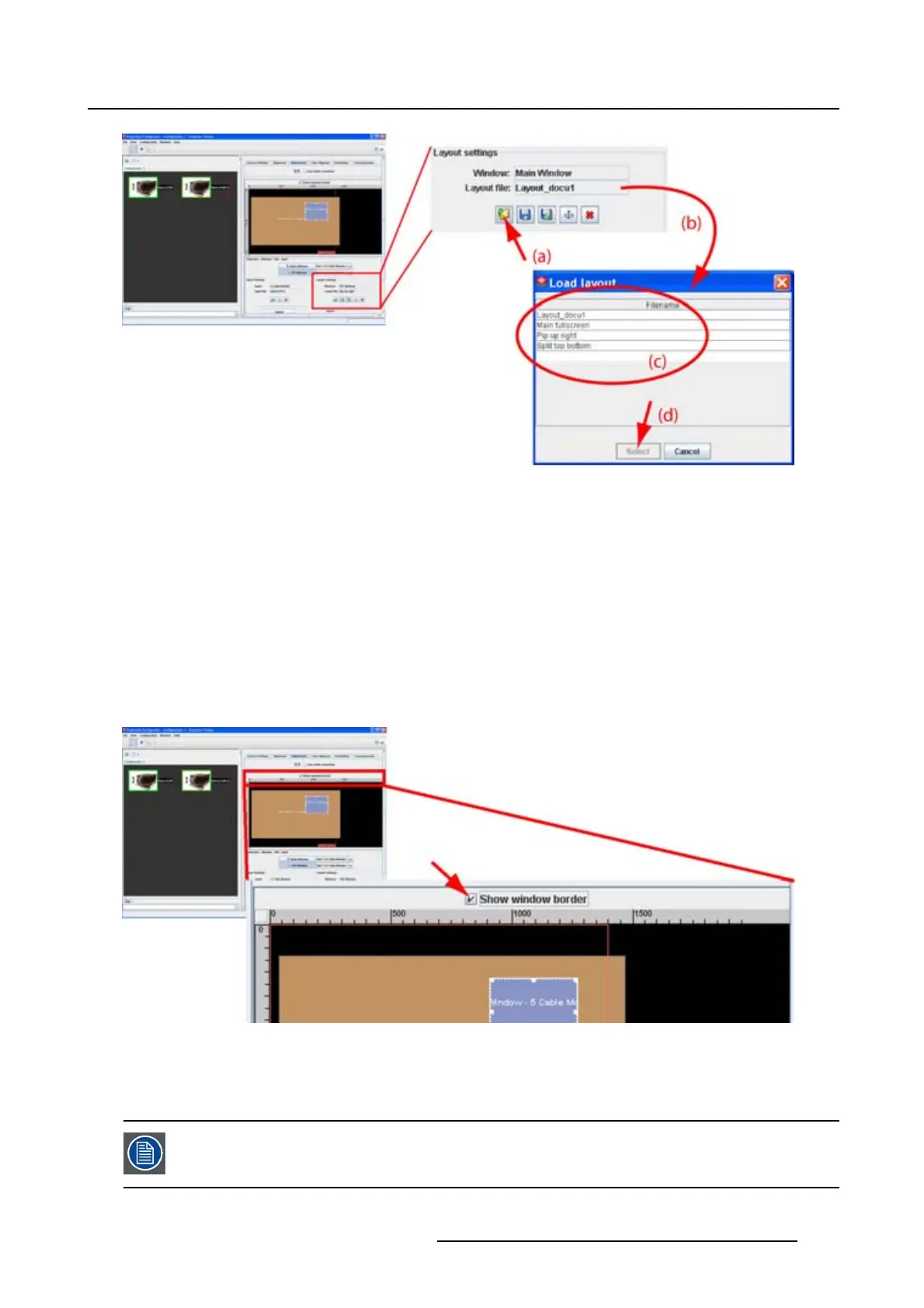
Image 8-32
Load layout
8.7.3 Show window border
What can be done?
The border of the layout window can be displayed on the screen.
How to show
1. Check the check box in front of Show window border. (image 8-33)
The window border of the layout window is displayed on the screen. There can be a difference between
the displayed border and the displayed image due to possible differences in aspect ratio.
Image 8-33
Show window border
8.7.4 Re-size a layout window
Re-sizing will respect the chosen aspect ratio of the input ! Re-sizing in any direction is
only possible when the aspect ratio is unlocked.
R5976924 PROJECTOR TOOLSET 16/04/2009 139



 To Next Page