8. Configurator, Projector adjustment settings
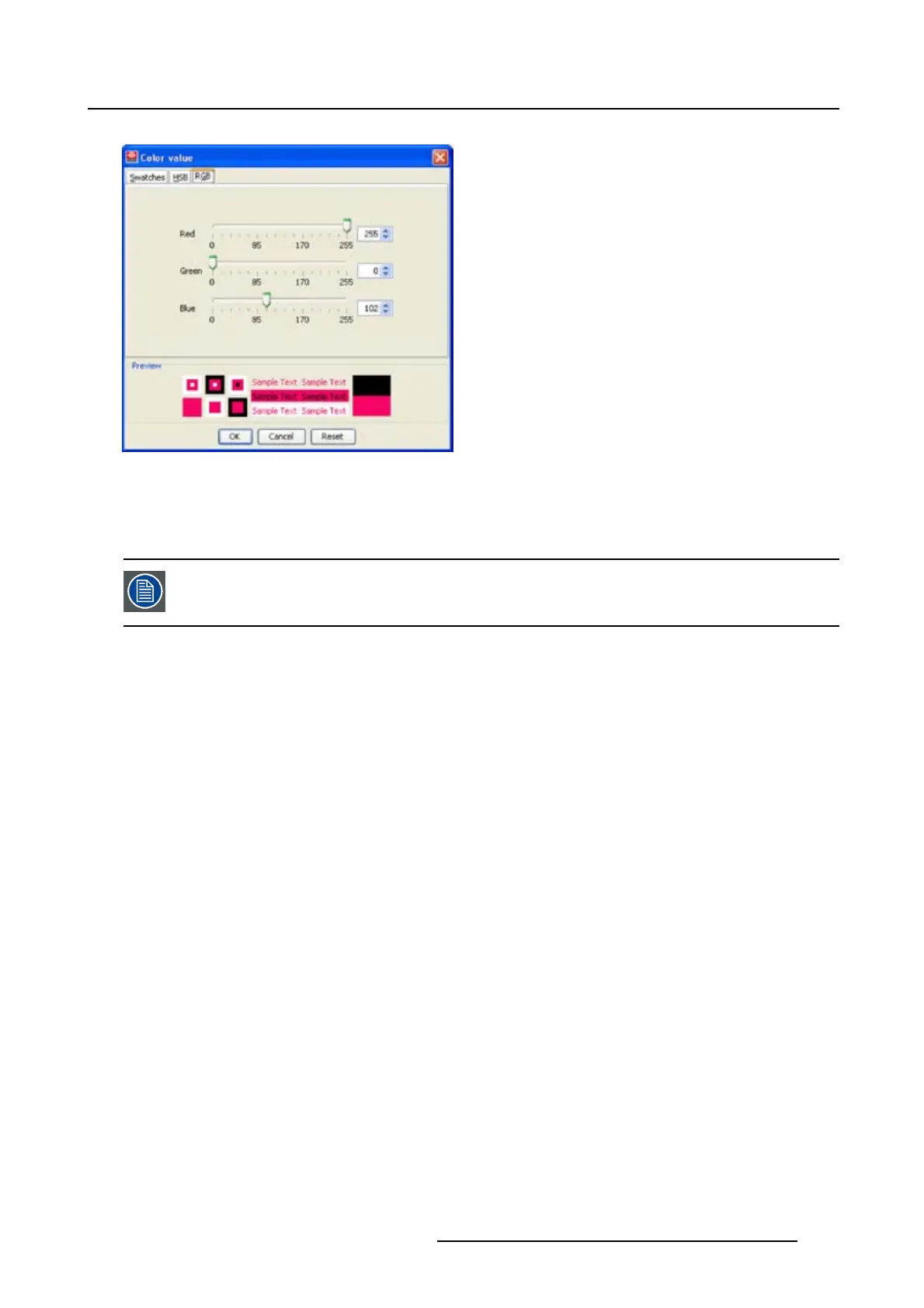
Image 8-51
Color value via RGB
8.7.13.3 Picture
To apply a picture to a window, a window must be selected first.
Insert a picture
1. Click on tab Picture (a).
The picture selection dialog box opens. (image 8-52)
2. Click on Select picture... (b).
Thebrowsedialogboxopens(c).
3. Browse to the desired image file (d) and click Open (e).
Theselectedpictureisdisplayedinthepreviewarea(f).
4. Check the desired option (g).
Scale the picture is scaled so that the complete rectangular is filled.
Repeat
the picture is repeated as many times as necessary to completely fill the rectangular.
5. Click OK to insert the selected picture (h).
R5976924 PROJECTOR TOOLSET 16/04/2009
151



 To Next Page