12. Configurator, Warping
12.3.4 Rotation
What can be done ?
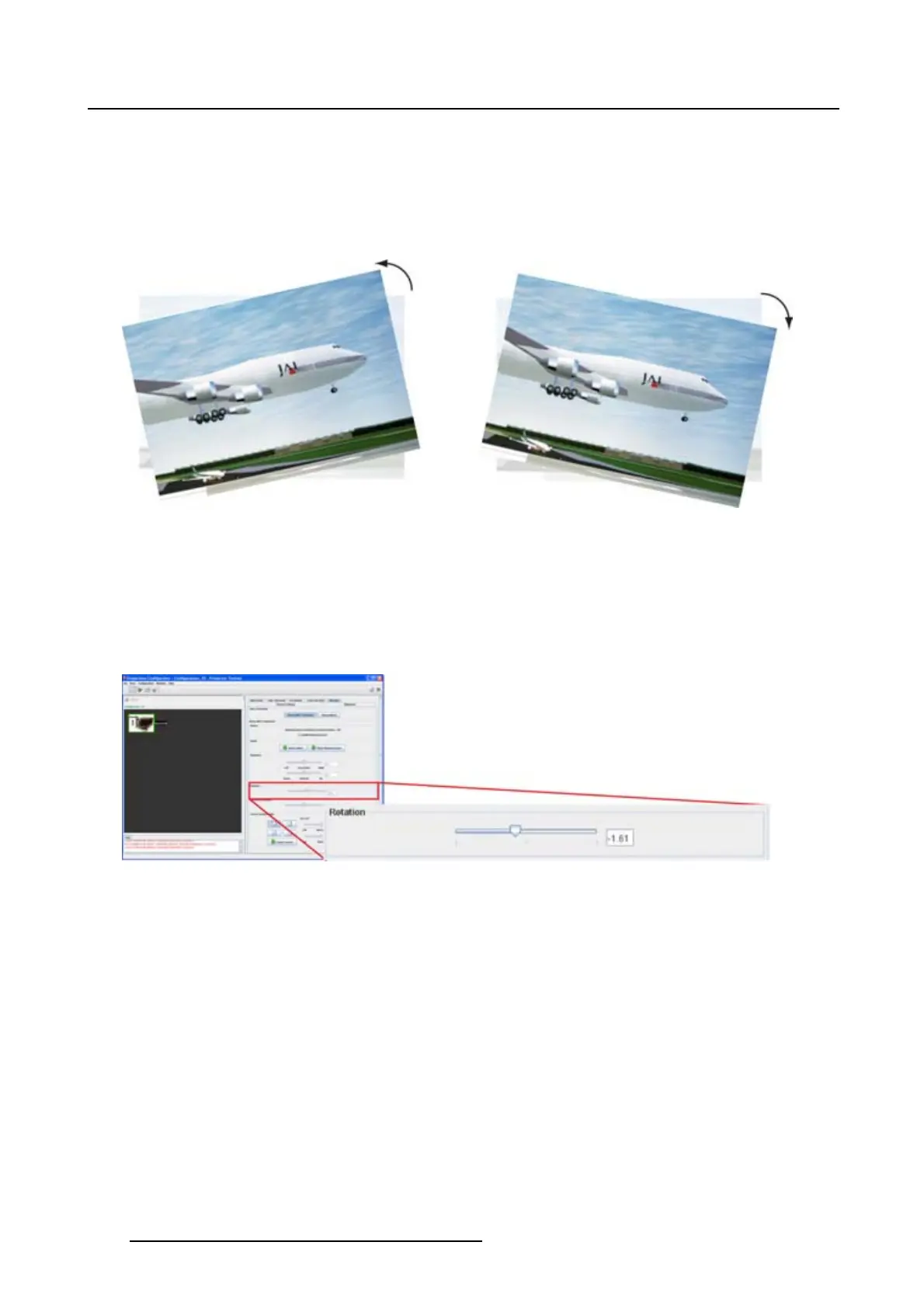
The image can be rotated clockwise or counter clockwise until the desired position is reached. Once the
rotation adjustment is started, only barrel and pincushion corrections are still possible. All other adjust-
ments are disabled.
Image 12-6
Rotation
How to rotate
1. Click on the slider and move it to the left or to the right to adjust the rotation. (image 12-7)
Or,
click in the input field and enter the desired rotation value. A positive value is clockwise rotation, a
negative value is counter clockwise rotation.
Image 12-7
Rotation adjustment
12.3.5 Barrel - Pincushion
What can be done ?
Barrel and pincushion distortions can be adjusted. Once the adjustment is started, keystone adjustment
and rotation are still possible. Corner manipulations are no longer possible.
178
R5976924 PROJECTOR TOOLSET 16/04/2009



 To Next Page