4. Preferences
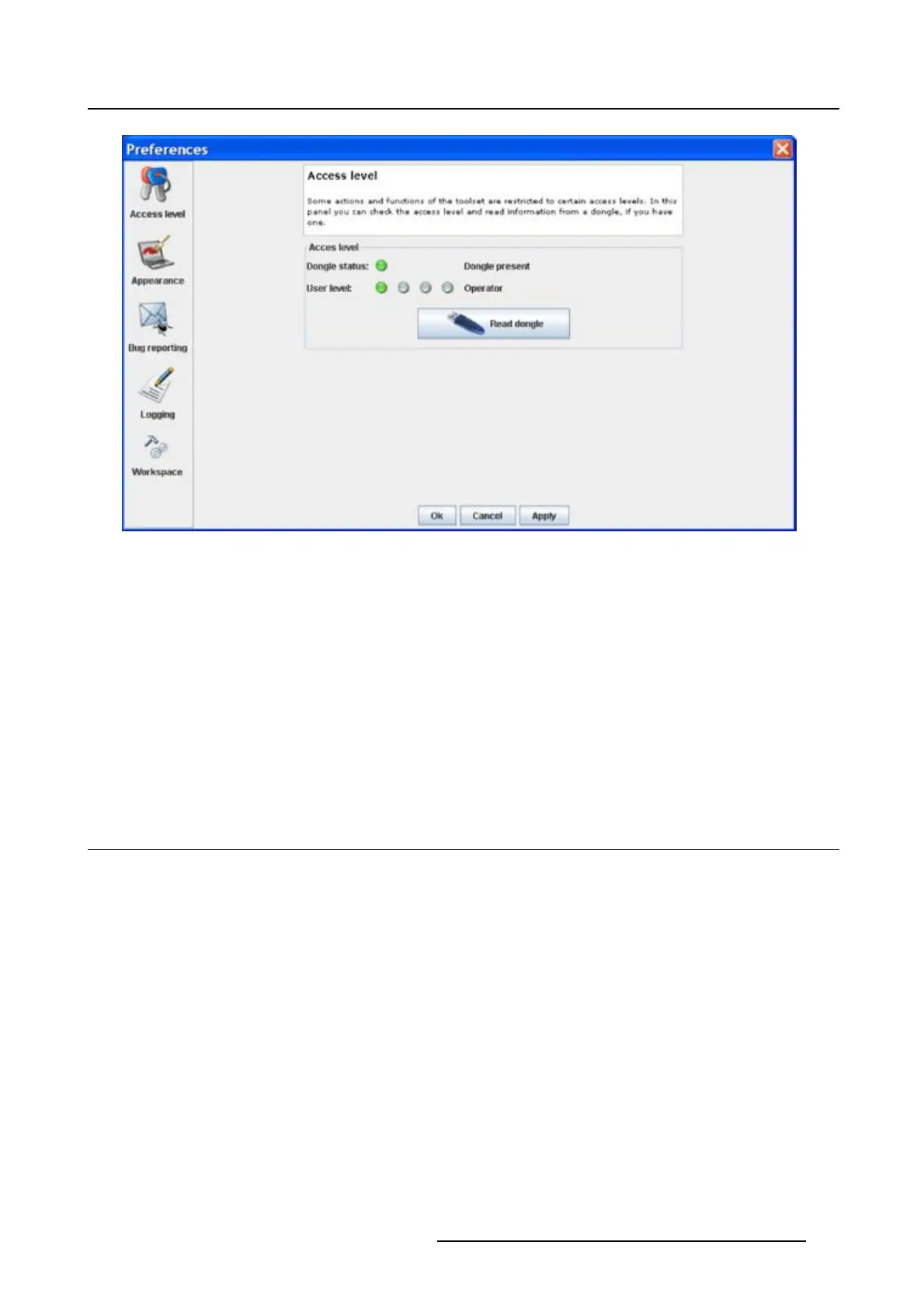
Image 4-3
Access levels
To read out the dongle settings, click on Read dongle. The current level of the inserted dongle is indicated
next to User l ev el.
4 different levels are defined:
• operator level
• service technician level
• theatre technician level
• Barco technician level
Each level can access specific functions in the service
module. Only the operator level functions are
described in this manual.
4.4 Software Appearance
What can be changed ?
The following items can be changed:
• Language of the software.
• Look and feel of the software.
Language selection
1. Click on Appearance (image 4-2).
The appearance window opens.
2.ClickonthecomboboxnexttoAppearance of the application.(image4-4)
The possible languages will be displayed.
3. Select the desired language.
4. Click on Apply to confirm the selection.
An info window will be displayed to announce that the language change will take place after restarting
the software.
R5976924 PROJECTOR TOOLSET 16/04/2009
37



 To Next Page