12. Configurator, Warping
Image 12-8
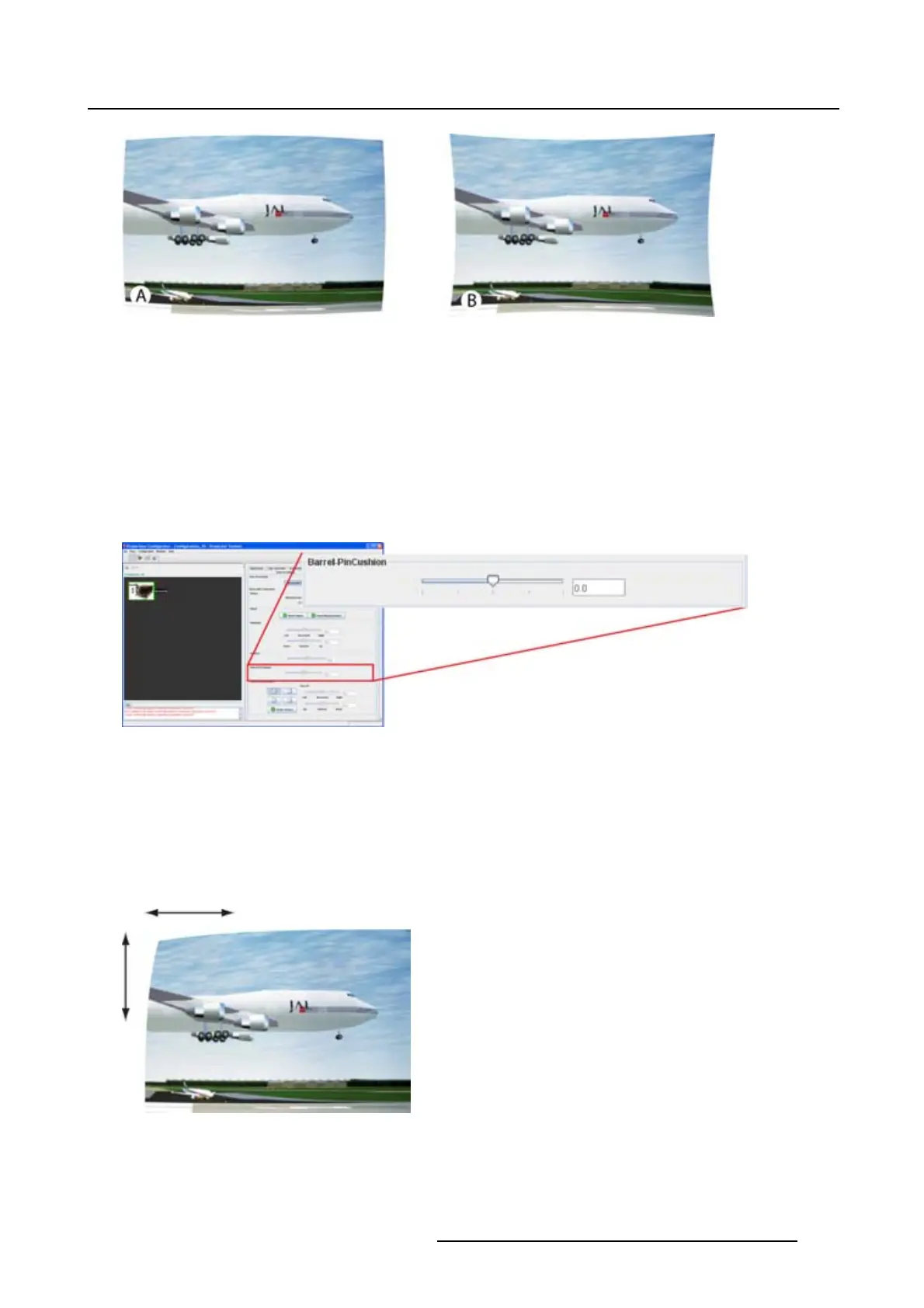
Barrel and pincushion correction
A Barrel
B Pincushion
How to adjust
1. Click on the slider and move it to the left or to the right until the desired correction is obtained. (im-
age 12-9)
Or,
click in the input field and enter the desired correction value, negative or positive depending on the
situationandthecorrectiontobemade.
Image 12-9
12.3.6 Corner manipulations
What is possible ?
Each corner can be separately corrected in two directions, horizontal and vertical direction. Once an
adjustment is started for one corner, no keystone, rotation nor barrel-pincushion adjustment is possible.
Example : left top corner.
Image 12-10
Left top corner manipulation
How to adjust
1. First click on the corner you want to adjust (1). (image 12-11)
R5976924 PROJECTOR TOOLSET 16/04/2009
179



 To Next Page