12. Configurator, Warping
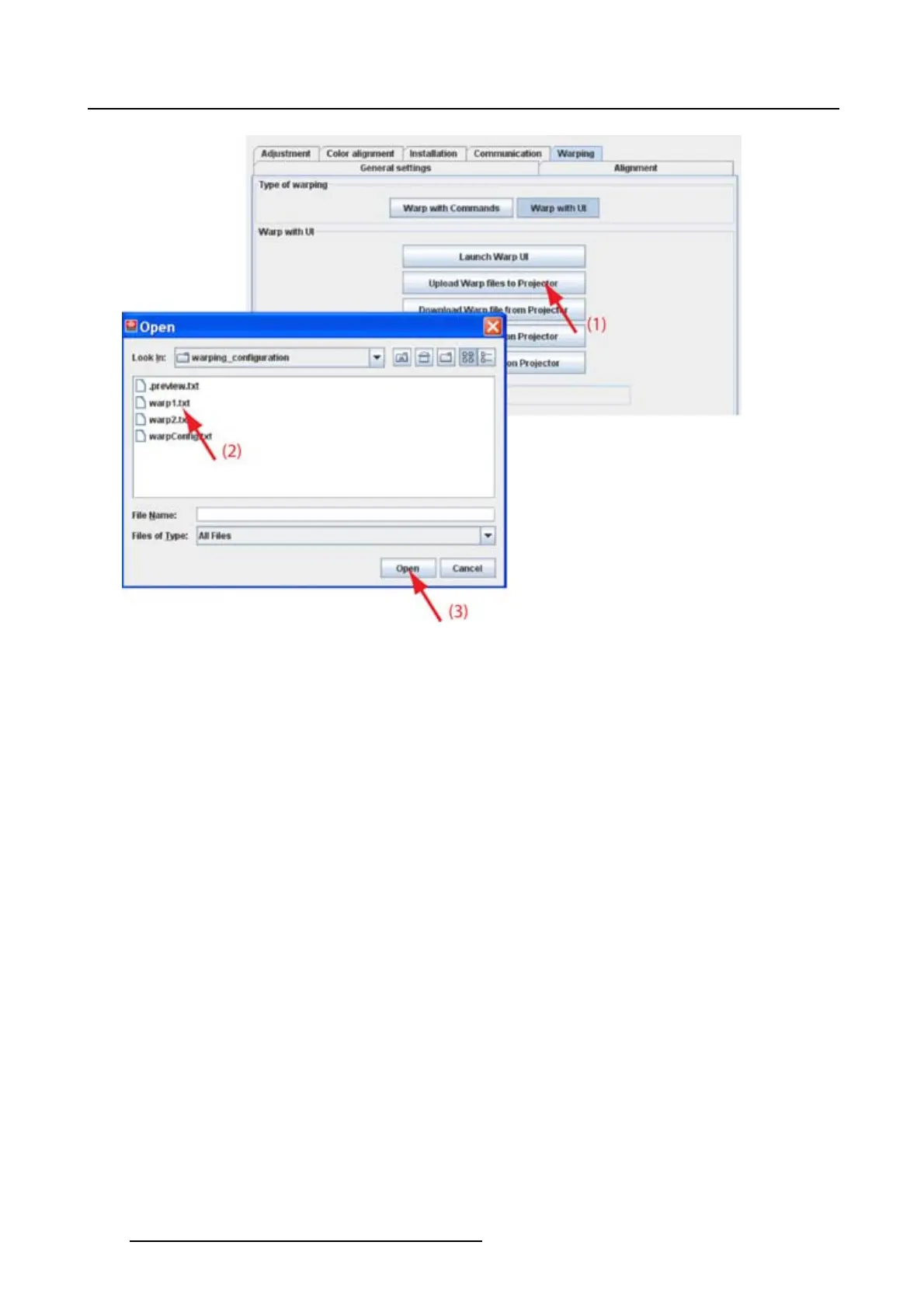
Image 12-13
12.4.3 Download Warp file
What can be done ?
Warp files stored on a projector can be downloaded to the computer running Projector Toolset. This file
can then be edited or used to be uploaded in an identical projector.
How to download
1. While Warp with UI is selected, click on Download Warp files from projector (1). (image 12-14)
The Download warp file window opens.
2. Select a file to download (3).
3. Click on Download to start the download procedure (4).
The Save window opens.
4. Browse to the desired location.
Note: Do not enter a file name !
5. Click Save.
The file is downloaded and saved on the selected location. The file name will be Original_ followed with
the file name on the projector.
E.g. was the file name Warp1.txt, the downloaded file name will be Original_Warp1.txt .
182
R5976924 PROJECTOR TOOLSET 16/04/2009



 To Next Page