16. Lens calculator
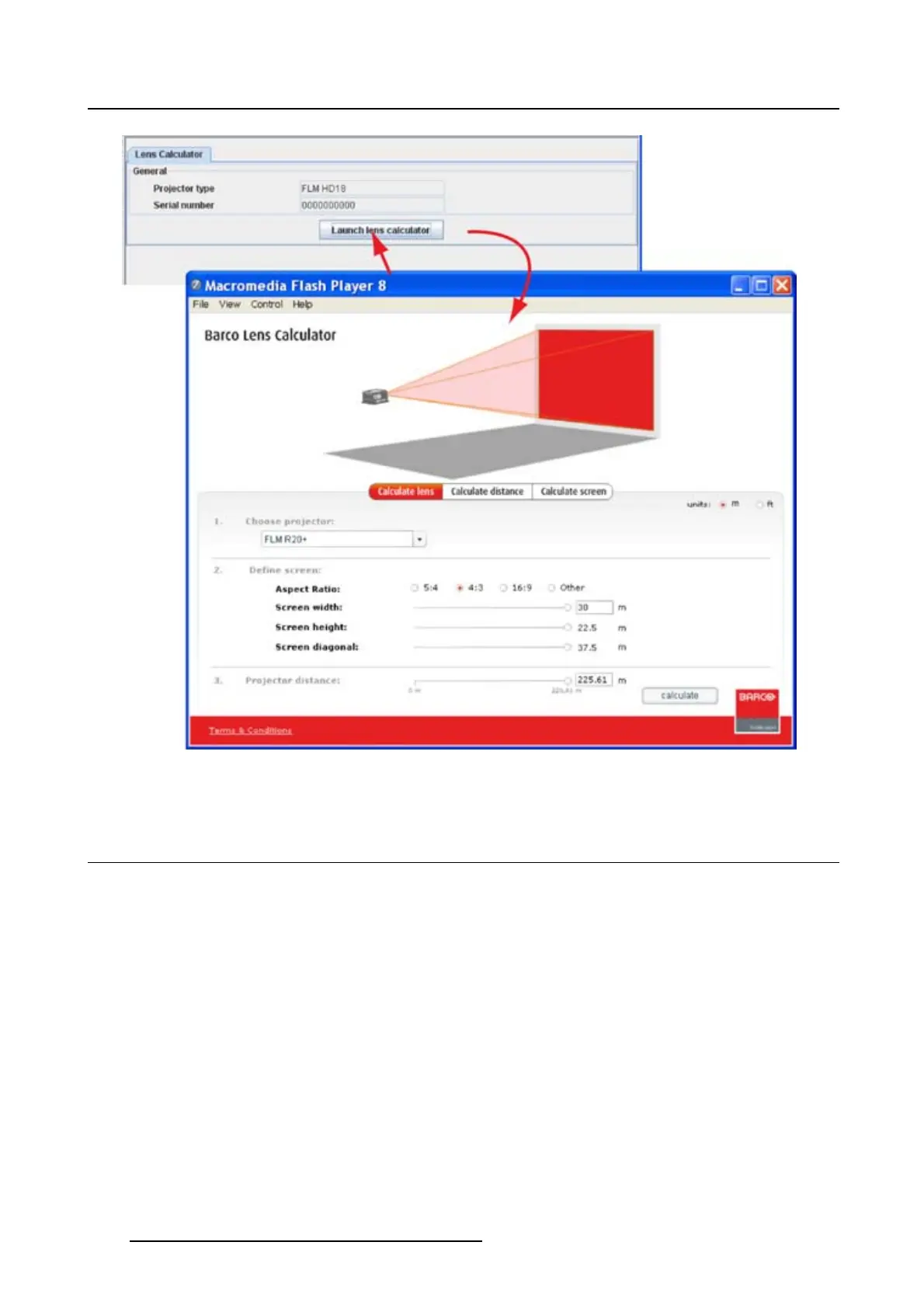
Image 16-1
Start up lens calculator
16.3 Functions of the lens calculator
Calculate lens
Starting from a typical projector type, , the screen width used to project on and the distance between the
projector and the screen,
Starting from :
• a typical projector, selectable in Choose projector
•screenwidth
• distance between projector and screen
a lens can be calculated to be used in the given circumstances.
Calculate distance
Start by selecting a projector and then a lens. Enter the screen width.
The result is given in red at the bottom line of the calculation panel. When the selected lens was a zoom
lens, the minimum and maximum di
stance is given.
224
R5976924 PROJECTOR TOOLSET 16/04/2009



 To Next Page