7. Configurator, Projector alignment settings
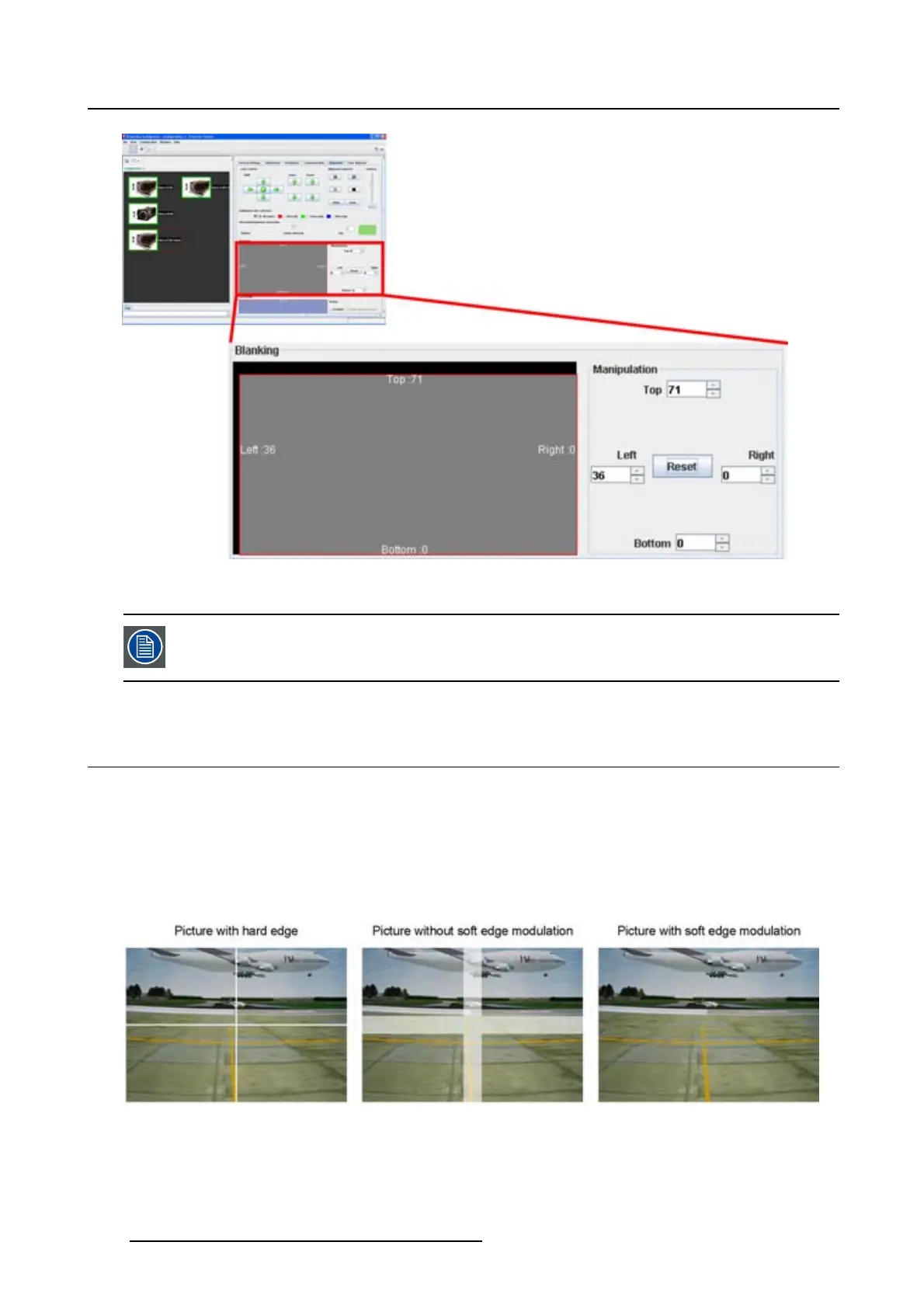
Image 7-12
Blanking adjustment
Use Reset to set all blanking settings to zero.
7.7 ScenergiX
7.7.1 Introduction
Why ScenergiX ?
When working in a multichannel setup the Projector Toolset and its Soft Edge possibilities enable an image
blending that gives the appearance of a single view, thus achieving realistic immersion for the majority of
wide screen applications.
Image 7-13
Why Soft Edge?
100 R5976924 PROJECTOR TOOLSET 16/04/2009



 To Next Page