2. Installation
4. Click OK to install the selected plug-ins.
When all plug-ins are installed, a restart message is displayed. (image 2-4)
5. Click Yes to restart the application.
Click No to continue working with the old plug-ins.
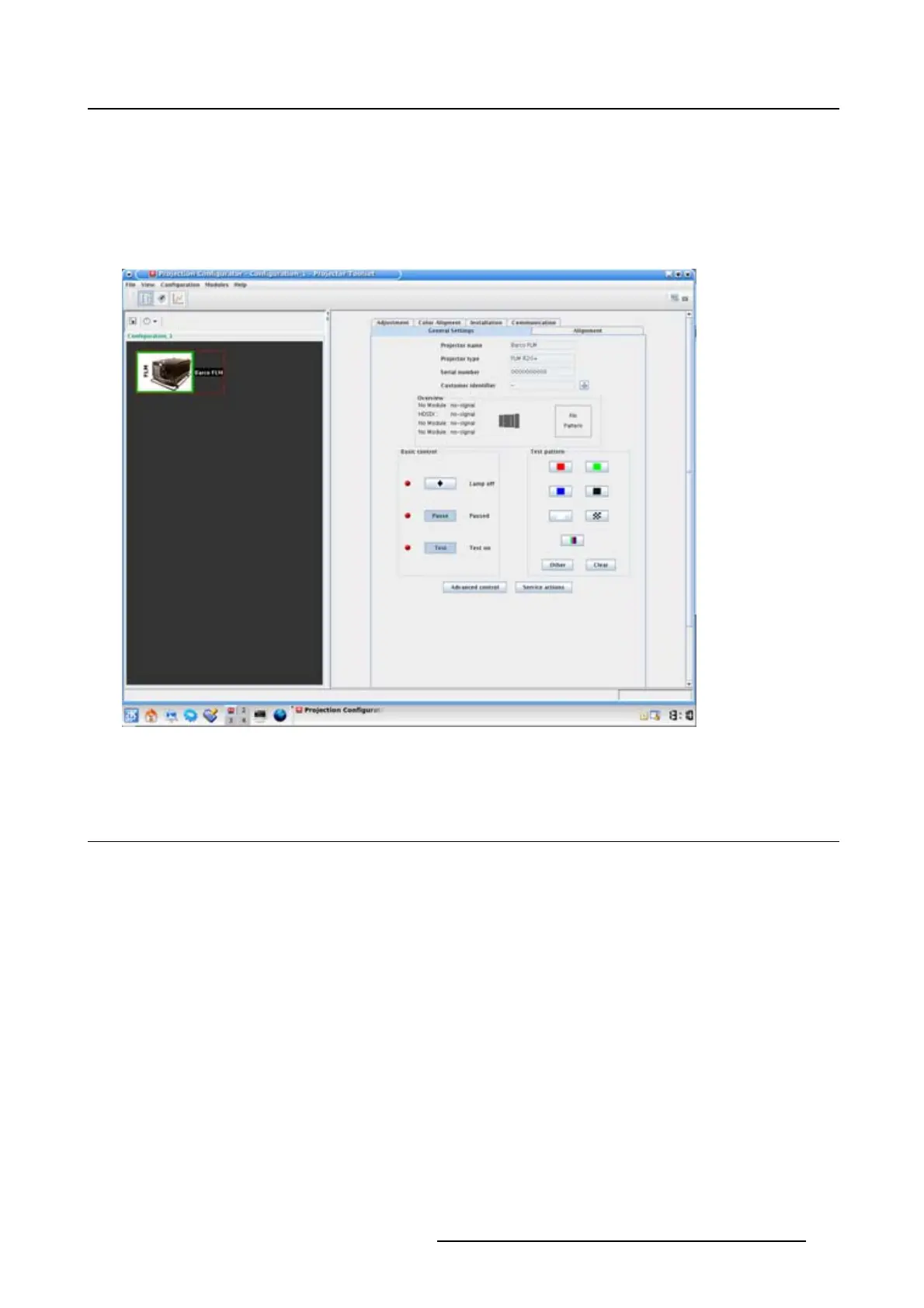
6. Once Projector Toolset is fully started, it has the following look and feel. (image 2-6)
Image 2-6
Look and feel on Linux
2.5 Manual installation of a device plug-in
When should it be done manually
When a new plug-in is downloaded, and the user has decided no to install it yet for some reason. He still
has the possibility to install this plug-in manually.
How to install
1. Start up Projector Toolset.
2. Click Help on the menu and select Install plugin... .(image2-7)
An Install device plug-in dialog box opens.
3. If the path and file name is known, fill it out next to Select a tpi file.
Or,
click on the Browse button (...).
An Open dialog box opens.
4. Browse to the desired plug-in file and cli
ck Open.
R5976924 PROJECTOR TOOLSET 16/04/2009
15



 To Next Page