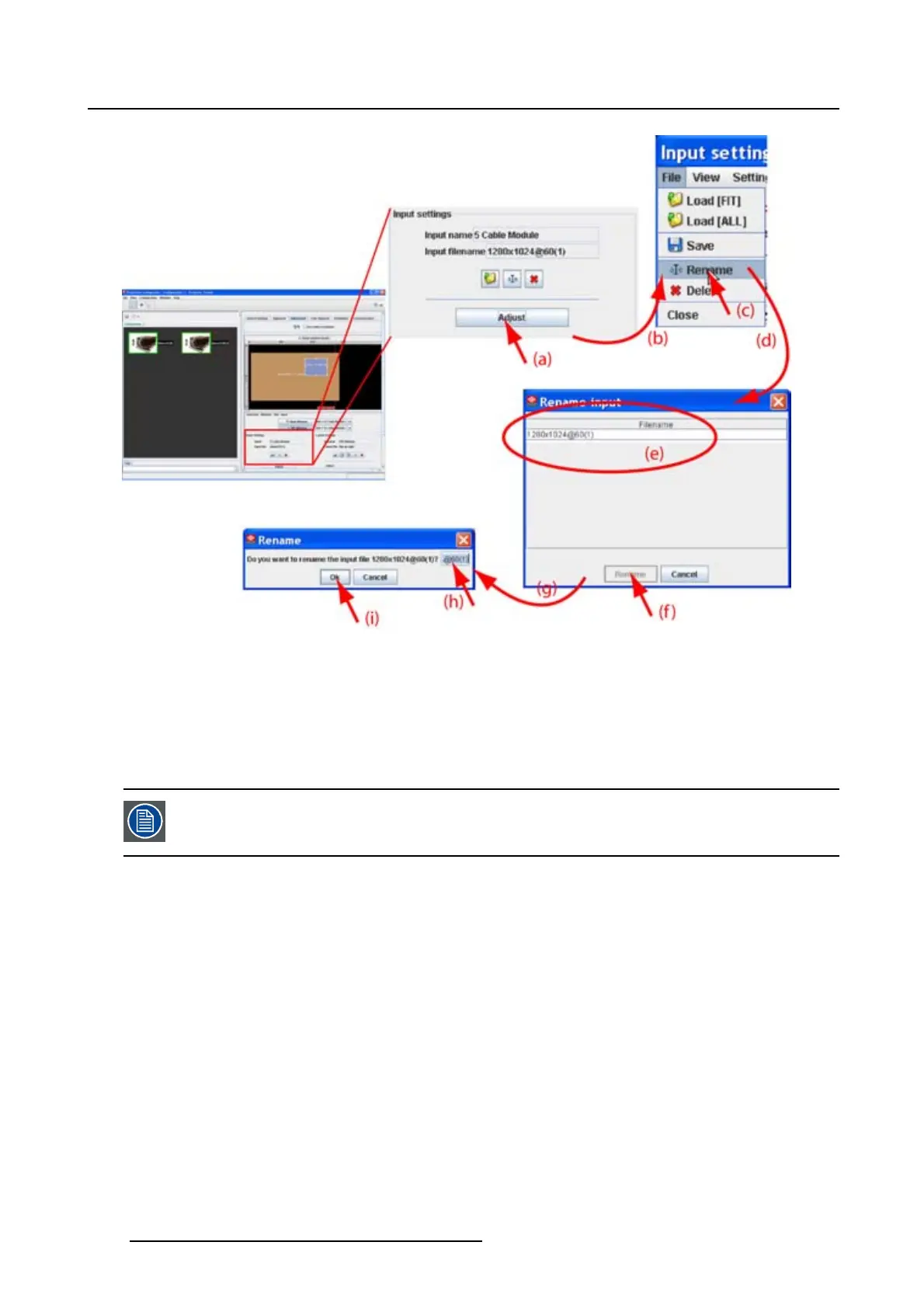
8. Configurator, Projector adjustment settings
Image 8-16
Rename via input settings
8.5.7 Deleting an input file
What is possible?
Any custom input file can be delete. It is not possible to delete standard files.
Not possible to delete the active file (current loaded file).
How to delete, way 1
1. Click on the delete icon on the Input settings pane (a). (image 8-17)
The Delete input dialog box opens (b).
2. Select the file to delete from the list (c) and click Delete (d).
A Question dialog box opens to ask if you are sure to delete the selected file (e).
3. Click Yes (f).
The selected file is deleted.
124
R5976924 PROJECTOR TOOLSET 16/04/2009



 To Next Page